Philips Hue Sports Live Syncs to Goals, Not Your TV Feed
What You Need to Know
- Signify’s Sports Live feature reads live match data directly instead of reading screen colors via HDMI.
- Feature triggers lighting changes instantly when goals, yellow cards, or red cards are registered during matches.
- Sports Live works on Philips Hue and WiZ products, rolling out during 2026 FIFA World Cup.
- During play lulls, lights display chosen team colors, leading team colors, or white for tied scores.
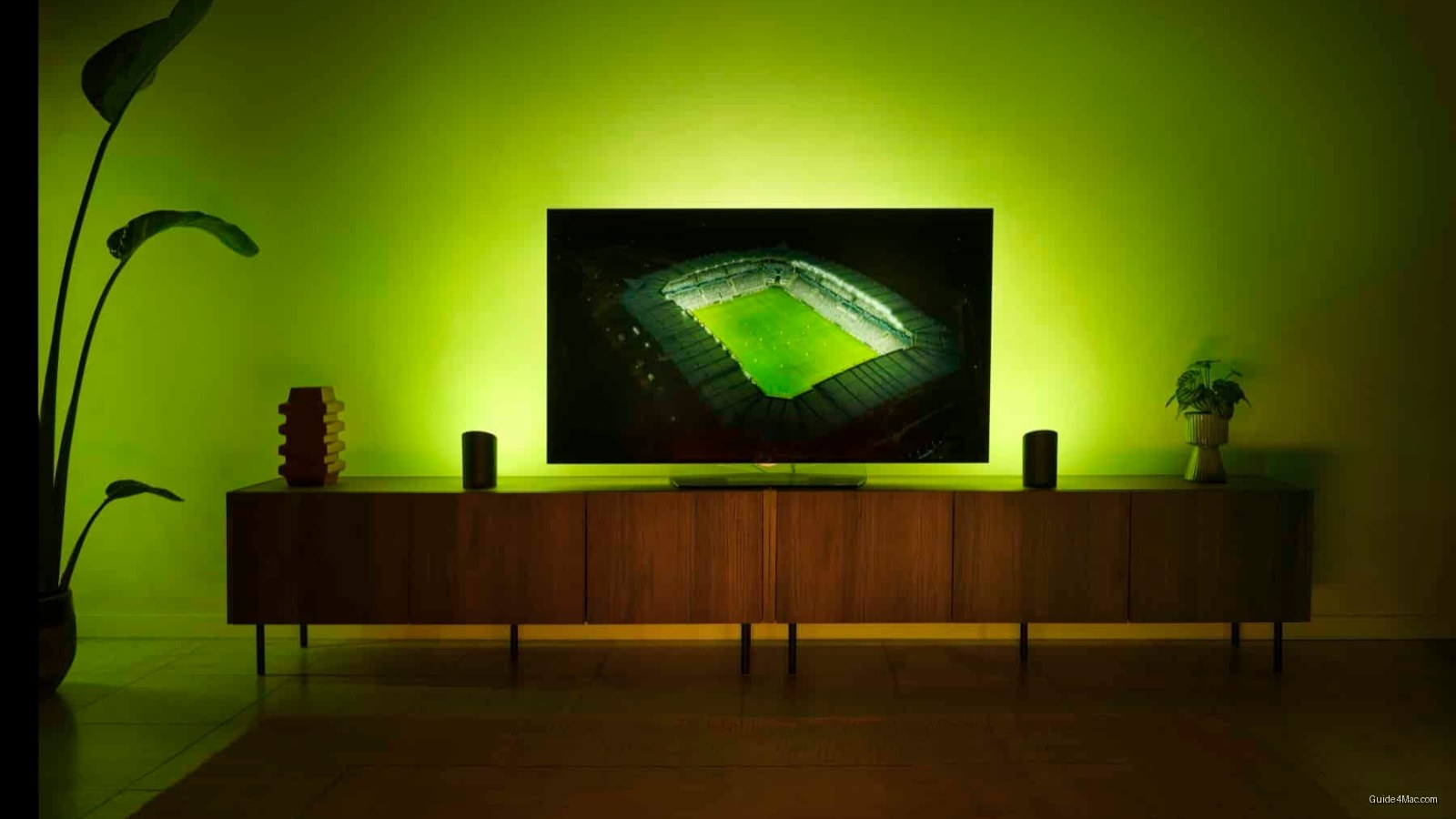
Signify’s new Sports Live feature does something that TV sync systems have never managed: it skips the screen entirely. Rather than using HDMI hardware to read on-screen color data, it pulls directly from live match feeds and triggers lighting changes the moment a goal, yellow card, or red card is registered. The result is a system that responds to the game itself, not to whatever your broadcast is showing.
The feature works across both Philips Hue and WiZ product lines and is rolling out now, timed to the 2026 FIFA World Cup currently underway in Mexico, Canada, and the United States. Setup runs through the respective mobile apps, and WiZ users can access it without a hub, relying on the platform’s existing Wi-Fi infrastructure instead.
A few specifics worth understanding before setup:
- At least one color-capable light is required per room or zone
- Sports Live activates automatically 15 minutes before kickoff once a match is selected
- A delay adjustment tool lets users align lighting effects to their specific broadcast
- Lights paired with a Hue Sync Box take priority and are excluded from Sports Live
During quieter stretches of play, the lights shift to reflect a chosen team’s colors, the leading team’s colors, or neutral white on a tied score. It’s a subtle touch that keeps the system active without hammering viewers with constant flashes.
A Broader App Update
The same Philips Hue 5.69 update that delivers Sports Live also introduces a Bridge zone, which groups all devices and automations under a single Hue Bridge into one dashboard entry. It appears in the “Hidden” section by default, so users have to manually surface it. That kind of opt-in approach to new UI elements is increasingly common in smart home apps trying to avoid cluttering existing setups.
Sports Live sits alongside Hue Sync and WiZ Sync with TV rather than replacing them, leaving the existing entertainment ecosystem intact for users who already have those workflows configured.




0 Comments