How to Check If Someone Blocked You on iPhone or iMessages? Easy Tips
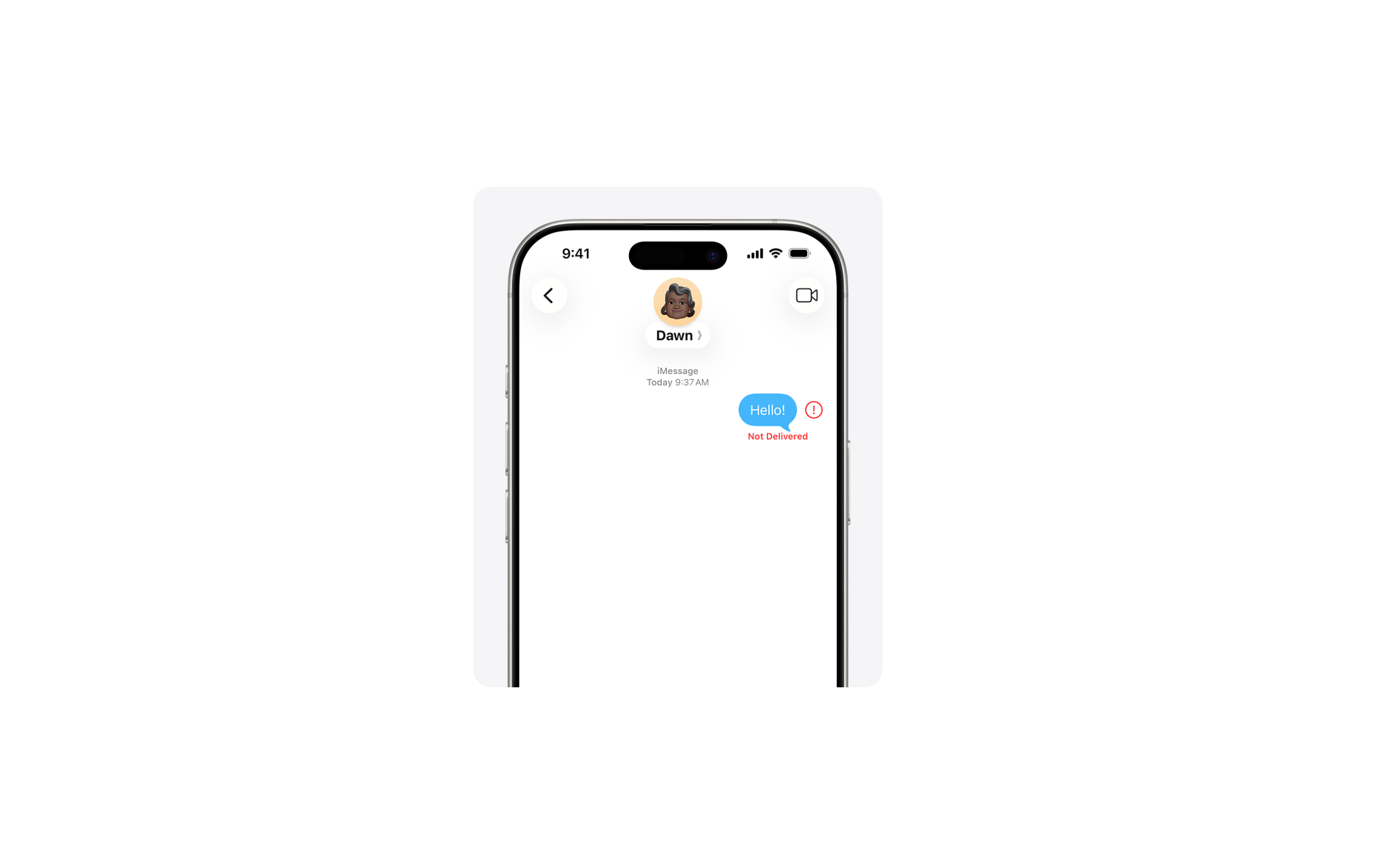
Finding out how to check if someone blocked you on iPhone is not hard. If you need to know what happened when calls go unanswered, or messages suddenly stop getting replies, hop on board. Apple does not send a notification when someone blocks your number, but several signs in iOS can help you figure that out.
We explain below the most reliable ways to identify if a contact blocked your phone number or iMessage. You will learn how message delivery indicators work, what happens when calls are blocked, and how iPhone communication features behave in these situations. If you are troubleshooting messaging issues more broadly, you may also want to review how to turn on iMessage on iPhone, iPad, and Mac since incorrect settings can sometimes mimic a blocked contact.
How to Tell If Someone Blocked You on iPhone or iMessage
Apple prioritizes privacy, which means iOS never confirms when someone blocks your phone number. However, blocking affects calls, iMessage, SMS, and FaceTime in consistent ways.
When a contact blocks you, your calls may go straight to voicemail, iMessages may stop showing delivery confirmations, and FaceTime may fail to connect. The key is looking for a pattern across several signs, not relying on just one indicator.
Below are the most reliable ways to determine whether someone blocked your number.
1. Check iMessage Delivery Status
One of the first clues appears inside the Messages app when sending iMessages.
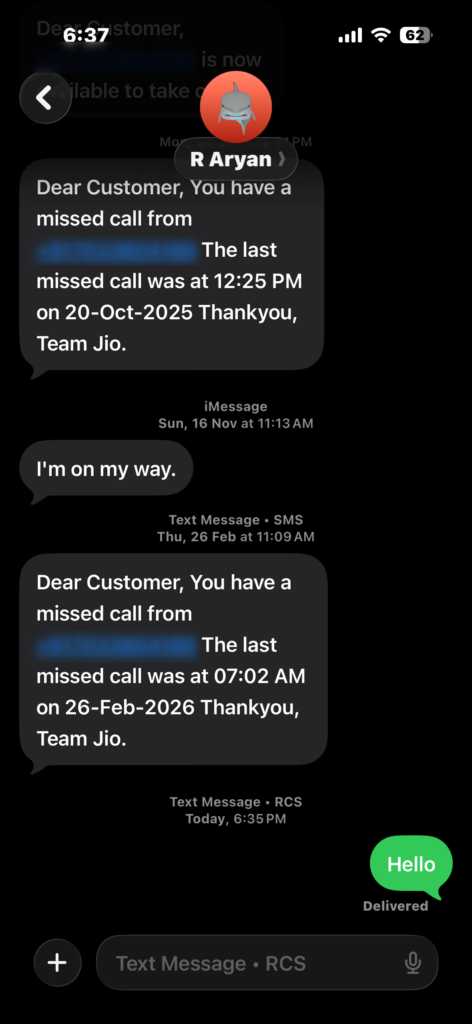
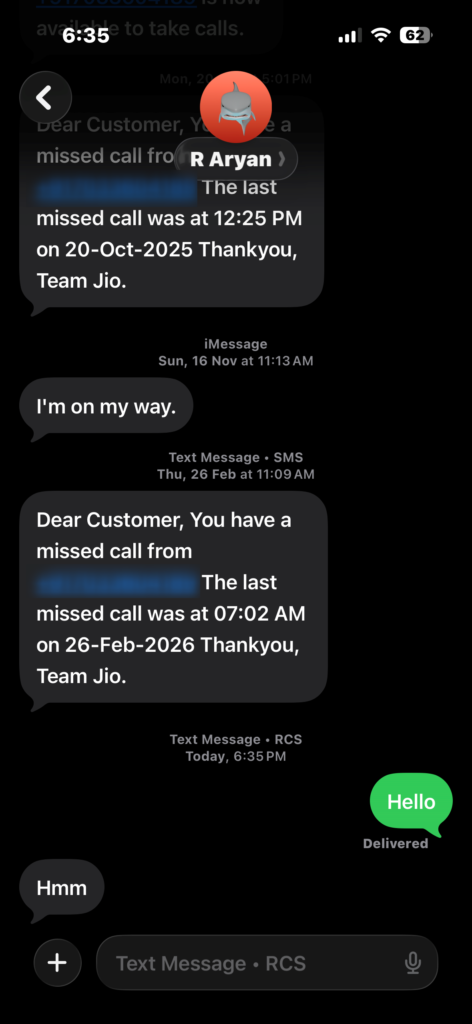
- Open the Messages app.
- Tap the conversation with the person.
- Send a message using iMessage.
- Look under the message bubble for the Delivered label.
If the message normally shows Delivered but suddenly stops displaying that confirmation, the contact may have blocked your number.
You may also notice that messages switch from blue bubbles to green, meaning they are now sent as SMS instead of iMessage. That can indicate a block, but it can also happen if the person turned off iMessage or switched devices.
If messaging itself seems broken across contacts, check broader messaging troubleshooting like this guide on fixing iPhone not receiving verification texts.
2. Try Calling the Person
Phone calls often behave differently when your number is blocked.
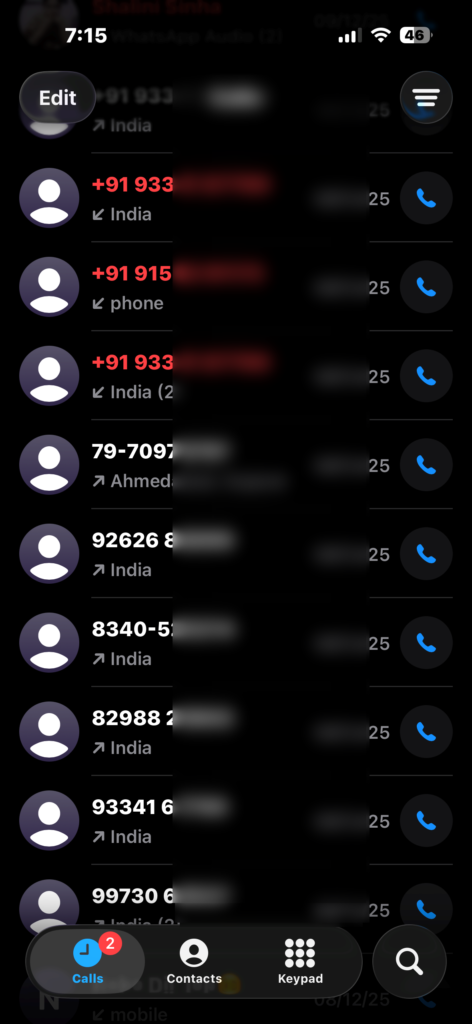
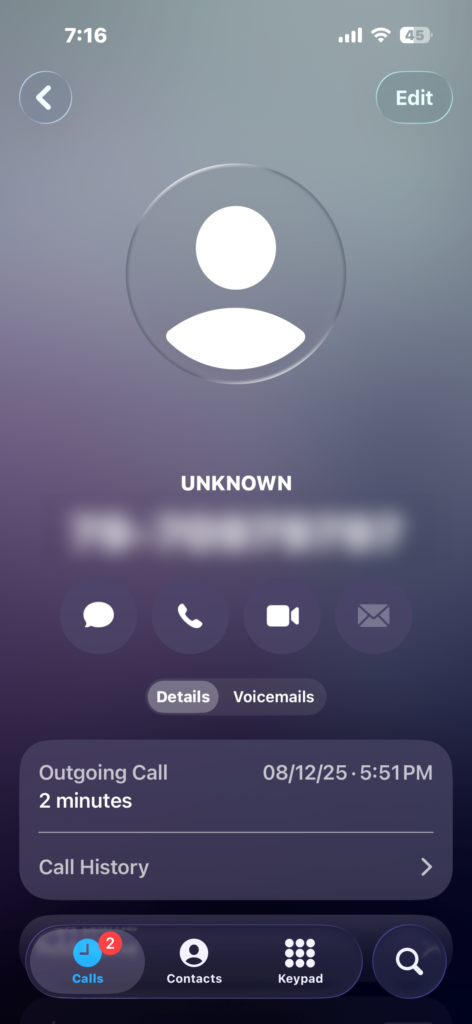
- Open the Phone app.
- Tap Contacts or Recents.
- Select the person you want to call.
- Tap the Call button.
- Listen to how the call behaves.
When your number is blocked, the call often rings once and immediately goes to voicemail.
You can still leave a voicemail, but it usually appears in a separate Blocked Messages folder that the recipient rarely checks.
However, keep in mind that similar behavior can occur if the person’s phone is off or has no signal. If calls frequently go straight to voicemail, it may also be caused by call settings or network issues. In that case, review this guide on fixing iPhone calls that go straight to voicemail.
3. Try FaceTime
Blocking a contact also affects FaceTime calls, because Apple applies the block across its communication services.
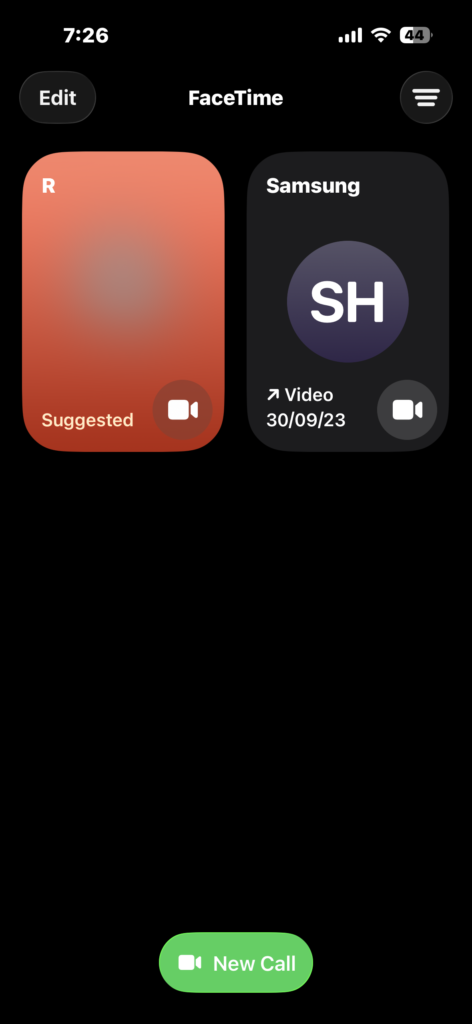
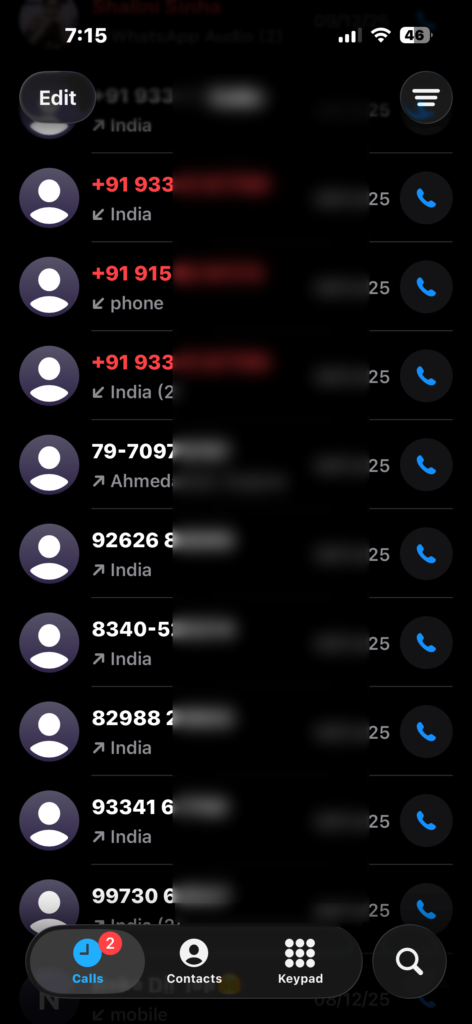
- Open the FaceTime app.
- Tap New FaceTime.
- Enter the contact’s name or number.
- Tap the FaceTime call button.
- Watch whether the call connects.
If you are blocked, the FaceTime call usually fails to connect or rings endlessly without reaching the other person.
Because FaceTime relies on internet connectivity, a failed call alone does not confirm a block. But combined with other signs like undelivered messages and failed calls, it becomes a stronger indicator.
4. Test With Another Phone Number
One of the most reliable tests is contacting the person from a different phone number.
- Use another phone or ask a friend to place a call.
- Dial the same contact’s number.
- Observe how the call behaves.
If the call rings normally from another phone but not from yours, it strongly suggests that your number has been blocked.
You can also try sending a text from another number to see if it shows the Delivered status.
5. Check Whether Focus or Do Not Disturb Is Enabled
Before assuming someone blocked you, consider that Focus modes or Do Not Disturb may silence calls and notifications.
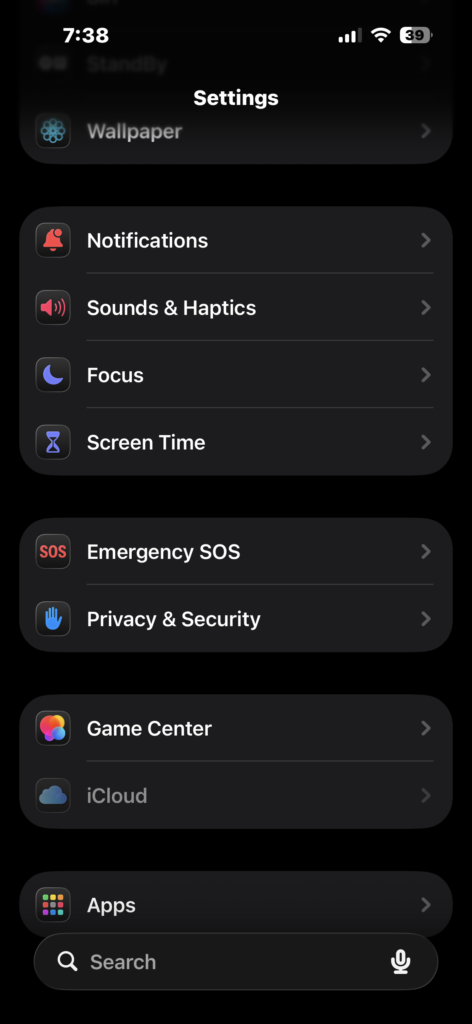
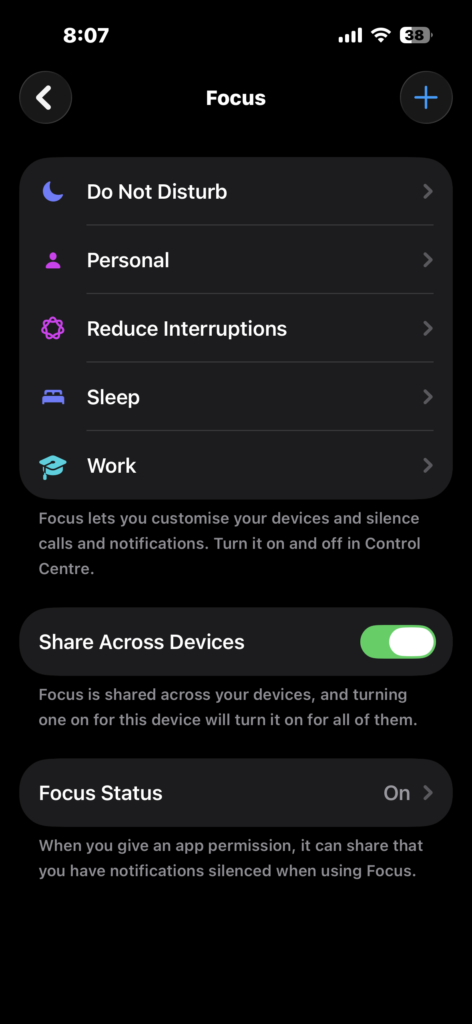
- Open Settings.
- Tap Focus.
- Check if Do Not Disturb or another Focus mode is enabled.
- Review allowed contacts.
Focus modes can make calls appear blocked because notifications are suppressed. However, messages usually still show Delivered once the device reconnects.
If you want to understand how these features work, read this guide on using Do Not Disturb on iPhone correctly.
6. Look for a Consistent Pattern
The most important rule when determining if someone blocked you is to look for consistent behavior across multiple tests.
For example:
• Messages stop showing Delivered
• Calls ring once and go to voicemail
• FaceTime never connects
• Calls work normally from another phone
When several of these signs occur together over time, it strongly suggests your number has been blocked.
Tips
• Always test multiple times before assuming you are blocked.
• Network issues or airplane mode can mimic blocking behavior.
• Try both calls and messages to compare results.
• Ask a mutual contact to confirm whether the person’s phone is reachable.
• Respect privacy if someone chooses to block communication.
When Blocking Is the Most Likely Explanation
Apple intentionally avoids notifying users when they are blocked. Instead, blocking silently stops calls, messages, and FaceTime requests from reaching the recipient.
Because of this privacy design, the only way to detect a block is by observing communication patterns across different methods. When undelivered messages, failed FaceTime calls, and redirected phone calls happen consistently, blocking becomes the most likely explanation.
Key Takeaways
Apple does not notify users when someone blocks their number on an iPhone. However, blocking changes how calls, iMessages, and FaceTime behave. Messages may stop showing delivery confirmations, calls may go straight to voicemail, and FaceTime may fail to connect. By testing multiple communication methods and looking for consistent patterns, you can usually determine whether your number was blocked.
FAQs?
No. Apple does not provide a confirmation. You can only infer blocking by observing call and message behavior.
Usually, they do not. Messages often remain without the Delivered label when the recipient blocks your number.
The call often rings once and then goes directly to voicemail.
Green messages indicate SMS instead of iMessage. This may happen if the person disabled iMessage, switched devices, or blocked you.
Yes. Voicemails from blocked numbers are stored in a separate Blocked Messages folder on the recipient’s iPhone.

0 Comments