guide4mac.com

iOS Troubleshooting

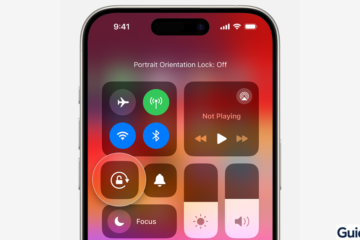
iPhone Control Center showing the Portrait Orientation Lock icon disabled.
iOS Troubleshooting

How to Fix Screen Rotation Not Working on iPhone

Screen rotation on iPhone is a convenient feature that automatically switches your display between portrait and landscape modes. After iOS updates or due to minor settings issues, the rotation feature may stop working, leaving your display stuck in one orientation. Most rotation problems are simple to fix, and you don’t Read more
By Carl Sanson, 7 hoursMarch 25, 2026 ago
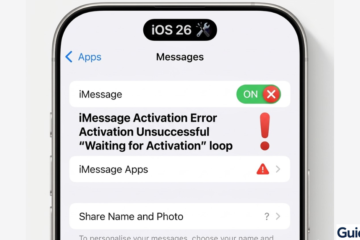
Comparison graphic of a functional iMessage state versus a 'Waiting for Activation' loop.
iOS Troubleshooting

How to Fix iMessage Not Working After iOS 26 Update

After updating to iOS 26, some users notice iMessage stops working—messages fail to send, notifications are delayed, or activation errors appear. These issues are usually caused by network problems, Apple ID glitches, or temporary iOS bugs. Most problems can be resolved quickly with the steps below, restoring normal iMessage functionality Read more

By Carl Sanson, 8 hoursMarch 25, 2026 ago
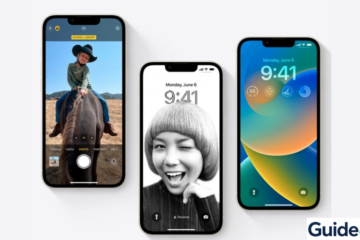
Three iPhones displaying different iOS Lock Screen interfaces including photo, portrait, and widget-based layouts.
iOS Troubleshooting

How to Fix Can’t Swipe Up on iPhone (iOS 26)

Swiping up on your iPhone is essential—whether you’re going back to the Home Screen, opening the App Switcher, or unlocking your device. So when that gesture suddenly stops working, it feels like your iPhone is broken. In reality, this issue is usually caused by temporary software glitches, touch sensitivity problems, Read more

By Carl Sanson, 1 dayMarch 24, 2026 ago
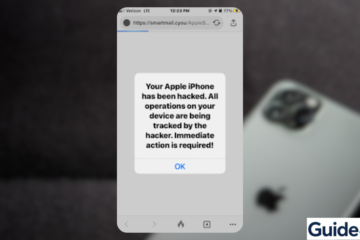
A fake "Your Apple iPhone has been hacked" browser pop-up alert used by scammers to trigger phishing attacks.
iOS Troubleshooting

Fix iPhone Hacked Pop-Up Fast: Remove Fake Alerts

If you’re seeing an “iPhone hacked” pop-up, don’t panic. These alerts are almost always fake warnings designed to trick you into clicking malicious links or downloading suspicious apps. They usually appear in Safari or while browsing certain websites. In most cases, your iPhone is not actually hacked. The issue is Read more

By Carl Sanson, 7 daysMarch 19, 2026 ago

Recent Posts

  • How to Fix Screen Rotation Not Working on iPhone
  • How to Fix iMessage Not Working After iOS 26 Update
  • How to Install Xcode on Windows: Step-by-Step Guide
  • WhatsApp Tests Sleek Liquid Glass Voice Player on iOS 26 – What’s So Special?
  • How to Access Files and Folders on an SMB Server on iPhone and iPad (iOS 18)
Hestia | Developed by ThemeIsle