How to Read Mac Drives on Windows: 5 Best Tools for 2026
If you need to read Mac drives on Windows, you may discover that the operating system cannot open them by default. This happens because macOS typically uses the APFS or HFS+ file systems, while Windows supports formats like NTFS and FAT32.
Fortunately, several tools allow Windows computers to access Mac-formatted drives without reformatting them. These utilities let you open, copy, and sometimes even write files stored on Mac disks directly from a Windows PC. If you are transferring files between systems frequently, learning how to read Mac drives on a Windows PC safely can prevent data loss and compatibility problems.
Why Can’t Windows Read Mac Drives?
Apple computers use the APFS file system, which was introduced to replace HFS+. Windows does not include built-in support for these formats, so connecting a Mac drive usually shows the disk as unreadable or asks you to format it.
This creates problems when:
• Migrating files from Mac to Windows
• Recovering data from an old Mac disk
• Using an external drive between both systems
• Accessing backups or archived Mac storage
Specialized software bridges this gap by allowing Windows to recognize Mac file systems.
1. MacDrive
MacDrive is one of the most widely used tools for accessing Mac drives on Windows. It integrates directly with Windows File Explorer, making Mac disks appear just like standard drives.
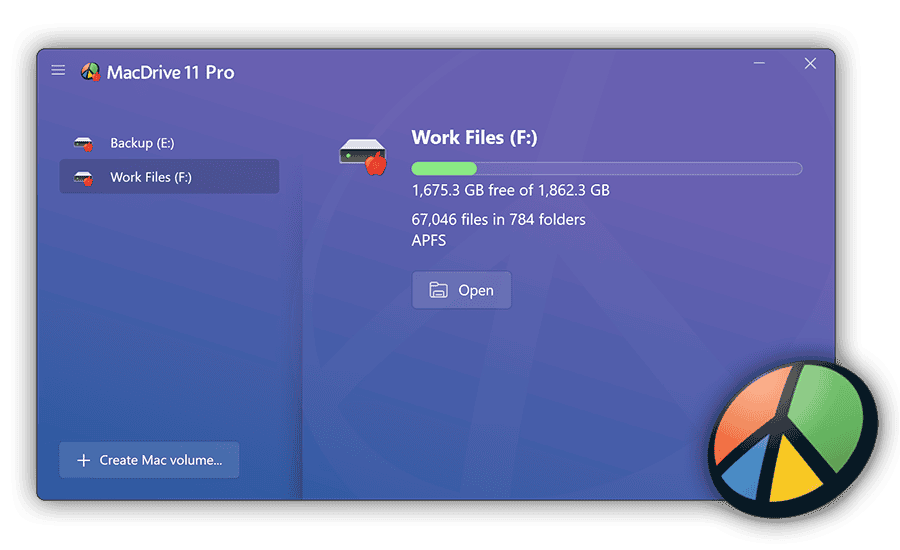
The software supports both APFS and HFS+, allowing users to read and write files without converting the disk format. This makes it a popular option for professionals who regularly work between macOS and Windows systems.
Key Features
• Full APFS and HFS+ support
• Read and write Mac drives on Windows
• File Explorer integration
• Disk repair tools
• Fast file transfer performance
Pricing: $49.99
2. Paragon APFS for Windows
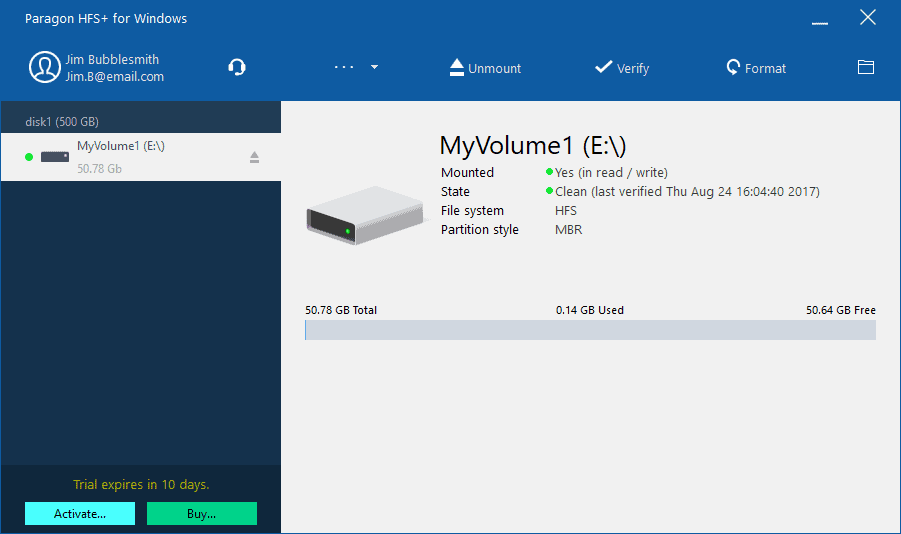
Paragon APFS for Windows is designed specifically for Apple’s modern file system. It focuses on fast performance and seamless integration with Windows.
Once installed, Windows can instantly mount APFS drives without additional steps. This tool is ideal for users working with newer Macs that rely entirely on APFS storage.
Key Features
• Full APFS read and write access
• Automatic drive mounting
• High-speed file transfers
• Simple installation
• Reliable data handling
Pricing: $39.95
3. HFSExplorer
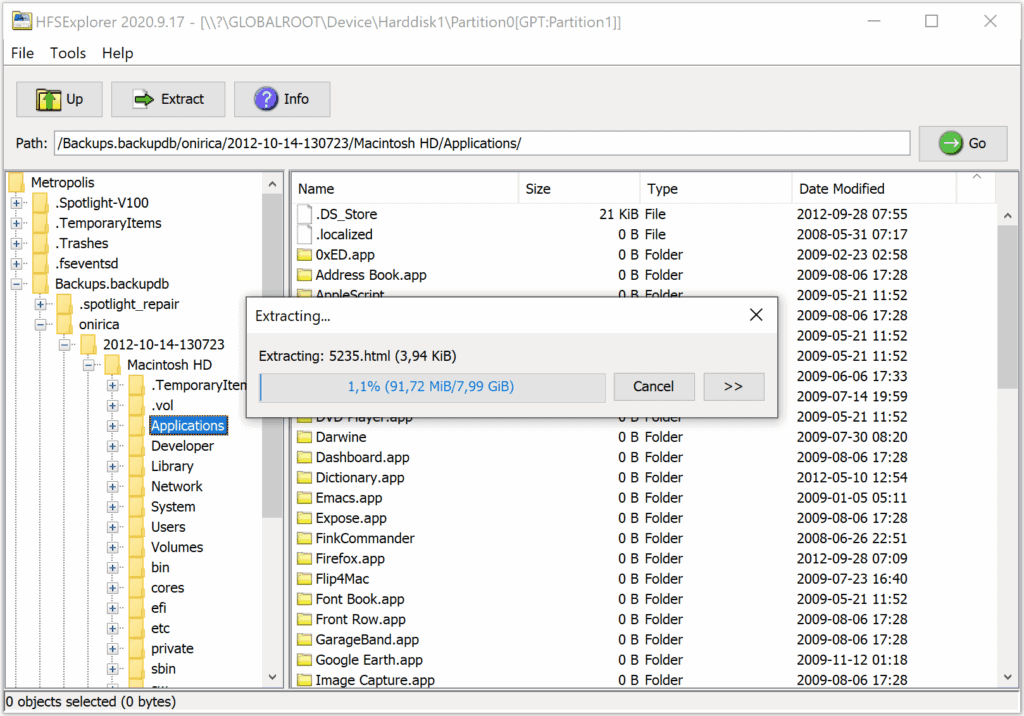
HFSExplorer is a free tool that allows Windows users to access HFS+ formatted drives. While it does not support writing files back to the drive, it is useful for retrieving data.
The application provides a simple interface that lets you browse Mac volumes and extract files to your Windows system.
Key Features
• Free and open-source software
• Supports HFS and HFS+ volumes
• File extraction tools
• Java-based application
• Ideal for basic data recovery
Pricing: Free
4. UFS Explorer
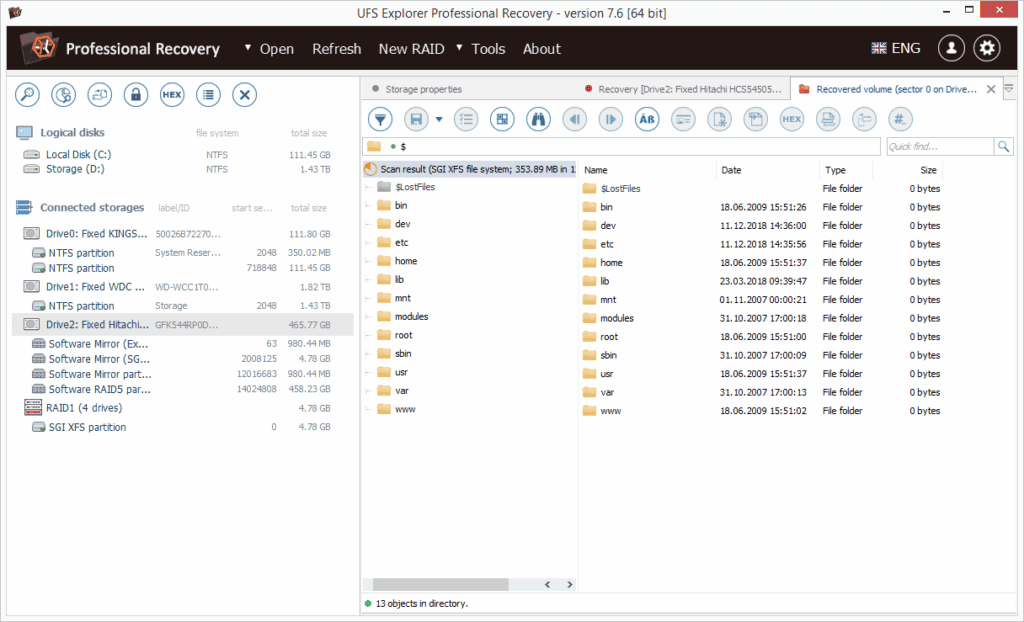
UFS Explorer is a more advanced tool designed for professionals who need deep file system access. It supports a wide range of formats, including APFS, HFS+, NTFS, and EXT systems.
Because of its advanced features, it is often used for data recovery and disk analysis rather than simple file browsing.
Key Features
• Supports multiple file systems
• Data recovery tools
• Disk imaging capabilities
• Advanced file system analysis
• Compatible with damaged drives
Pricing: $59.95
5. DiskInternals Linux Reader
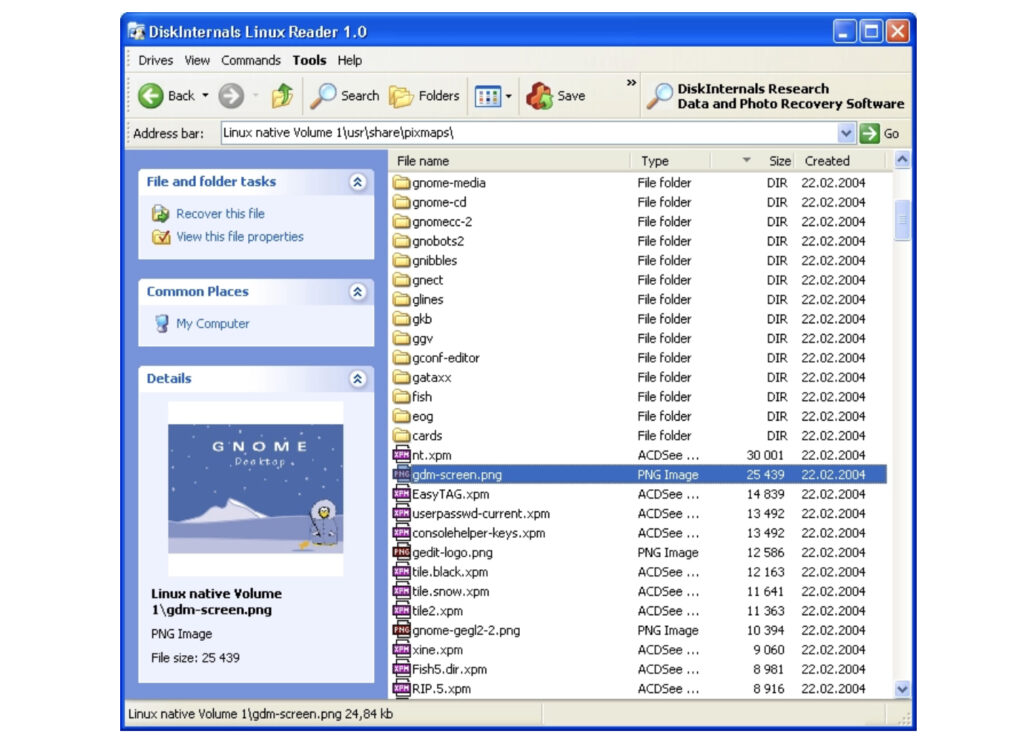
DiskInternals Linux Reader can also open Mac-formatted drives on Windows. The software focuses mainly on read-only access, making it a safe option for retrieving files without risking disk changes.
It supports several file systems and provides a clean interface for browsing Mac storage volumes.
Key Features
• Read-only access to Mac drives
• Supports multiple file systems
• Simple browsing interface
• File preview support
• Safe extraction to Windows
Pricing: Free
Quick Feature Comparison
| Tool | Best For | Key Feature | Price |
|---|---|---|---|
| MacDrive | Full Mac disk access | Read and write APFS/HFS+ | $49.99 |
| Paragon APFS | APFS compatibility | Native Windows integration | $39.95 |
| HFSExplorer | Free access | HFS+ file extraction | Free |
| UFS Explorer | Data recovery | Advanced disk tools | $59.95 |
| Linux Reader | Safe file viewing | Read-only browsing | Free |
These tools vary in features and pricing. Paid tools typically provide faster performance and write access, while free tools are better suited for occasional file recovery.
Tips
• Always avoid formatting a Mac drive when Windows prompts you.
• Use read-only tools when recovering important data.
• Ensure the software supports APFS if the drive comes from a modern Mac.
• Safely eject drives to prevent file corruption.
• Keep backups when transferring files between operating systems.
Accessing Mac Files From Windows Made Easy
Windows cannot read Mac drives natively because of differences between file systems like APFS and NTFS. Fortunately, specialized tools allow you to access Mac disks without reformatting them.
By installing one of these utilities, you can browse Mac storage, recover files, and transfer data between operating systems with ease.
Key Takeaways
Mac drives use file systems that Windows cannot read by default. Tools like MacDrive and Paragon APFS allow full access to APFS or HFS+ disks, while free options like HFSExplorer and Linux Reader provide basic read-only functionality. Choosing the right tool depends on whether you need simple file access, write support, or advanced recovery features.
FAQ
No. Windows does not support APFS or HFS+ natively, so third-party tools are required.
Modern Macs use the APFS file system, while older systems used HFS+.
Yes, but only with tools that support write access, such as MacDrive or Paragon APFS.
Yes, as long as you use trusted software and avoid formatting the disk when prompted.
HFSExplorer and DiskInternals Linux Reader are two reliable free tools for accessing Mac-formatted disks.



0 Comments