AirTag 2 Update: What Apple Changed Since Its January Launch
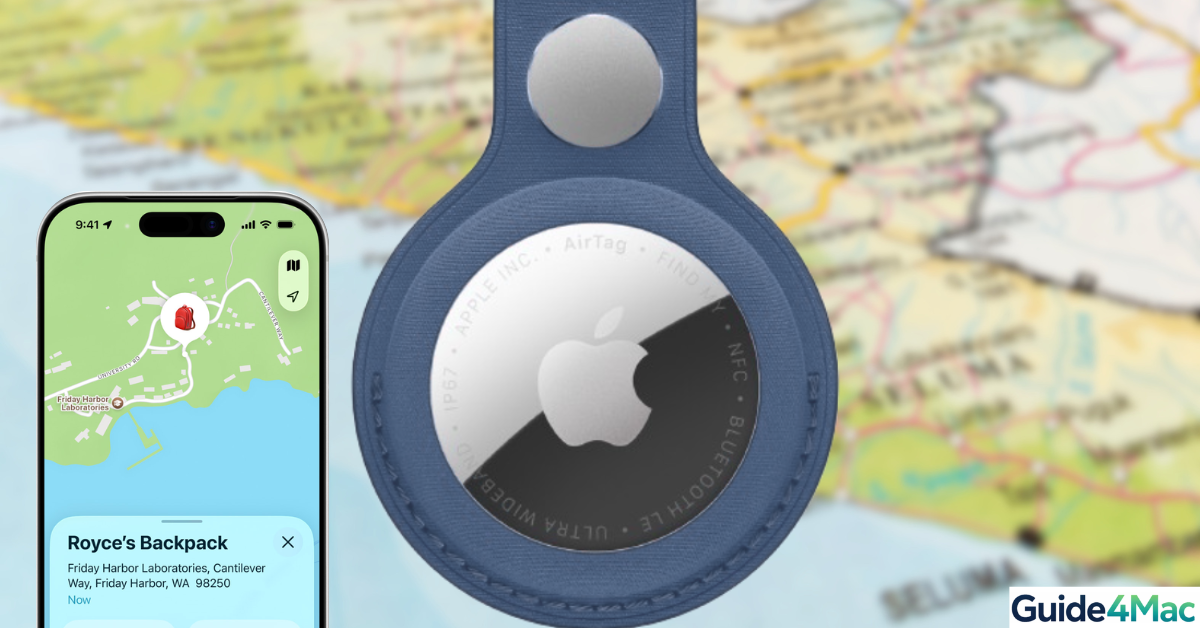
When Apple introduced the new AirTag earlier this year, it promised better range, improved finding accuracy, and stronger privacy protections. Now, with the latest firmware update, those improvements are becoming even more noticeable in everyday use.
If you use AirTag to track your keys, backpack, or luggage, this update isn’t just background noise—it directly improves how fast and reliably you can find your items.
What’s new in the AirTag 2 update (and how it builds on Apple’s upgrades)
Apple’s official announcement highlighted three big upgrades: expanded range, improved findability, and enhanced privacy. This latest update refines those features even further.
Expanded range feels more consistent
Apple introduced a wider finding range thanks to improved Ultra Wideband capabilities. With the new update, that range becomes more stable in real-world environments, especially in crowded places.
More accurate Precision Finding
Precision Finding was already upgraded with clearer directions and longer reach. Now it feels smoother and quicker to respond, helping you locate items with less wandering around.
Stronger Find My network performance
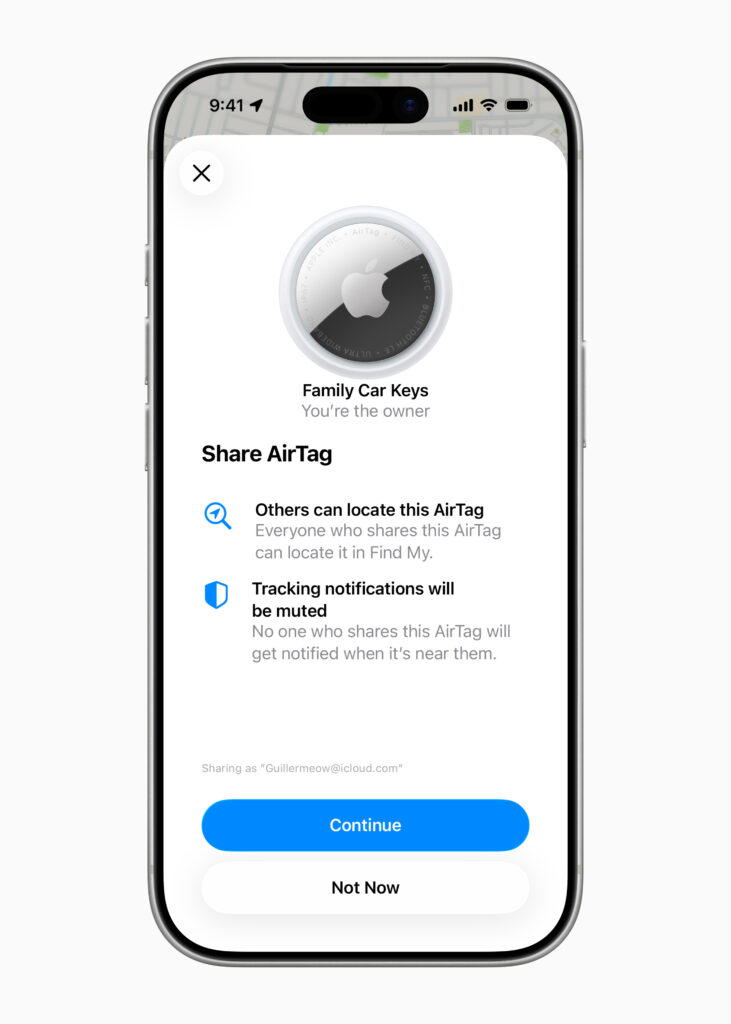
AirTag relies on millions of Apple devices to locate lost items. The update improves how quickly your AirTag connects to nearby devices, delivering faster location refreshes.
Enhanced anti-stalking protections
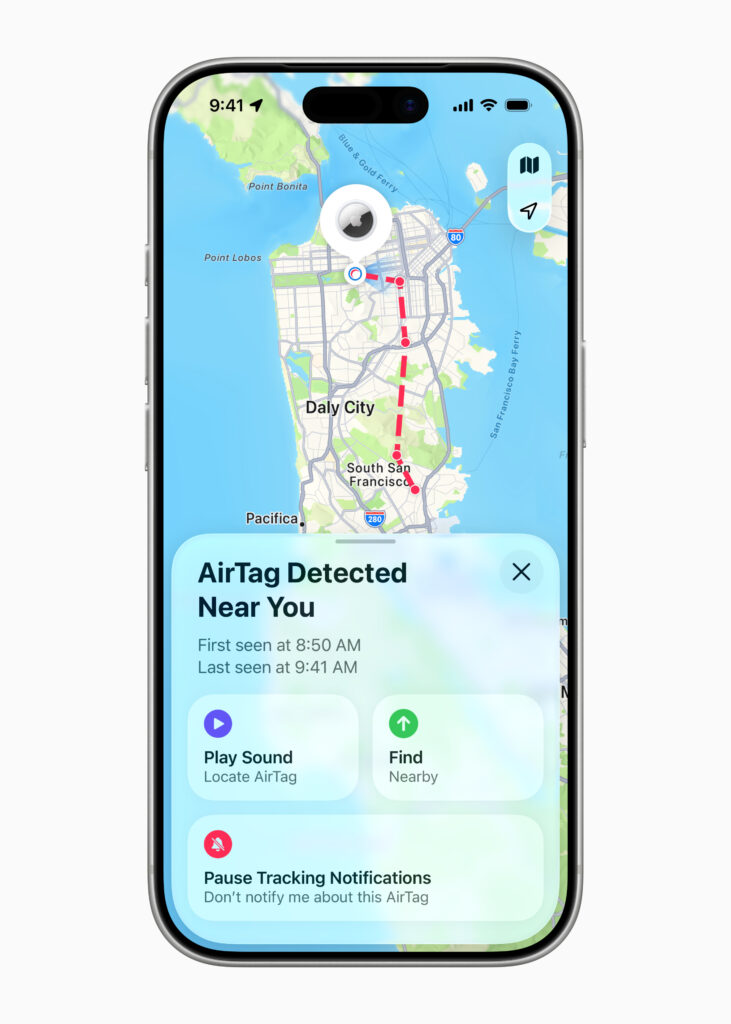
Apple doubled down on privacy at launch, and this update strengthens it further with better tracking alerts and detection mechanisms.
General stability improvements
Small bugs and connection issues have been reduced, making tracking more reliable day-to-day.
How AirTag updates work (no action needed)
AirTag updates are designed to be completely automatic—no settings to change, no buttons to press.
Here’s what needs to happen:
- Your AirTag is close to your iPhone
- Bluetooth is enabled
- The battery isn’t low
- The update installs silently in the background
To check your version:
Find My app → Items → AirTag → scroll down
Why this update actually matters
Apple’s hardware upgrade gave AirTag more power—but this update ensures you actually feel it.
- Finding items becomes faster and more precise
- Tracking works better in busy environments
- Alerts and safety features are more reliable
- Fewer glitches interrupt the experience
In short, AirTag now delivers more consistently on what Apple promised at launch.
Tips to get the most out of AirTag 2
A few simple habits can make a big difference:
- Keep your AirTag near your iPhone regularly (so updates install)
- Replace the battery when needed (CR2032)
- Leave Bluetooth enabled at all times
- Use Precision Finding when nearby for faster results
FAQs
Apple introduced expanded range, better Precision Finding, and stronger privacy protections.
Yes, it makes the extended range more stable and usable in real-world conditions.
No, updates install automatically when your AirTag is near your iPhone.
Open the Find My app, select your AirTag, and scroll down to see the firmware version.
Yes, Apple continues improving anti-stalking features and tracking alerts.
This update is optimized for the newer model, but Apple may also roll out improvements to older versions.




0 Comments