iOS 26.4.1 Problems: Users Report Bugs After Latest Update
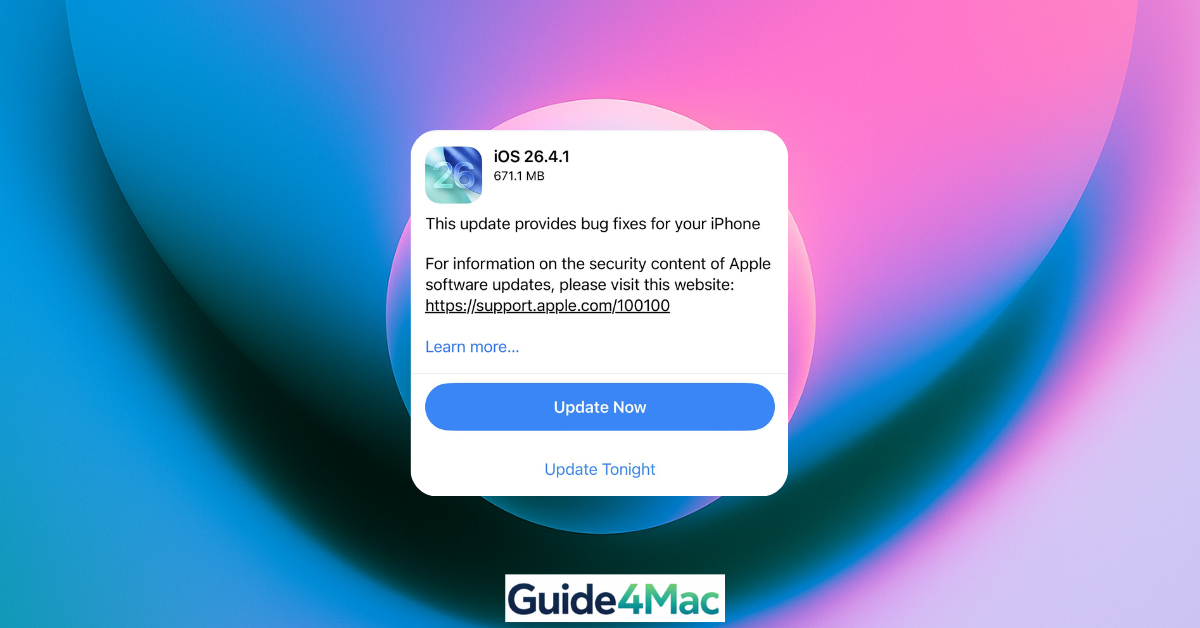
Apple recently released iOS 26.4.1 to address a critical iCloud syncing bug, but the update has brought a new set of headaches for many iPhone users. While it successfully fixes data communication between devices, early adopters are reporting a range of performance and connectivity issues.
The update is a “fix for a fix,” meant to repair the CloudKit framework broken in iOS 26.4, but reports across Reddit and Apple Support communities suggest the landing has been anything but smooth.
1. Persistent Wi-Fi Connectivity Drops
Despite the update, many users claim that networking issues introduced earlier this year remain unresolved.
- Frequent Drops: iPhones are randomly disconnecting from stable home Wi-Fi networks.
- Hotspot Paradox: Ironically, many users find that while home Wi-Fi is unstable, connecting to a personal hotspot remains perfectly fine.
2. Performance Lag and “Aggressive” RAM Management
Users on older models—specifically the iPhone 12 and 13—are seeing significant UI stutters.
- Stuttering: Noticeable lag when swiping between home screen pages or opening the App Switcher.
- App Reloads: iOS 26.4.1 appears to have very aggressive memory management, causing apps to restart frequently even when just switching away for a moment.
3. Battery Drain and Overheating
A common post-update complaint has resurfaced: rapid battery depletion.
- Background Indexing: Apple typically attributes this to “background indexing,” which should stabilize after 48 hours. However, some users report persistent heating during basic tasks like web browsing or charging.
4. The iCloud “Side Effects”
While the primary goal was to fix iCloud Syncing (which broke Apple Passwords and notes in the previous version), the patch hasn’t been perfect.
- Manual Refreshes: Some apps still require a manual pull-to-refresh to see data changes made on a Mac or iPad, rather than updating automatically in the background.
What to Do if You Have Issues?
If your iPhone is acting up after the iOS 26.4.1 update, follow these steps to stabilize your device.
Time needed: 5 minutes
- Force Restart:
Quickly press Volume Up, then Volume Down, then hold the Side Button until the Apple logo appears. This clears system cache that can cause UI lag.
- Reset Network Settings:
Go to Settings > General > Transfer or Reset iPhone > Reset > Reset Network Settings. This is the best fix for the current Wi-Fi drop bug.
- Check Battery Health:
Navigate to Settings > Battery > Battery Health & Charging. If “Peak Performance Capability” is not displayed, the update may be taxing a degraded battery.
- Wait for Indexing:
Give the device 48 hours on a charger with Wi-Fi to finish re-indexing your photos and files before deciding if the battery drain is permanent.
FAQ
If you use Apple Passwords or shared iCloud folders, yes. The sync fix is critical for data security. If your phone is currently stable, you may want to wait for the iOS 26.5 release in May.
Partially. While typing accuracy has improved, some users still report “micro-stutters” during rapid typing in iMessage.
Interestingly, iOS 26.4.1 enables Stolen Device Protection by default for many enterprise-managed devices that previously had it disabled.+




0 Comments