Apple Smart Glasses Could Use Hand Gestures for Control, Leak Suggests
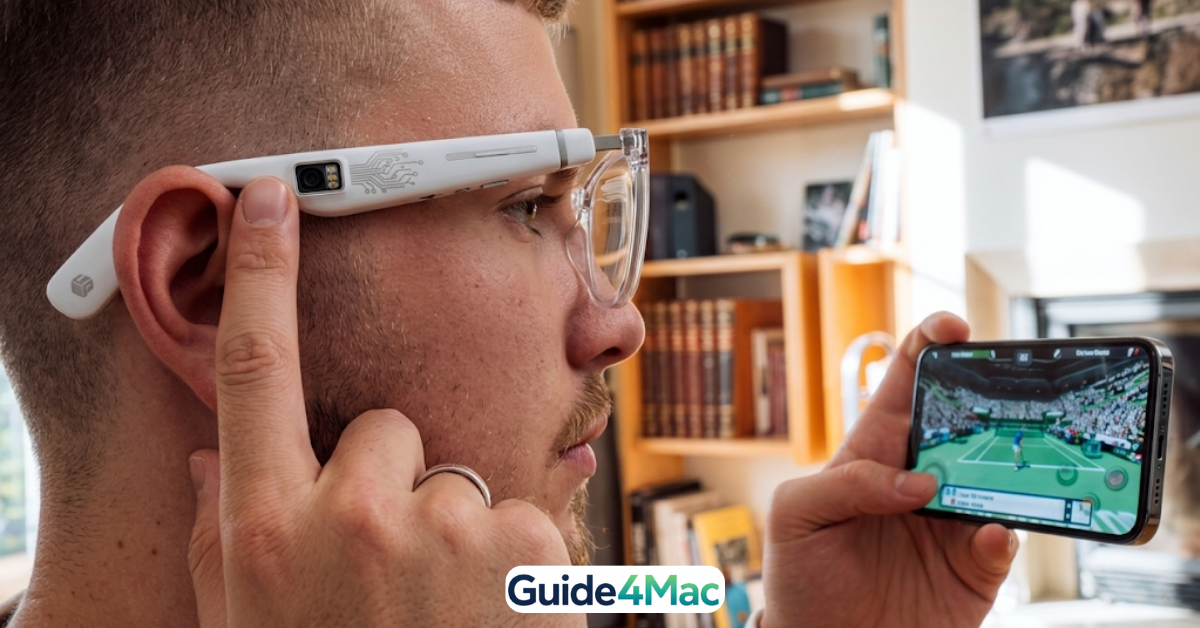
Apple’s upcoming smart glasses may rely heavily on hand gesture controls, signaling a shift toward more natural, touch-free interaction in wearable devices.
According to recent reports, the glasses are expected to include two built-in cameras: a high-resolution lens for photos and video, and a second lower-resolution wide-angle camera designed specifically to track hand movements and provide visual input for Siri.
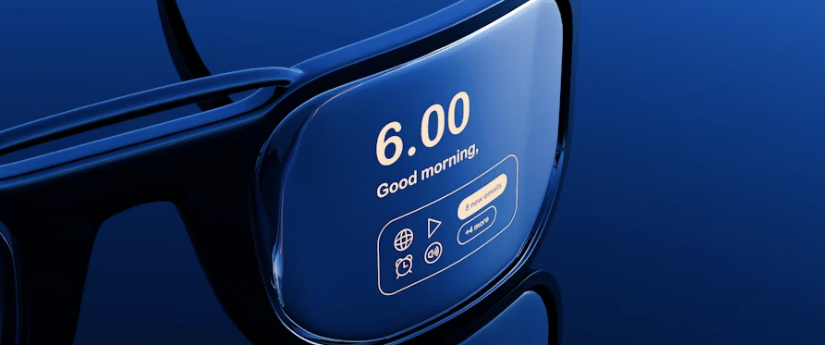
This approach would allow users to control the device without touching it—an important design choice given that the first version of Apple’s smart glasses is unlikely to include a display.
A different direction from Vision Pro
Unlike the Apple Vision Pro, which uses advanced sensors, eye tracking, and multiple cameras for gesture input, Apple’s smart glasses are expected to take a lighter, more minimal approach.
Reports suggest Apple is intentionally avoiding:
- displays
- LiDAR sensors
- complex 3D tracking systems
This is largely due to battery and weight constraints, as the company aims to create glasses that feel closer to everyday eyewear rather than a full headset.
Why gesture control matters here
Without a screen or touch interface, gesture recognition becomes a core input method. The system would allow users to:
- interact with Siri
- trigger actions
- navigate features
This builds on Apple’s existing experience with gesture-based input in devices like Vision Pro, suggesting a broader push toward touchless interfaces across its ecosystem.
Two key gaps in current coverage
1. Accuracy vs hardware limitations
Most reports mention gesture control but don’t address how difficult it is to implement accurately on lightweight hardware. High-end systems like Vision Pro rely on multiple sensors and cameras, while Apple’s glasses may depend on a single low-resolution camera, which raises questions about precision and reliability.
This creates a technical tension:
Can Apple deliver reliable gesture tracking without increasing power consumption or device size?
2. Interaction model without a display
Another underexplored issue is how users will actually understand and navigate the system without a screen. Gesture input alone does not solve:
- feedback (what the system is doing)
- navigation clarity
- error correction
This suggests Apple may rely heavily on audio feedback via Siri or companion devices like the iPhone—an interaction model that remains unclear in current reports.
Final reflection
Apple’s smart glasses appear to be moving toward a lightweight, AI-first wearable built around cameras, voice, and gesture input rather than traditional displays.
The bigger shift is not just the hardware—it’s the move toward screenless computing, where interaction happens through natural movements and context, rather than touchscreens.




0 Comments