Outlook Keeps Asking for Password on iPhone: What’s Really Going On (and How to Fix It)
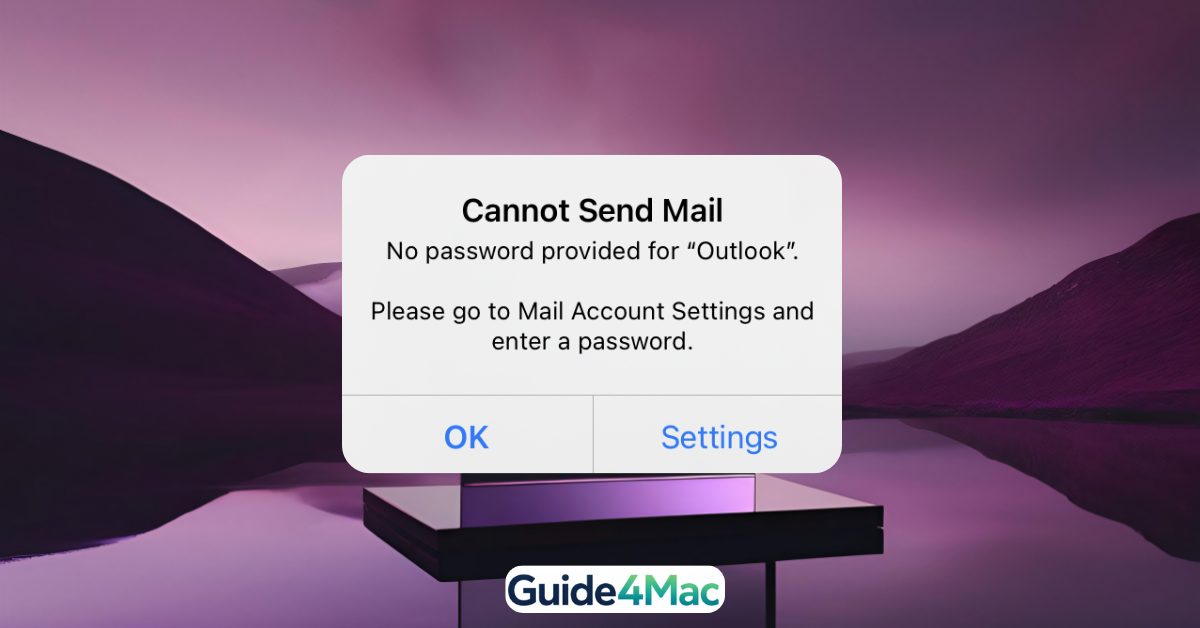
If your iPhone keeps asking for your Outlook password—even when it’s correct—you’re likely hitting a known authentication bug or sync issue, not a login mistake.
This problem has been widely reported, especially after iOS updates or Microsoft security changes, where the Mail app fails to properly validate saved credentials. In many cases, Outlook simply can’t “remember” or verify your login session, causing a loop .
What’s Actually Causing the Problem
This isn’t just one bug—it’s usually a combination of issues:
- iOS Mail sync glitches after updates
- Expired or corrupted login tokens (Outlook can’t validate your session)
- Security checks or 2FA conflicts
- Password changed but not updated everywhere
That’s why entering your password repeatedly doesn’t work—the system itself is stuck.
The Fix That Actually Works
Stop Outlook Password Loop on iPhone
Time needed: 6 minutes
This method fully resets your Outlook authentication and fixes the loop.
- Remove Outlook Account
Go to Settings → Mail → Accounts → Outlook → Delete Account.
This clears broken or outdated credentials.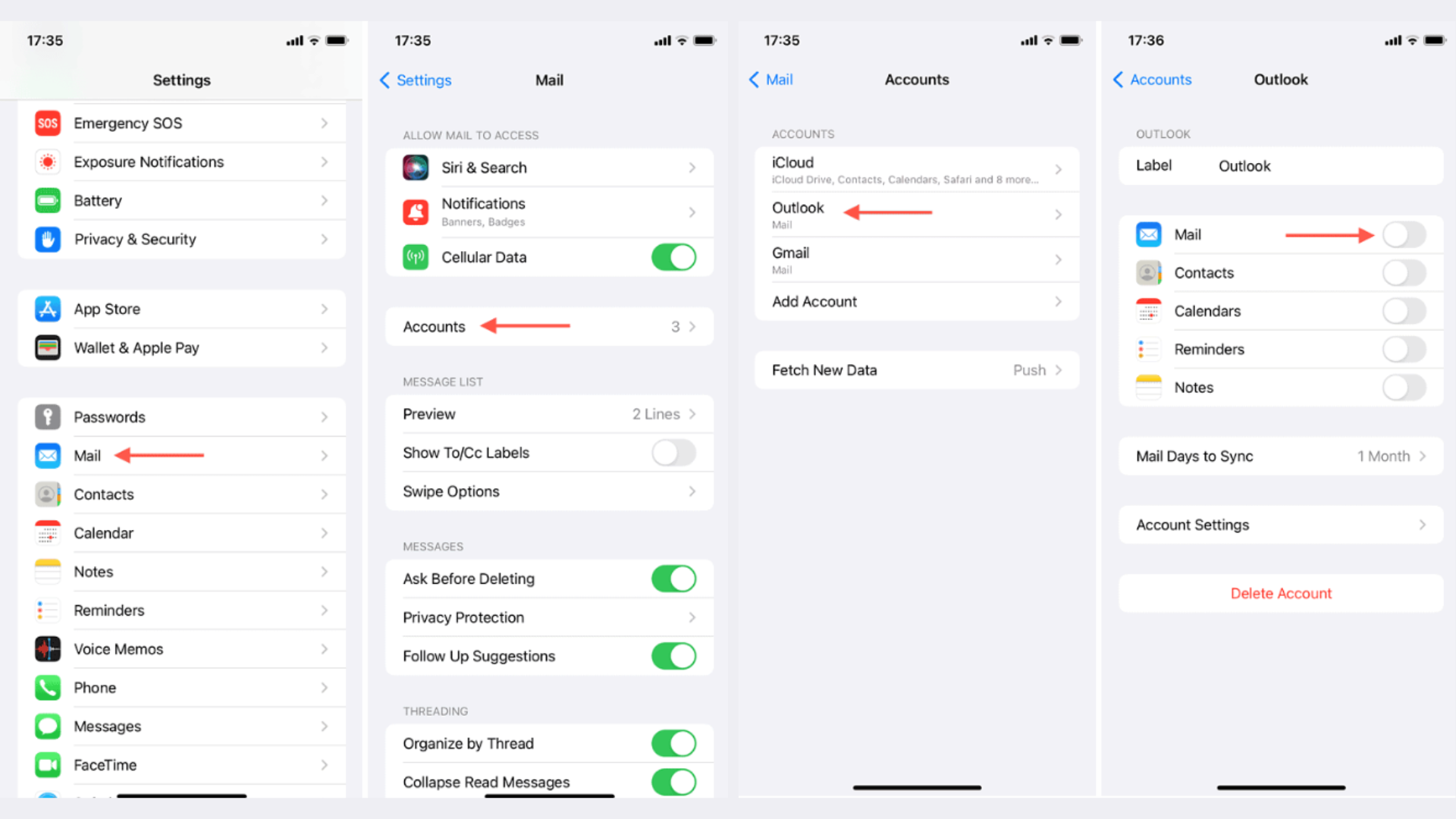
- Restart Your iPhone
A simple reboot resets background sync processes that may be stuck.
- Add Outlook Again
Go to Settings → Mail → Accounts → Add Account → Outlook and sign in again.
If needed, here’s how to add an email account to iPhone properly. - Update Password (If Recently Changed)
If your password was updated recently, make sure your iPhone uses the new one.
- Refresh Apple Account Sync
Re-signing your Apple ID can fix deeper sync conflicts.
Why This Keeps Coming Back?
What many users don’t realize is that this issue rarely fixes itself. Outlook can stay stuck in a password loop because it fails to securely store or retrieve credentials.
That’s why the most effective fix is not retyping your password—but resetting the account connection completely.
Quick Alternative (If It Still Doesn’t Work)
- Use the official Outlook app (more stable authentication)
- Check if Microsoft servers are temporarily down
- Toggle Mail sync off/on
FAQs ?
Because of a sync or authentication failure between iOS Mail and Microsoft servers.
Usually no—the issue is with validation, not your credentials.
Yes, it’s commonly triggered by system updates or security changes.
No, your emails stay on Outlook servers and sync back after re-adding.
Because the stored authentication token is broken—you need to reset the account.
Delete the account, restart your iPhone, and add it again.




0 Comments