IOS 27 Adds Natural Language Input to Reminders and Calendar
What You Need to Know
- IOS 27 integrates Apple Intelligence into Reminders, Calendar, Safari, and other core apps.
- Natural language input in Reminders and Calendar automatically parses time, date, and context from typed text.
- Safari’s Apple Intelligence groups open tabs into topic-based collections automatically by default off.
- Messages now allows inline replies to Android contacts, closing a long-standing mixed-platform chat gap.
Apple’s year of “refinement” is shaping up to include quite a lot of new features. iOS 27, expected to land in September with a public beta arriving this month, layers Apple Intelligence into several corners of the operating system that have nothing to do with Siri, which itself is being rebuilt for the generative AI era.
The most quietly useful addition may be natural language input for Reminders and Calendar. Type “Pick up Dad at 6 p.m. tonight” and the app parses the time, date, and context automatically. The Calendar app works the same way, surfacing suggested people, dates, and locations inline as you type.
Safari’s tab organization follows a similar logic. Apple Intelligence groups open tabs into topic-based collections automatically, so a vacation research session and an appliance shopping spree don’t bleed into each other. The feature is off by default and lives inside Tab View under a three-line menu icon.
A few other changes worth tracking
- Wallet passes for memberships, gift cards, and loyalty programs get the poster layout that boarding passes received in iOS 26
- The Shortcuts app adds a natural language interface for building automations from scratch
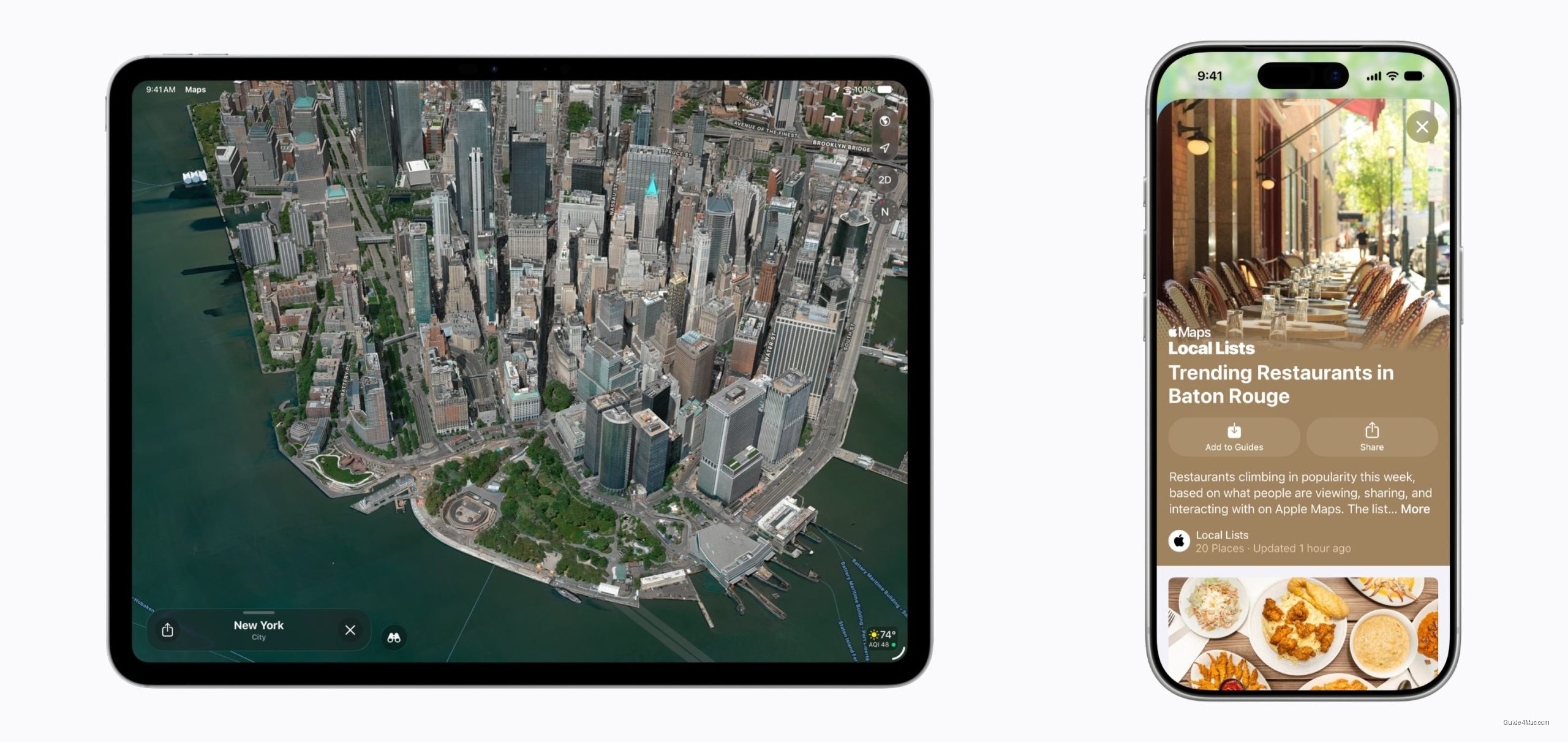
- Maps Flyover gets Apple Intelligence-enhanced aerial imagery with improved geometry and lighting
The inline reply change in Messages is small but telling. Long-pressing a green bubble from an Android contact now offers a reply option, something iOS 26 limited to iMessage threads. It closes a gap that has annoyed mixed-platform group chats for years.
The wallpaper Extend feature rounds out the list. It uses Apple Intelligence to generate edge content around photos that don’t fit the Lock Screen’s aspect ratio, blending new pixels with the original image. The same option surfaces inside the Photos app, which suggests Apple sees it as a general editing tool rather than a setup-screen novelty. Users on supported iPhone models will need Apple Intelligence enabled to access most of these features.




0 Comments