Pixel Wallpaper Shuffle Gets Album Control and Custom Timing
What You Need to Know
- Google is building a photo shuffle feature for Pixel wallpapers with user-controlled rotation schedules.
- The feature will let users select albums and choose from rotation options: hourly, daily, sunrise/sunset, or tap-to-change.
- IOS users currently have this flexibility natively, while Android users rely on battery-draining third-party apps.
- The feature is in beta testing and may change before public release.
Code buried inside Android 17 QPR1 beta 5 reveals that Google is building a proper photo shuffle feature for Pixel wallpapers, one that finally lets users control which images rotate and how often.
Right now, Pixel owners can enable a daily wallpaper change, but the system picks the photos and the timing is fixed. The upcoming feature would let users select an existing album or build a new one, then choose a rotation schedule from several options:
- Every hour
- Every day
- At sunrise and sunset
- On screen tap
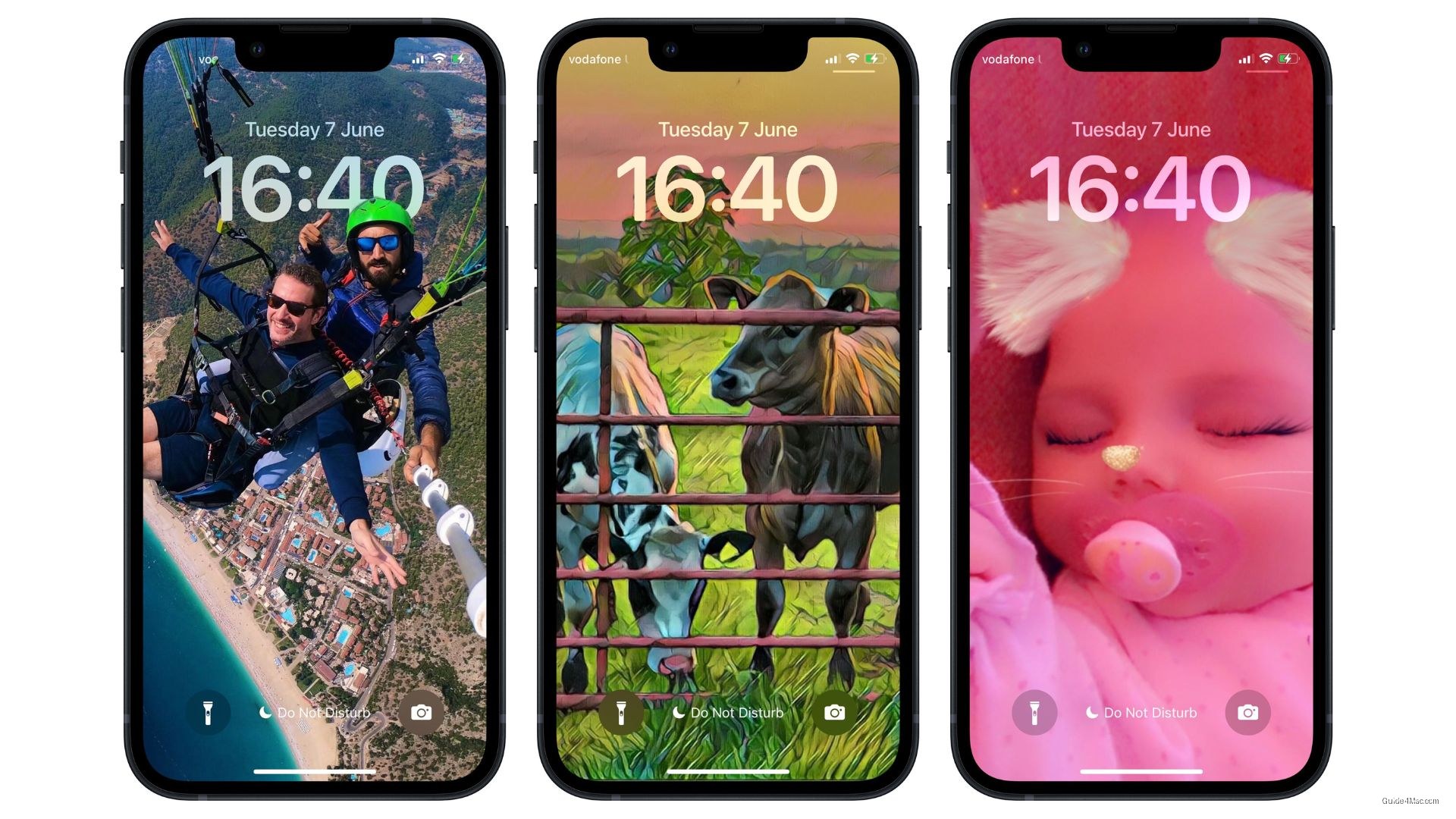
The gap between what Pixel and iPhone offer here has been obvious for a while. iOS users can set up a rotating home screen photo shuffle in a few taps through native settings, with full album control and flexible timing. Android’s equivalent has sat largely unchanged, leaving users who wanted the same flexibility to hunt down third-party wallpaper apps from the Play Store.
Why third-party apps are a poor substitute
Those workarounds carry real costs. Apps that cycle wallpapers in the background tend to run persistent processes, which eats into battery life and consumes storage that most users would rather not spend on a feature that should come built in. Google baking this directly into the OS removes both problems at once.
The feature is still in beta, so the exact options visible in the test code may shift before a public release. But the direction is clear enough: Pixel phones are moving toward the kind of granular wallpaper control that iPhone users have had for some time, without requiring anything beyond the default system settings.




0 Comments