Apple Logic Pro and Pixelmator 2026 Updates: What’s New?
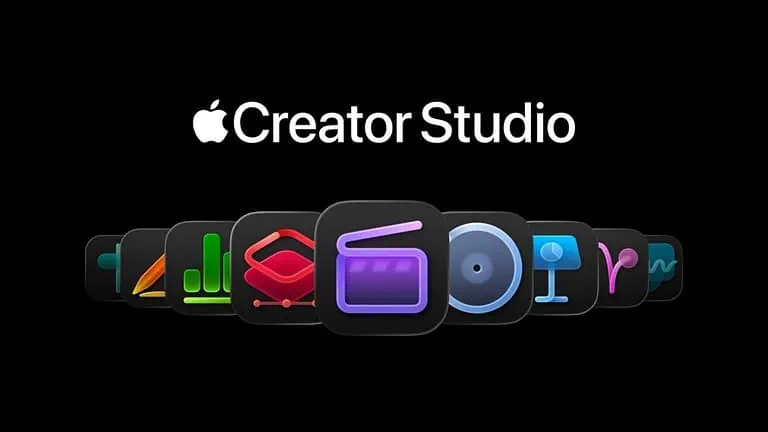
Apple has released significant updates for two of its most powerful creative tools: Logic Pro and Pixelmator. These updates focus heavily on integrating AI-driven features to streamline professional workflows for musicians and digital artists alike.
The updates are now available via the Mac App Store and iPadOS App Store, reinforcing Apple’s commitment to making “Pro” software more accessible and intelligent.
Logic Pro: The AI-Powered Music Studio
The latest version of Logic Pro introduces breakthrough features designed to act as a virtual session band for creators.
- Stem Splitter: Users can now take any mixed audio file and instantly separate it into four distinct tracks: Vocals, Drums, Bass, and Other instruments. This is a game-changer for remixing and sampling.
- Session Players: Building on the popular “Drummer” feature, Apple has added Keyboard Player and Bass Player. These AI-driven tools follow your chord progressions, allowing you to “hire” a virtual band that adapts to your style.
- ChromaGlow: A new saturation plugin that uses AI to model the warmth of legendary vintage studio hardware, adding “analog soul” to digital tracks.
Pixelmator Pro: Next-Gen Image Editing
Following the recent news of Apple’s acquisition of Pixelmator, the app has received a massive update focused on speed and intelligent masking.
- Magnetic Masking Tool: A new selection tool that uses machine learning to snap to the edges of objects instantly, making complex cutouts effortless.
- AI Background Removal 2.0: Improved algorithms that can now handle tricky elements like hair, fur, and transparent glass with near-perfect accuracy.
- Vector Performance Boost: Pixelmator Pro now leverages the latest M-series chips to handle thousands of vector layers without any lag, rivaling high-end desktop publishing software.
Separating Stems in Logic Pro:
Time needed: 2 minutes
Tools: Logic Pro (Latest Version)
- Import Audio:
Drag any audio file (MP3, WAV, or AIFF) into your Logic Pro timeline.
- Select the Region:
Right-click the audio region you want to split.
- Choose Stem Splitter:
Navigate to Processing > Stem Splitter.
- Extract:
Logic Pro will analyze the file and automatically create four new tracks with the isolated instruments.
FAQ
Yes, these updates are free for all existing owners of Logic Pro and Pixelmator Pro.
Yes! The Stem Splitter and Session Players are available on both the Mac and iPad versions of Logic Pro, provided you have an M-series chip.
While Apple has acquired the company, Pixelmator currently remains a standalone app in the App Store, though it is being integrated more deeply into the Apple ecosystem.




0 Comments