IPhone’s Top Swipe Gets Split: Notification Center Moves Left in iOS 27
What You Need to Know
- IOS 27 splits top-screen swipe into two actions: Dynamic Island triggers “Search or Ask,” Notification Center moves to top-left.
- Notifications will slide in from left side instead of dropping from top of screen.
- “Search or Ask” swipe may be restricted to iPhone 15 Pro and newer due to Apple Intelligence hardware requirements.
- Apple Intelligence features tied to hardware eligibility would mark departure from keeping core iOS navigation consistent across devices.
Apple is rerouting one of the most muscle-memoried gestures on the iPhone: the downward swipe from the top of the screen, which has opened Notification Center since iOS 7, is being split into two distinct actions depending on where your finger lands.
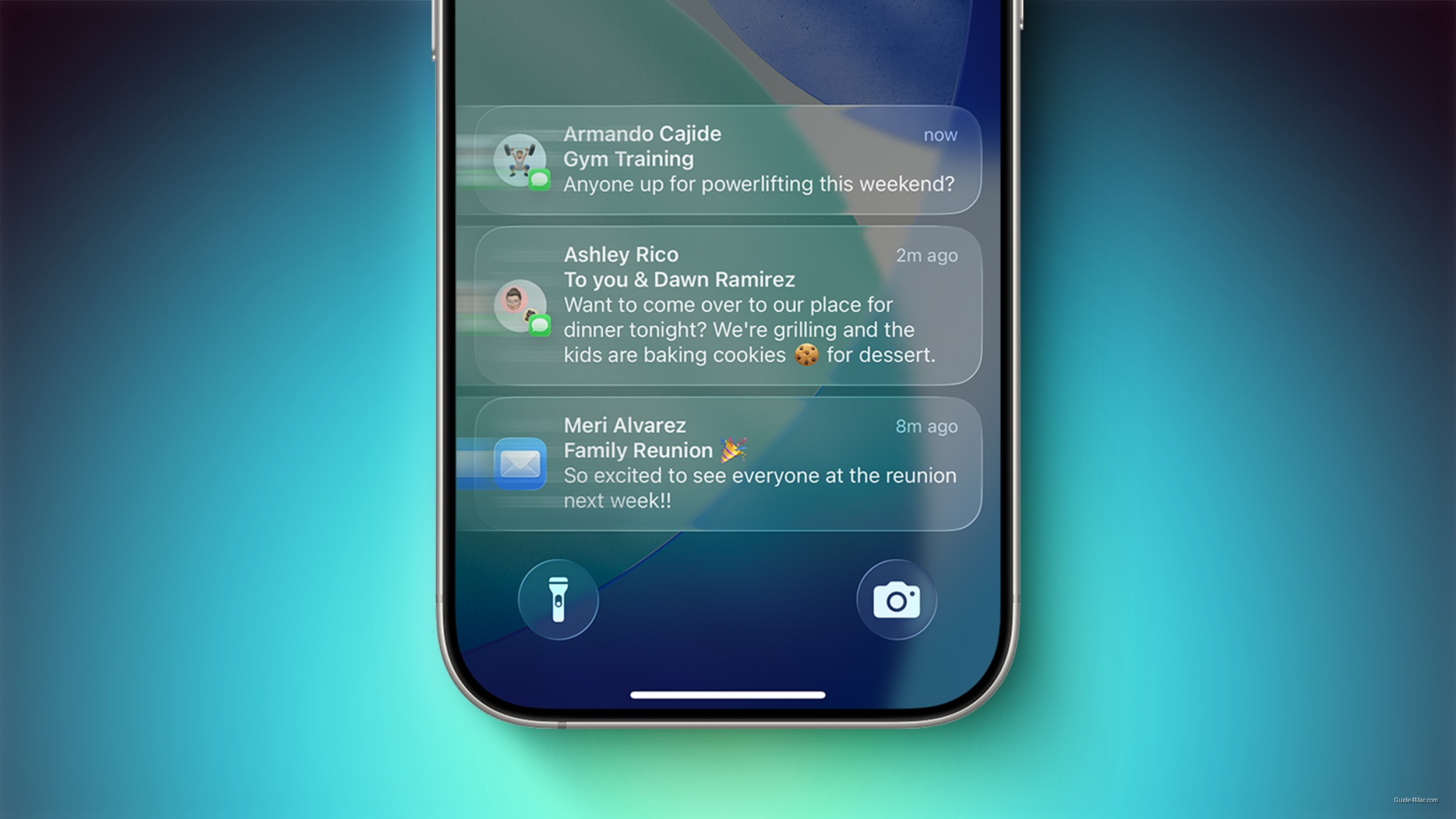
In iOS 27, swiping down on the Dynamic Island will pull up a “Search or Ask” interface connected to the updated Siri, while Notification Center moves to the top-left corner of the screen. Notifications themselves will slide in from the left side rather than dropping from the top. That is a lot of retraining for a gesture most iPhone users execute dozens of times a day without thinking.
The more consequential detail is buried in the caveat: the Dynamic Island swipe behavior may be restricted to iPhone 15 Pro and newer, because the “Search or Ask” interface could require Apple Intelligence. That would create a split experience where older or non-Pro iPhones behave differently at a fundamental interaction level, not just a feature level.
What This Signals About Apple Intelligence’s Integration
Apple has generally kept core iOS navigation consistent across supported devices, treating Apple Intelligence features as additions rather than replacements for standard controls. Tying a new swipe destination to AI hardware eligibility would be a departure from that approach, effectively making the Dynamic Island a two-tier input depending on your device.
WWDC 2026 opens Monday, with the developer beta expected the same day. That means the exact scope of hardware restrictions should become clear quickly, before the public beta lands in July.
The left-side notification slide is the kind of visual change that generates complaints for about two weeks and then disappears into habit. The gesture fragmentation across device tiers is the part worth watching more carefully, because it sets a precedent for how Apple handles navigation when AI capabilities are unevenly distributed across its installed base.




0 Comments