IOS 27 Syncs Siri Conversations to iCloud by Default
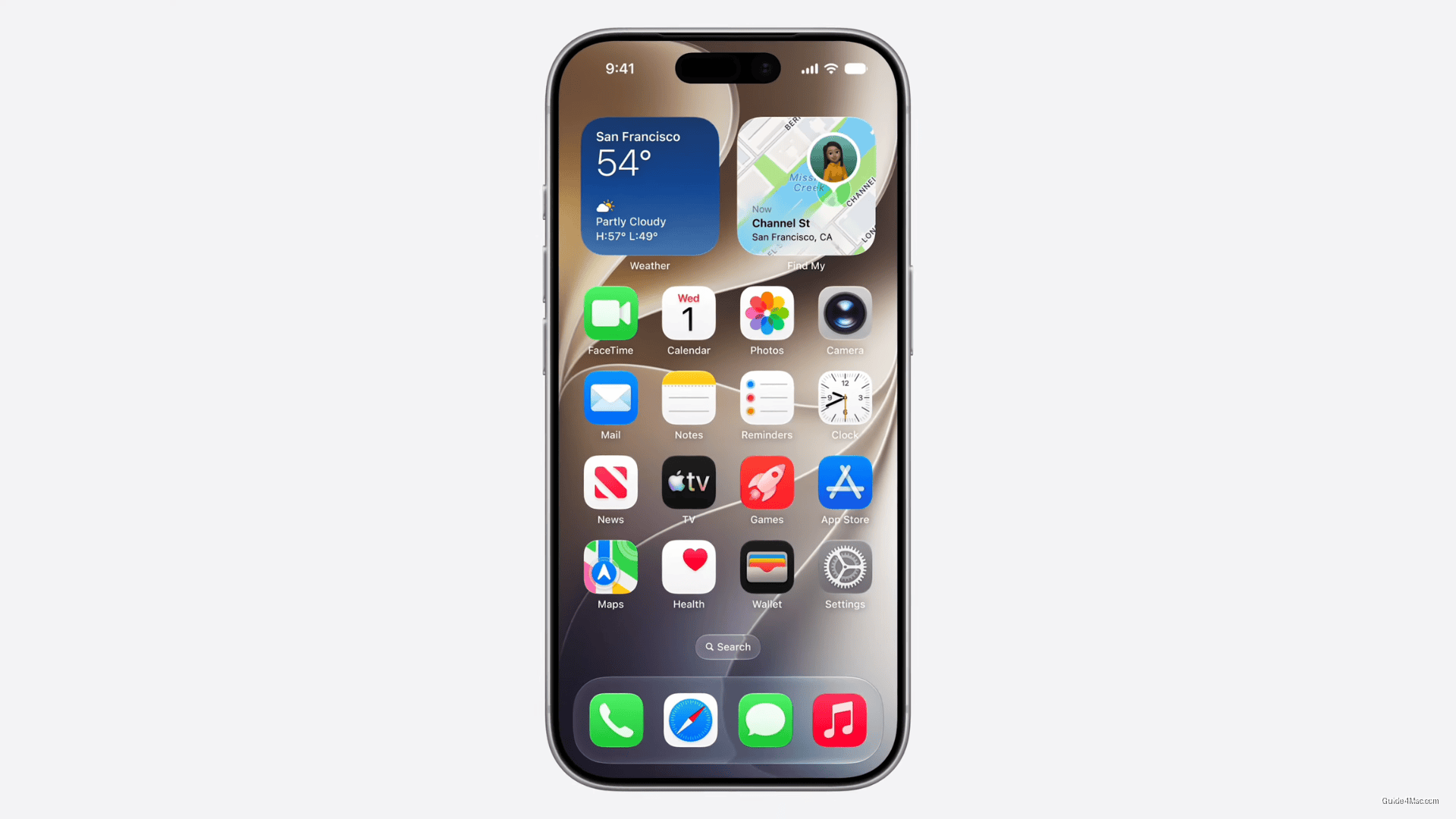
What You Need to Know
- Apple now stores Siri conversation history in iCloud by default, reversing its privacy-first positioning.
- Liquid Glass opacity slider added after complaints about readability, showing faster design correction than usual.
- Safari’s automatic tab grouping requires continuous page content analysis, expanding on-device intelligence workload.
- Camera app’s real-time object recognition consolidates features previously requiring third-party applications.
The most underreported angle in the iOS 27 beta coverage is not Siri’s redesign or Liquid Glass tweaks. It is the Siri conversation history synced through iCloud, which means Apple is now storing your voice assistant interactions in the cloud by default, a meaningful shift from how Siri has historically handled privacy.
Apple spent years positioning Siri’s on-device processing as a privacy advantage over Google Assistant and Alexa. The new dedicated Siri app, which lets users revisit past conversations via iCloud sync, quietly walks that positioning back. How that data is stored, retained, and whether it can be used for model training are questions the WWDC announcement did not answer clearly.
The Liquid Glass opacity slider is a small but telling addition. The original Liquid Glass rollout drew complaints that the translucent interface hurt readability, and Apple has responded within one major version cycle. That is a faster course-correction than the company usually makes on design decisions it has publicly committed to.
A Browser That Watches Pages for You
Safari’s tab grouping and webpage change notifications are the features most likely to affect daily use. Automatic tab organization sounds convenient until you consider that it requires the browser to continuously analyze page content, which layers more on-device intelligence into a browser already doing a great deal of background work.
The Camera app’s Siri-powered object recognition through the viewfinder is essentially a rebuilt version of Visual Look Up, now surfaced in real time rather than after the fact. Combined with the Photos editing upgrades, Apple is consolidating several features that previously required third-party apps.
Call Context in the Phone app and one-tap credential updates in Passwords round out a release that is less about any single headline feature and more about Apple threading AI assistance into every corner of the OS. The first developer beta is predictably rough, but the direction is clear enough.




0 Comments