IOS 27 Adds Liquid Glass Transparency Slider After Readability Complaints
What You Need to Know
- IOS 27 adds transparency slider for Liquid Glass, replacing binary toggle with granular control.
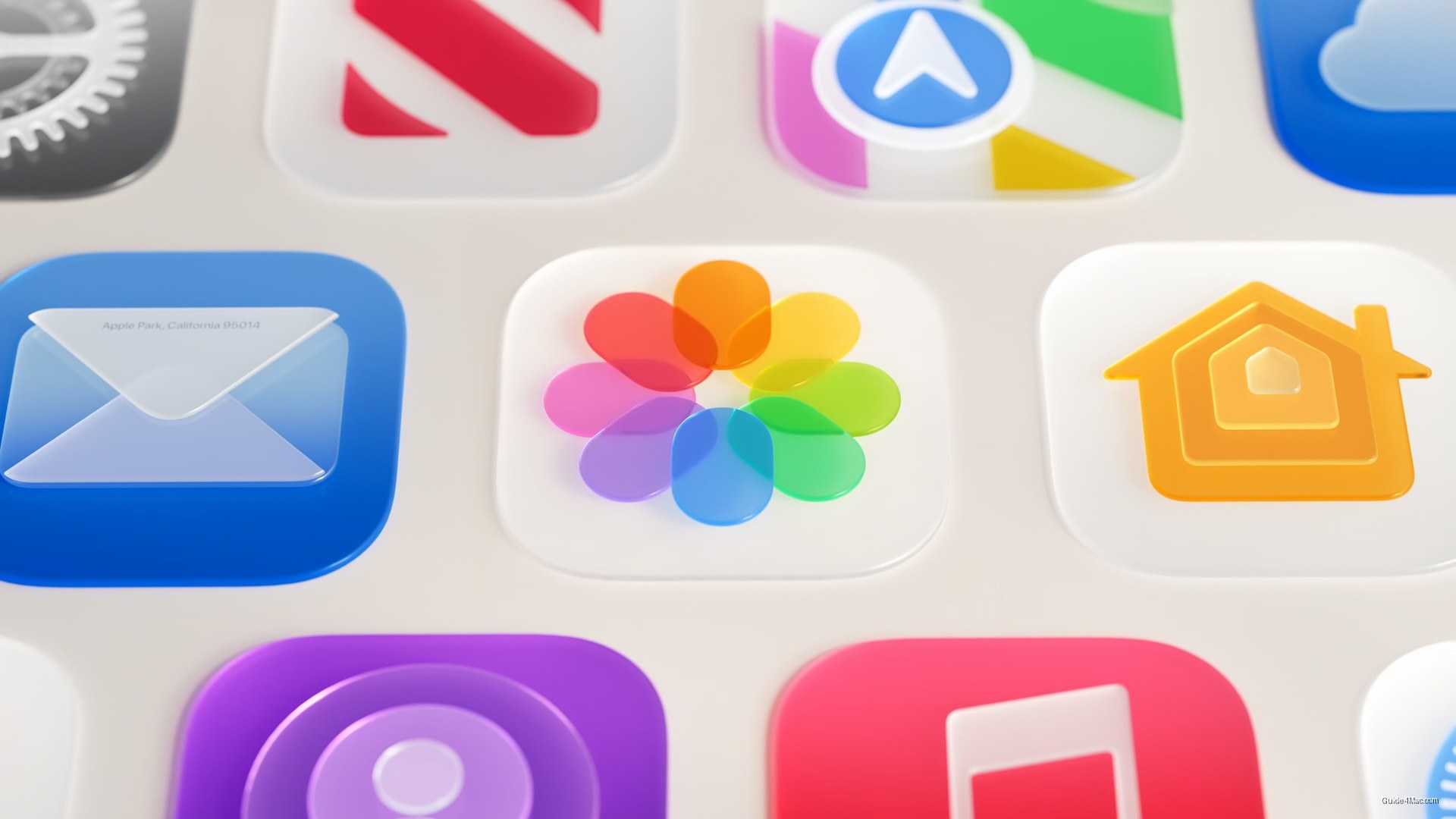
- Apple adjusted Liquid Glass diffusion, added darkened edges, and brightened highlights for improved readability.
- Icon rendering changes make icons sharper with optional refraction effects and multi-layer support.
- Floating toolbar treatment now applies automatically to scrolling content across iOS and macOS.
Apple’s most visible concession in iOS 27 is a transparency slider that lets users dial Liquid Glass anywhere from nearly invisible to fully tinted, replacing last year’s binary reduce-transparency toggle with something far more granular. That single control acknowledges, without saying so directly, that the original rollout landed harder than Apple expected.
The underlying material has also been retuned. Apple adjusted how Liquid Glass diffuses content behind it, added a darkened edge for separation, and introduced brighter specular highlights. If you spent time in iOS 26 squinting at text floating over a busy wallpaper, these are the changes aimed at you. Most of them apply automatically to existing apps running on iOS 27 without a recompile.
The icon rendering changes are less discussed but worth understanding. Apple says icons will appear sharper and more defined, with optional refraction effects developers can apply selectively. Icon Composer now supports multi-layer Liquid Glass icons and includes an interactive preview showing how a designed icon renders on older OS versions, which is a practical acknowledgment that iOS 26 and iOS 27 will coexist on devices for years.
Toolbar and Sidebar Behavior
Scrolling content under floating bars gets a uniform toolbar treatment that kicks in automatically for standard implementations, with scroll edge effect APIs available for finer control. On macOS 27 Golden Gate, sidebar refinements and window corner radius updates follow a similar pattern of quiet correction.
The opacity slider on macOS tells the same story as the iOS transparency control: Apple is retreating on intensity while framing each step as a feature addition. For users who want to reduce these effects further, the accessibility path still exists and Liquid Glass continues to respond to both Reduce Transparency and Increase Contrast settings.
The net result is a design language that looks more like what Apple probably intended in the first place, arrived at one feedback cycle later than ideal.




0 Comments