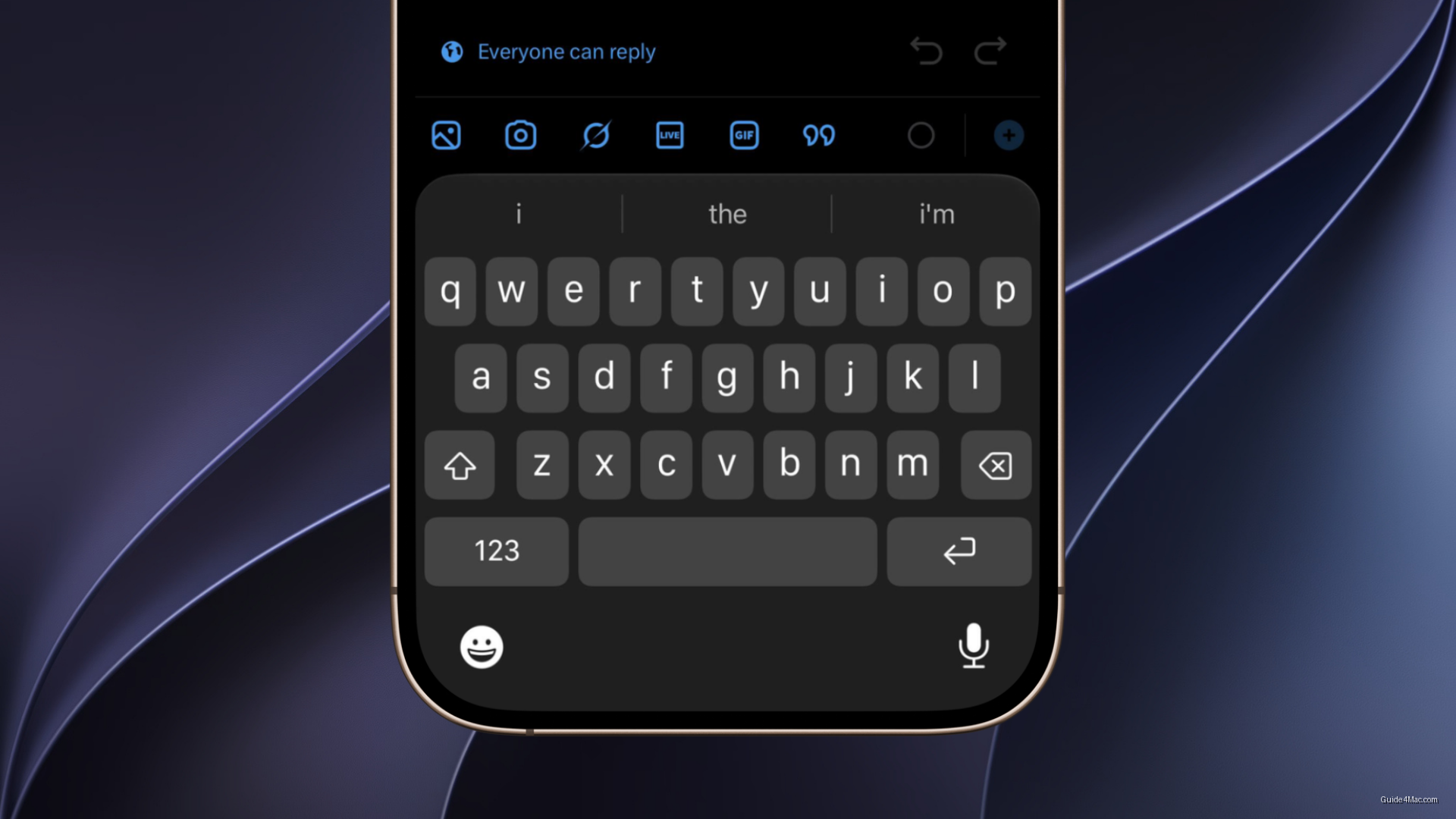
IOS 27 Forces Third-Party Apps Into Apple’s Liquid Glass Keyboard Design
What You Need to Know
- IOS 27 enforces Apple’s Liquid Glass keyboard design across all apps, removing third-party styling options.
- Developers can no longer opt out of the translucent keyboard aesthetic, reducing control over in-app experience.
- New system-level setting lets users adjust Liquid Glass transparency intensity to improve readability in bright environments.
- Users can still disable Liquid Glass entirely through accessibility settings for maximum customization.
The keyboard is one of the most-used surfaces on an iPhone, and Apple has historically let third-party apps maintain their own keyboard styling. iOS 27 ends that arrangement. The Liquid Glass keyboard now renders consistently across both Apple and third-party apps, pulling every typing surface into the same translucent, layered aesthetic Apple introduced with iOS 26.
The practical effect is that apps like WhatsApp on iOS no longer get to opt out visually. Whether a developer has updated their app or not, the keyboard follows Apple’s current design direction. That is a quiet but real shift in how much control developers retain over their in-app experience.
Transparency Controls Added in iOS 27
Apple paired the keyboard change with a new system-level setting: users can now adjust the intensity of Liquid Glass effects across the entire interface. This matters because the translucency effects have drawn complaints from users who find layered transparency harder to read, particularly in bright or busy environments. The control gives Apple a way to push the design universally while softening the backlash from accessibility-minded users.
For anyone who wants to go further, turning off Liquid Glass on iPhone entirely is still possible through accessibility settings, though the new iOS 27 intensity slider gives more granular middle ground than a simple toggle.
The keyboard consistency push fits a pattern Apple has followed with major design overhauls. When it wants a new visual language to feel native rather than optional, it starts enforcing it at the component level, keyboards, toolbars, system panels, before developers have much say. Liquid Glass is following the same playbook that rounded corners and SF Symbols did before it.
Whether third-party developers welcome the uniformity or resent losing visual differentiation is a separate question. For now, Apple is treating consistency as the default, and the keyboard is where that decision becomes most visible to everyday users.




0 Comments