Mac AI Tools Shift Focus From Model Quality to Workflow Speed
What You Need to Know
- AI creative workflows lose productivity through tool-switching between separate services for generation, editing, and conversion.
- Tools gaining adoption reduce context-switching by connecting discrete tasks on shared canvases with direct output flow.
- Reusable workflow templates allow users to save and rerun production pipelines, amortizing setup costs across multiple uses.
- Multi-model access in single interfaces reduces subscription fragmentation compared to maintaining separate platform commitments.
The loudest conversation about AI creative tools focuses on model quality: which image generator wins a side-by-side, which video model handles motion best. The more practical problem, the one that actually slows down daily work, is operational overhead.
A typical AI-assisted session can involve generating an image in one tool, downloading it, uploading it elsewhere for background removal, switching to another service for a video pass, and losing track of which version came from which prompt. That kind of tool-hopping breaks the focused state creative work depends on. The Mac platform, which has always rewarded deep single-environment concentration, makes this friction feel especially disruptive.
What’s Actually Shifting
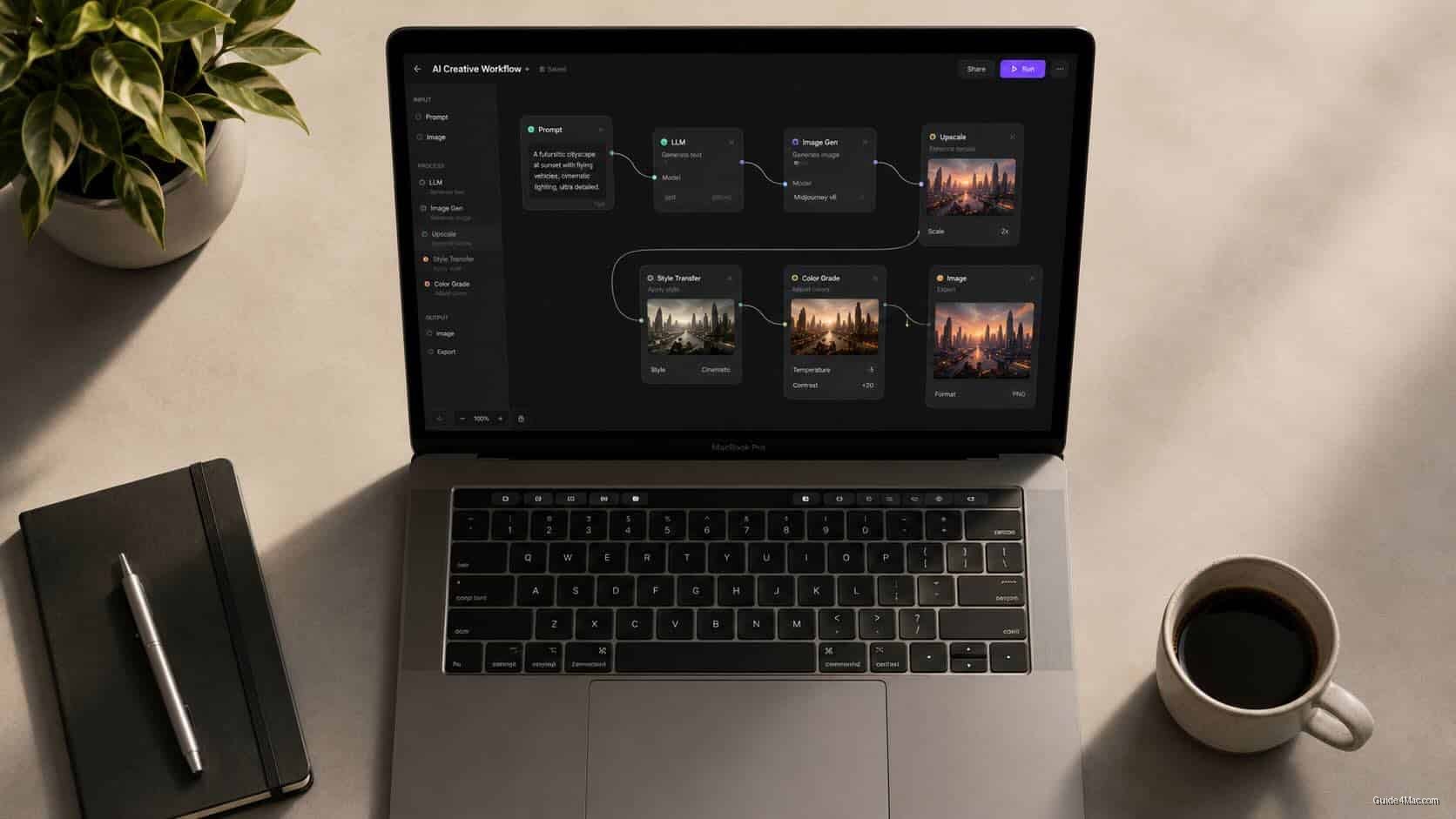
The tools gaining traction aren’t always the ones running the strongest models. They’re the ones that reduce context-switching, by connecting discrete tasks (image generation, background removal, video conversion) on a shared canvas where outputs flow directly from one step to the next. Multi-model access matters here too: rather than holding separate subscriptions across complex multi-step pipelines for different services, users increasingly want one interface where the model is a tool choice rather than a platform commitment.
Reusable workflow templates extend that logic further. Once a pipeline is built, say a product photo into a short video sequence, it can be saved and rerun with new inputs. The setup cost is paid once, which matters most to anyone managing a regular production cycle. Mac and iPad pricing pressure tied to AI infrastructure makes the case for tools that consolidate subscriptions rather than multiply them.
What AI actually changes in creative work isn’t the final output. It’s who can generate a first draft, and how fast. A solo designer can now run product photography variations and motion concepts in a single session that previously required a photographer, a video editor, and several rounds of back-and-forth. The creative direction still comes from the person; the labor-intensive middle steps increasingly don’t.
The honest version of this story is that most professionals are still figuring out where these tools fit. What has dropped is the cost of experimenting. Trying a visual direction or running a quick motion test no longer requires a redesigned platform commitment or a rebuilt workflow from scratch, which is exactly the kind of low-friction entry point that tends to change habits quietly, over time.




0 Comments