MacOS 27 Siri Can Now See Your Screen and Search Your Files
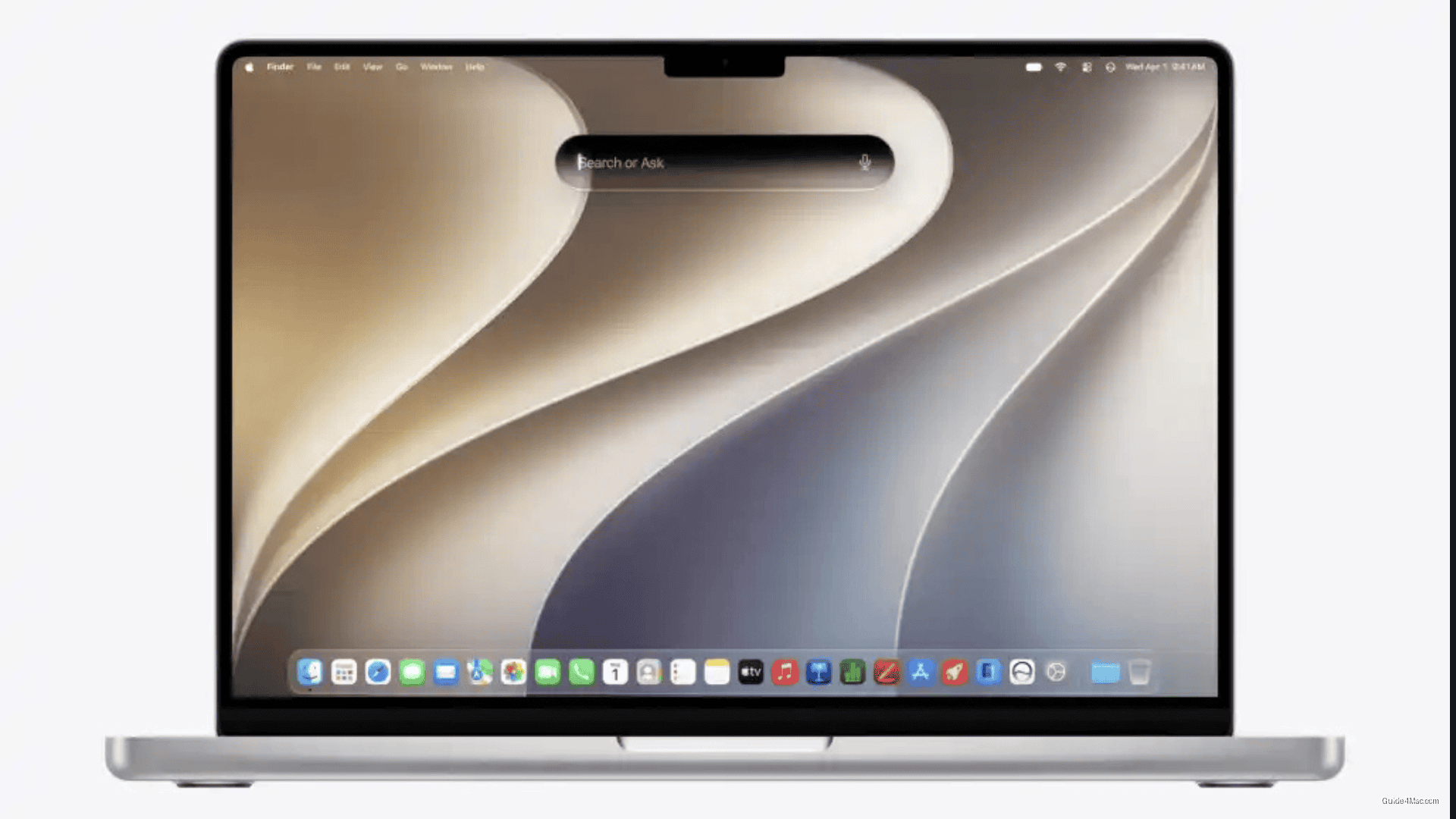
What You Need to Know
- Siri rebuilt from ground up with conversational ability and personal data search across Mail, Messages, Notes, Photos.
- Visual Intelligence on Mac allows Siri to examine screen content and answer questions without user description.
- Liquid Glass design received feedback prompting reduced transparency and user controls to dial back glass effect.
- MacOS 27 Golden Gate public beta now available through Apple’s beta program after three developer betas.
The public beta of macOS 27 Golden Gate arrives with a Siri that has been rebuilt from the ground up, not just updated. After three developer betas, Apple has opened the release to anyone willing to register through its beta program, and the headline feature is not the visual redesign or the improved Spotlight. It is a version of Siri that can hold a conversation, search your personal data across Mail, Messages, Notes, and Photos, and examine whatever is on your screen to answer questions about it.
That last capability, Visual Intelligence on Mac, is the angle the feature list buries. Most Siri upgrades over the years have expanded what the assistant knows about the world. This one expands what it can see on your specific machine, in real time, without you describing the content first.
A Design System Under Revision, Not Just Unveiled
The Liquid Glass design introduced with this generation of Apple software has already drawn enough feedback to prompt visible changes by the third developer beta. The public beta ships with reduced transparency, more depth between interface layers to clarify which window is active, and a new slider that lets users dial back the glass effect themselves. Sidebars now extend to window edges rather than floating as panels, and toolbar layouts are more consistent across apps.
That Apple is shipping transparency controls at all is telling. The original Aqua interface that defined Mac OS X in 2001 also leaned on translucency as a design statement, and Apple spent years quietly dialing it back before adding a dedicated Reduce Transparency accessibility setting in OS X Mavericks. The pattern here is familiar: introduce a visual effect, absorb the reaction, and give users an escape valve.
What the Siri Rebuild Actually Requires
The new Siri experience is not available to every user who installs the beta. Apple has been managing a waitlist for the new Siri AI features, and device eligibility matters. If your Mac does not meet the threshold, enrolling in the beta gets you the design changes and Spotlight improvements, but not the conversational Siri or personal context searches.
The dedicated Siri app is new territory for macOS. Previously, Siri on Mac existed as a menu bar item and a keyboard shortcut, with no persistent conversation history. The new app stores past sessions and lets users continue them, which is a structural change in how the assistant is positioned, closer to a tool you return to than a quick query interface you dismiss.
Details in the third developer beta also revealed that some Apple Intelligence features tied to the Home app carry iCloud storage requirements, a sign that Apple is attaching subscription context to parts of its AI rollout. That pattern is worth keeping in mind as the full feature set becomes clearer at release.
What to Do Before Installing
Apple’s own guidance applies here: back up your Mac first, and treat this as software for a secondary machine or a separate partition. The public betas of iOS 27 and macOS Golden Gate arrived in close sequence, and early impressions from the iOS side suggest reasonable stability for beta software. That does not mean macOS 27 is safe for a primary work machine. Battery drain and compatibility issues are expected, and some third-party apps will not behave correctly until their developers update them.
To enroll, sign in at the Apple Beta Software Program site with your Apple Account, register your Mac, then go to System Settings, General, Software Update, and select the Golden Gate public beta from the Beta Updates menu. The installation takes time and involves multiple restarts. If something goes wrong after installing, a backup made before you started is the only clean path back.




0 Comments