IOS 27 Limits Siri Voice Control to iPhone 17 Pro Models
What You Need to Know
- Siri voice customization limited to iPhone 17 Pro and iPhone Air due to on-device processing requirements.
- Live Recognition uses camera and on-device intelligence to detect, describe, and answer questions about surroundings.
- Control Center now displays cellular signal strength and network type simultaneously with Wi-Fi connection.
- AirPods Adaptive setting adds slider control between transparency and noise cancellation instead of binary toggle.
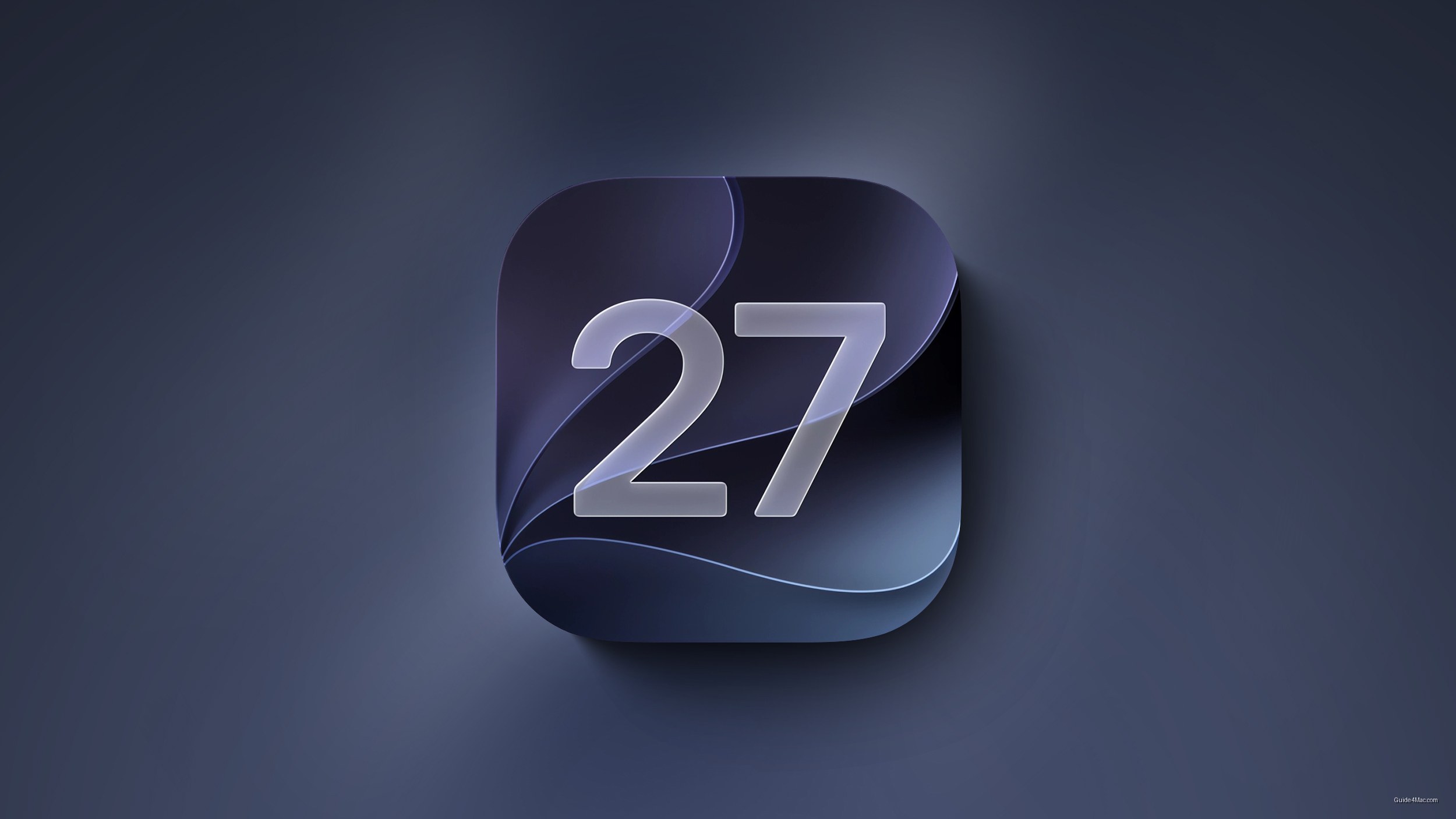
The wallpaper animation in iOS 27 beta 3 is the kind of detail Apple fans will screenshot and share, but the more consequential additions in this build are the ones that quietly raise the hardware bar. Siri voice customization, which lets users adjust the pace and expressivity of Siri’s responses across two base voice options, is limited to iPhone 17 Pro and iPhone Air because it depends on on-device processing. That requirement will leave a lot of current devices out.
Live Recognition is the other feature worth watching closely. Tucked inside Accessibility settings, it uses the camera and on-device intelligence to detect and describe what’s in front of you, answer questions about what it sees, and support custom activities with a configurable default question. Apple has been building toward this kind of ambient visual awareness for a while, and this is the most direct implementation yet.
A few smaller additions fill real gaps
Several other changes in beta 3 address things that should have existed sooner. The Control Center now shows cellular signal strength and network type (LTE or 5G) even when the device is on Wi-Fi. The AirPods Adaptive setting gains a slider between transparency and noise cancellation, replacing what was previously a binary choice.
The Photos app adds a Show Rating Controls toggle that surfaces star ratings and rating badges on thumbnails, and Shortcuts gets a choice between the AI-assisted Describe a Shortcut interface and the manual editor when starting a new shortcut. Both are small but genuinely useful. The beta 3 pattern here mirrors what Apple has done in prior OS cycles: use the third beta to activate features that were present but dormant in earlier builds.
One disclosure stands out among the Home app changes. Apple clarified that Apple Intelligence features inside the Home app will require a 2GB iCloud+ plan, which is the first time a specific subscription tier has been tied directly to an Intelligence feature in this way.


0 Comments