How to Login to Gmail on MacBook? (2026 Screenshots)
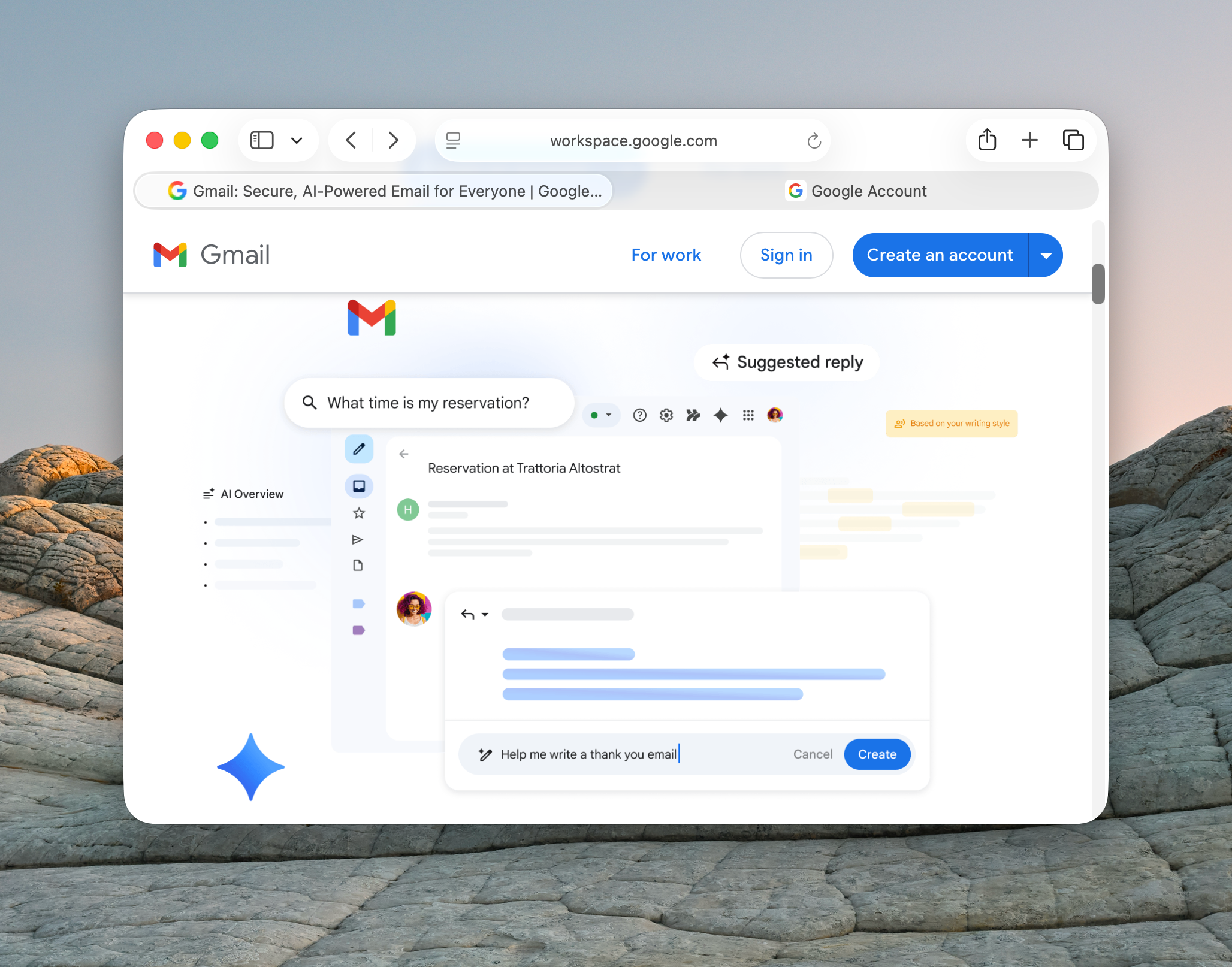
Logging into Gmail on a MacBook is quick once you know the right method (wink-wink). Whether you prefer using a browser like Safari or syncing your account with the Apple Mail app, macOS makes it easy to access your emails anytime. We will walk you through the easiest ways to sign in and fix common issues if something doesn’t work.
What Are The Best Ways to Login to Gmail on MacBook?
1. Login to Gmail on MacBook Using a Browser
Time needed: 2 minutes
This is the fastest and easiest way to access Gmail on your MacBook without any setup. You simply sign in through a web browser like Safari or Chrome.
- Open a Web Browser
Launch Safari (default on Mac) or any browser like Chrome from your Dock or Applications folder.
- Go to Gmail Website
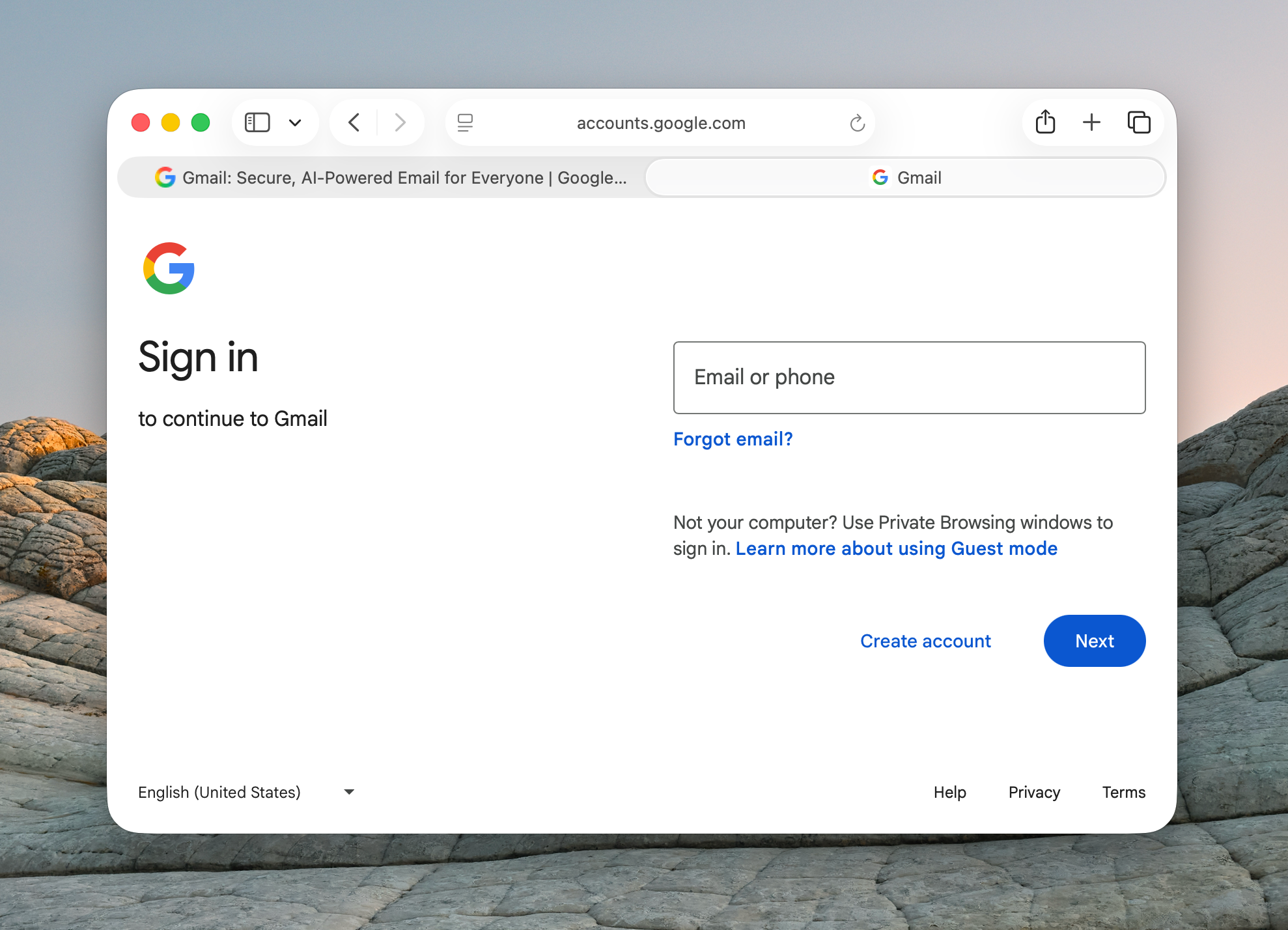
Type mail.google.com in the address bar and press Enter to open the Gmail login page.
- Enter Your Email Address
Input your Gmail address and click “Next” to proceed.
- Enter Your Password
Type your password carefully, then click “Next” again.
- Complete Verification (If Needed)
If you have two-factor authentication enabled, confirm your identity using your phone or backup method.
- Access Your Inbox
Once logged in, your Gmail inbox will load, and you can start reading or sending emails.
2. Login Using Apple Mail App (macOS Built-in)
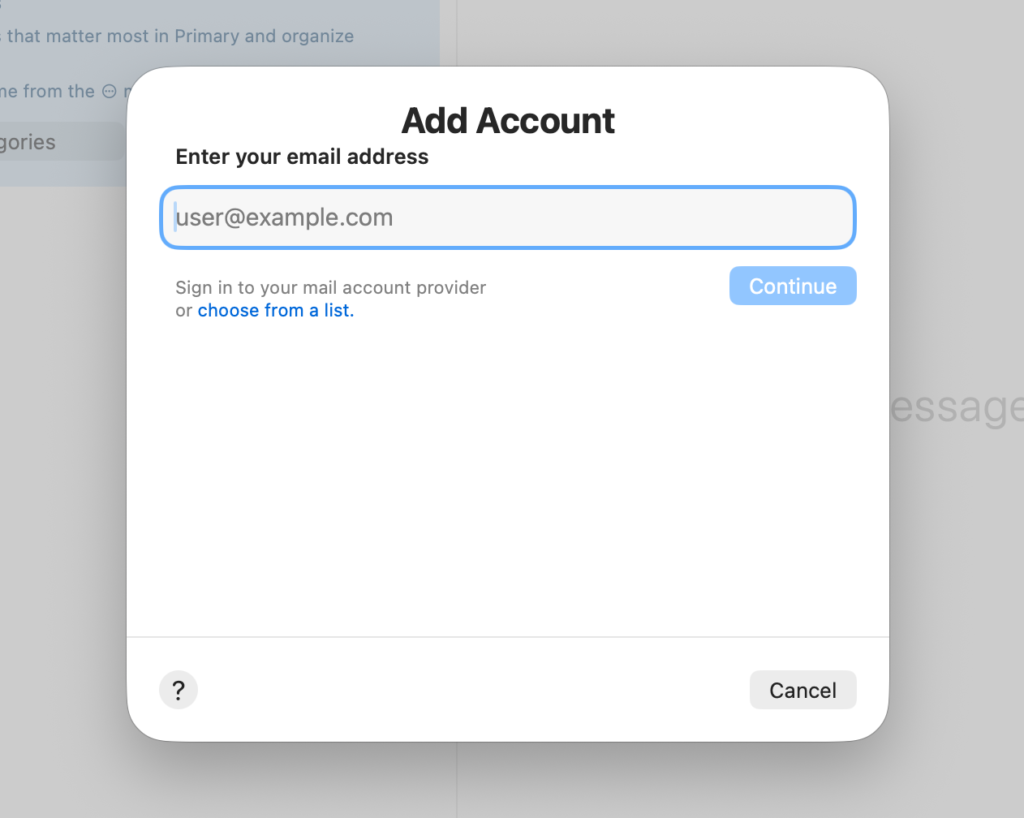
If you prefer managing all emails in one place, you can add Gmail to Apple Mail.
- Open the Mail app on your Mac
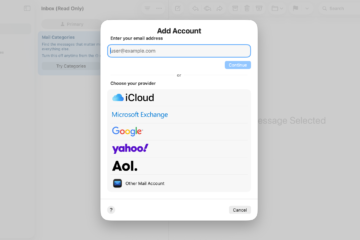
- Click Mail > Add Account
- Choose Google
- Sign in with your Gmail credentials
- Allow permissions to sync Mail, Contacts, and Calendar
This method is ideal if you also want Gmail integrated with your system apps.
If you ever run into syncing problems later, learning how to fix Apple Mail not syncing with Gmail can help.
3. Sync Gmail via macOS System Settings
Another way is to add your Google account directly to macOS:
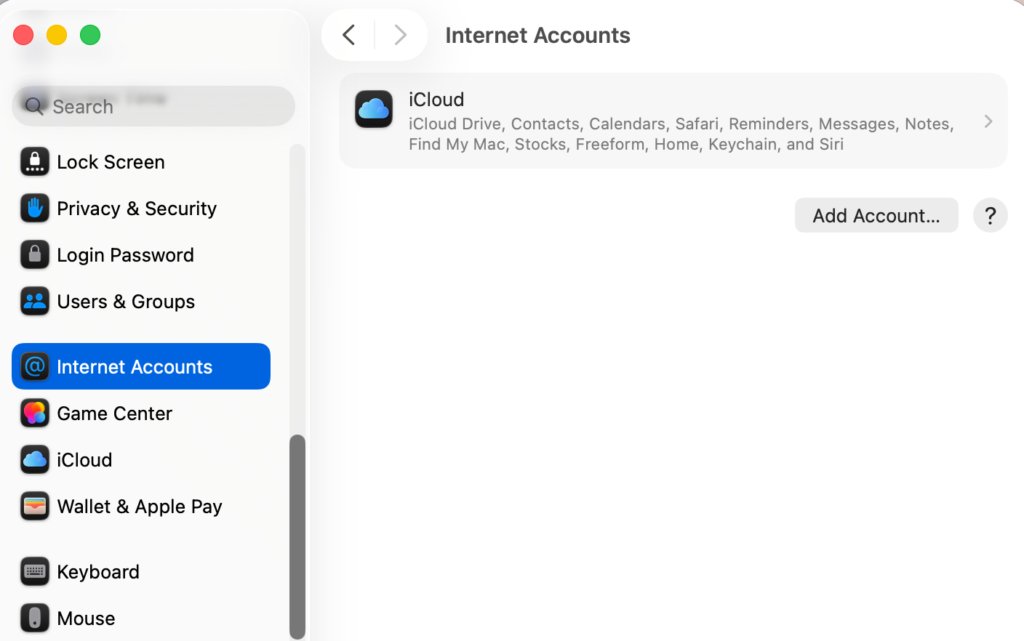
- Open System Settings.
- Go to Internet Accounts.
- Click Add Account.
- Sign in and select what to sync (Mail, Contacts, Calendar)
This ensures your Gmail works across all Apple apps automatically.
4. Alternative Method: Use Gmail on Multiple Devices
If you also use other Apple devices, you can keep your account synced everywhere.
- You can easily access your inbox by logging into Gmail on iPhone or follow similar steps if you want to log into Gmail on iPad.
- To manage multiple accounts efficiently on macOS, it’s worth understanding how to add an email account to your MacBook.
- For better account security, it’s also important to know how to change your email password on iPhone.
And if you ever get signed out or face account issues, you will need to learn how to sign in into your Apple account properly so you could save your time in the future.
Common Problems When Logging Into Gmail on MacBook
Users often face these issues:
- Incorrect password errors
- Gmail not loading in Safari
- Apple Mail not syncing emails
- Google blocking suspicious login attempts
- Two-factor authentication delays
Fixes and Troubleshooting
Here’s how to solve the most common problems:
- Check your password: Make sure it’s correct or reset it if needed
- Clear browser cache: Helps fix loading issues in Safari or Chrome
- Update macOS: Ensures compatibility with Google services
- Re-add Gmail account: Remove and add it again in Mail settings
- Disable VPN temporarily: Sometimes Gmail blocks unusual locations
Helpful Tips for Using Gmail on MacBook
- Bookmark Gmail in Safari for one-click access
- Use keyboard shortcuts for faster email management
- Enable notifications in Apple Mail
- Add multiple Gmail accounts for work and personal use
- Sync contacts and calendar for better productivity
FAQs?
Open a browser, go to Gmail, and enter your email and password. Alternatively, add your account to Apple Mail.
Yes, macOS supports Gmail integration through the Mail app and Internet Accounts settings.
This could be due to incorrect credentials, browser issues, or Google blocking the login attempt.
Yes, Gmail works perfectly on Safari and other browsers like Chrome.
You can add multiple accounts through Apple Mail or log into different accounts directly in your browser.
No, you can use Gmail via a browser, but Apple Mail offers a more integrated experience.

0 Comments