How to Get a Student Discount on MacBook (Save More the Smart Way)
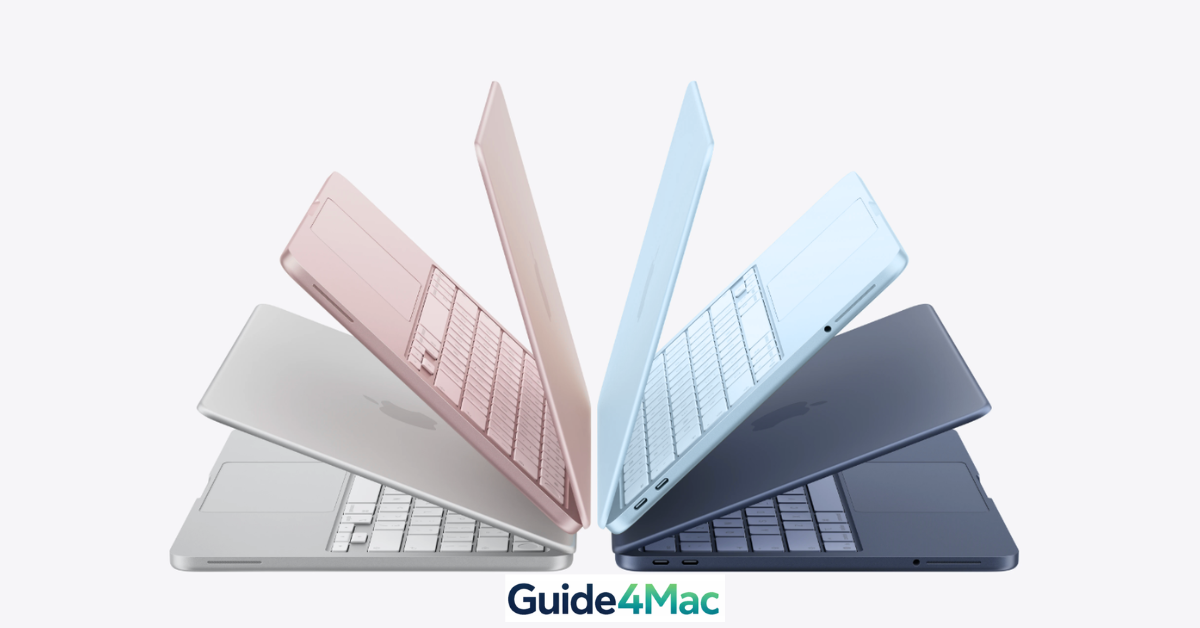
Buying a MacBook as a student isn’t cheap—but here’s the part most people miss: Apple quietly offers one of the most consistent student discount programs in tech. According to industry data, students can save up to €200 on a MacBook, and during seasonal promos, Apple often adds free gift cards worth €100–€150 on top.
Even more interesting? Many eligible users never claim the discount simply because they don’t know where to look—or they shop from the regular Apple Store instead of the Education Store.
This guide shows you exactly how to unlock that discount in minutes, plus a few lesser-known ways to save even more.
Yoast How-To: Get Student Discount on MacBook
Total Time: 5–10 minutes
Time needed: 10 minutes
This method walks you through accessing Apple’s Education Store, verifying eligibility, and purchasing a discounted MacBook using your iPhone, iPad, or Mac.
- Open Apple Education Store
Open Safari and go to the Apple Education Store.
This is important—the regular Apple website will NOT show discounted pricing.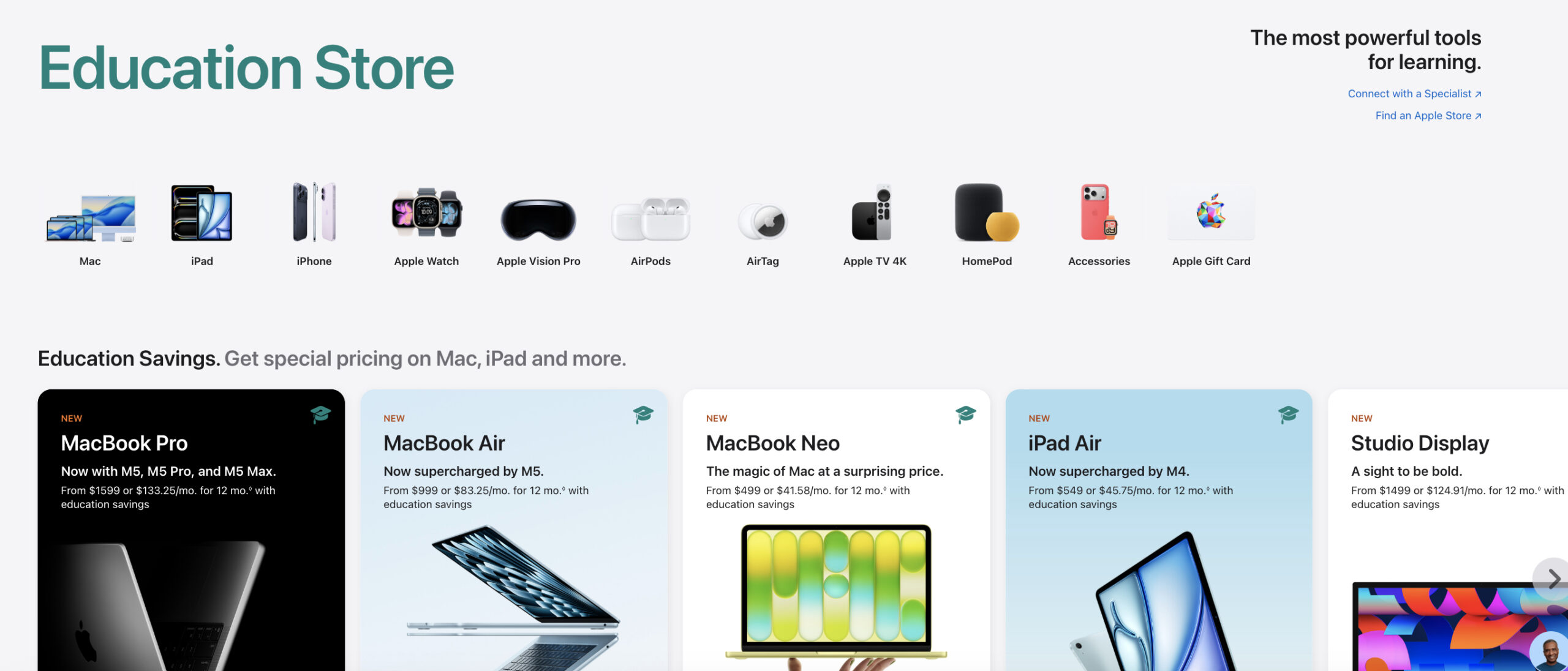
- Choose Your MacBook
Browse available models like MacBook Neo or MacBook Pro.
NOTE: Prices here are already reduced compared to the standard store. - Verify Your Student Status
Enter your student details or verify through Apple’s partner system (like UNiDAYS, depending on your country).
Verification usually takes less than a minute. - Add to Bag
Click Add to Bag, then review your configuration (storage, RAM, etc.).
Make sure everything is correct before checkout. - Sign In and Complete Purchase
Log in with your Apple ID and complete payment.
Who Actually Qualifies for Apple Student Discounts?
- University or college students (including newly accepted students)
- Teachers and education staff
- Parents buying for students (in many regions)
- Some homeschool educators (depending on country rules)

Fun Fact: Apple’s education pricing is available in over 30+ countries, but verification rules change depending on your location.
Real Savings: What Discount Do You Actually Get?
- MacBook Air: usually €100–€150 cheaper
- MacBook Pro: can reach €200+ savings
- Free gift cards during Back to School (often €100–€150)
During Apple’s Back to School campaign, many students effectively reduce their MacBook cost by 10–15% total value when combining discounts + gift cards.
Alternative Ways to Save on a MacBook
- Buy during Back to School promotions for extra perks
- Check Apple’s Refurbished Store for lower prices
- Look at authorized resellers offering education pricing
- Compare older MacBook models for better value
Common Problems When Getting Student Discounts
- No discount visible → You’re not using the Education Store
- Verification failed → Incorrect or missing student info
- Prices look the same → Page not refreshed or wrong region
- Offer not available → Some deals are seasonal
Fix Student Discount Not Working
- Open the Apple Education Store instead of the standard store
- Refresh the page or restart Safari
- Verify your student status again
- Go to Settings > Apple ID, sign out, then sign back in
If login or email problems are blocking verification, try changing your password.
Tips to Maximize Your Student Savings
- Always compare Education vs Regular Apple Store prices
- Wait for Back to School deals if timing allows
- Don’t overspend on upgrades you don’t need
- Use Mac for long-term value (MacBooks last 5+ years on average)
- Combine discount with Apple gift card promotions
Fun Fact: MacBooks retain some of the highest resale value among laptops—often 50–60% after 3 years, making the student discount even more valuable long-term.
FAQs (People Also Ask)
No. As long as you are enrolled in at least one course at an accredited higher education institution, you are eligible for the discount.
Yes. Apple limits education purchases to one laptop per academic year to prevent unauthorized reselling of discounted hardware.
Absolutely. Whether you upgrade the RAM or storage on your MacBook Neo, the education discount applies to the total cost of the machine, including the upgrades.
Final Note
Apple’s student discount is one of the easiest ways to save on a MacBook—but only if you access the right store and verify your eligibility correctly. Combine it with seasonal promotions, and you’re not just saving money—you’re getting significantly more value for the same device.

0 Comments