Apple TV Remote Returns to Home Screen in iOS 27 After Five Years
What You Need to Know
- Apple TV Remote restored as standalone iOS 27 app icon after five years in Control Center.
- Users can now pin Remote app directly to Home screen instead of accessing through Control Center.
- IOS 27 includes broader visual redesign with Liquid Glass interface across the system.
- Remote app search and installation available directly from iPhone or iPad search bar.
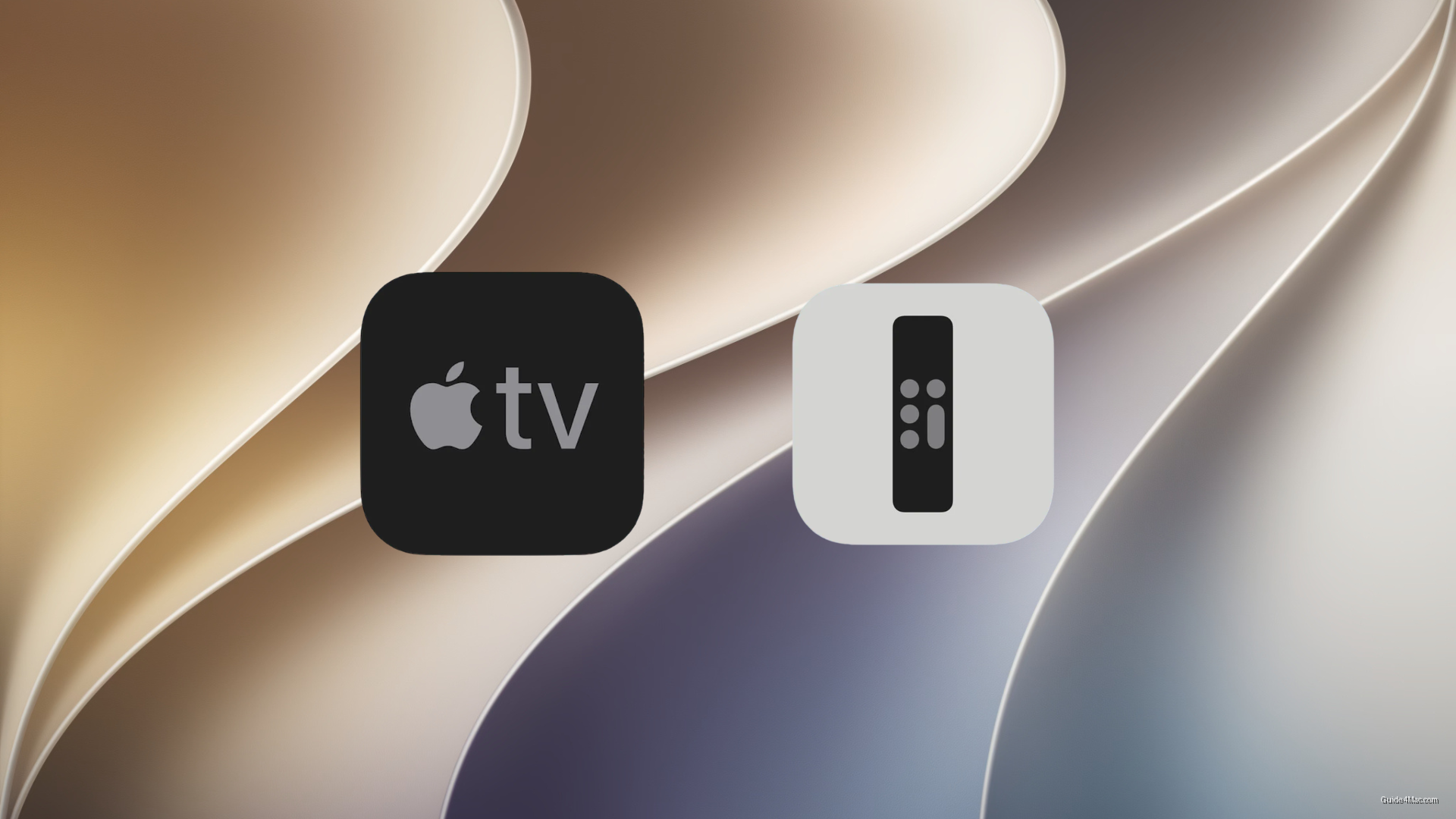
Apple quietly restored the Apple TV Remote as a standalone app icon in iOS 27, letting users pin it directly to their Home screen for the first time in five years.
The remote originally lived in the App Store as its own app before Apple folded it into Control Center around 2020. Since then, reaching it required a swipe and a tap through Control Center, or building a Shortcut workaround that most users never bothered with. Restoring a tappable icon is a small concession to the reality that Control Center is not where people instinctively look when their physical remote has slipped between the couch cushions.
The practical setup is straightforward. Search for “Remote” on your iPhone or iPad, then drag the icon to wherever you want it on the Home screen. The same search bar you would use to find something like the Delta Emulator surfaces the Remote app just as cleanly, no App Library archaeology required.
A Small Piece of a Larger iOS 27 Redesign
iOS 27 arrives with considerably more visual change underneath it, including the Liquid Glass interface that reworks how surfaces and controls look across the system. The Remote app restoration is easy to miss against that backdrop, but for anyone who regularly uses an Apple TV without a physical remote nearby, the friction reduction is real.
If the Remote app ever stops responding to touch or behaves erratically after the update, a quick delete and reinstall usually clears it. The same logic applies if your physical Siri Remote starts acting up, where a full remote reset takes about a minute and resolves most pairing issues.
The developer beta is live now, with public betas expected in July and the full release coming this fall.




0 Comments