Home App Now Manages Apple TV Updates Remotely in iOS 27
What You Need to Know
- Apple TV now supports remote software updates via Home app without powering on first.
- Apple TV joins HomePod in Home app Updates section, standardizing tvOS device management.
- Update signals preparation for upcoming dedicated home hub device running tvOS later this year.
- Apple consolidating living room and smart home product lines under unified tvOS infrastructure.
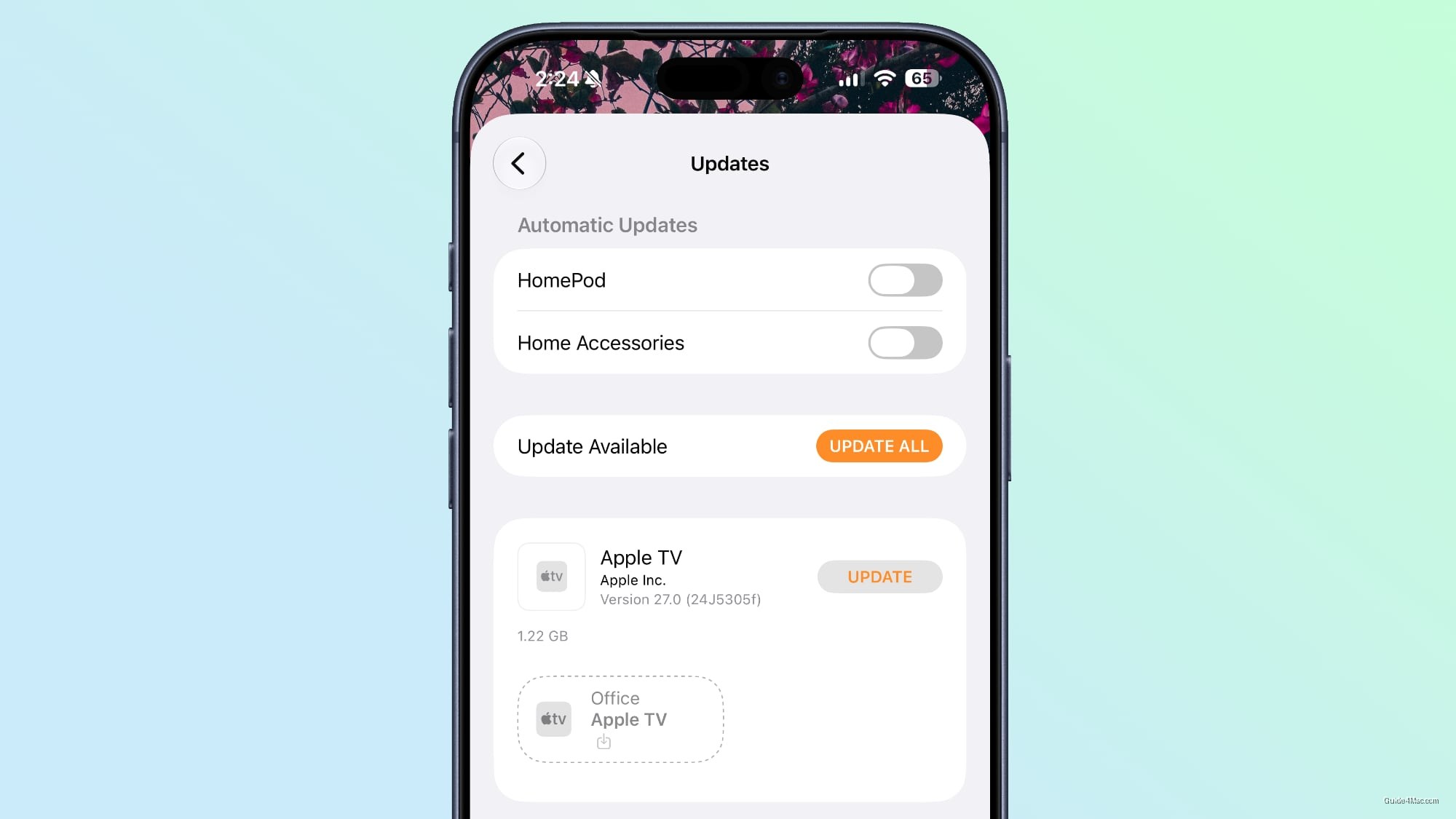
Apple quietly updated the Home app in iOS 27 beta 2 to let users install Apple TV software updates remotely, without powering the device on first. The Apple TV now appears in the Updates section of the Home app’s Settings interface alongside the HomePod and HomePod mini, which have had this capability for years.
That parity matters more as context than as a standalone feature. The HomePod lineup runs a variant of tvOS, and the Apple TV runs tvOS proper, so the underlying logic for treating them the same way in the Home app is straightforward. The more interesting read is what it signals about where Apple is heading with its home hardware strategy.
A Rehearsal for the Home Hub
Apple is expected to release a dedicated home hub device later this year, described as something close to a HomePod-iPad hybrid with a 7-inch square display and built-in speakers. It will run a version of tvOS and handle smart home controls, video calls, weather, and Siri interactions from a fixed spot in the home. Given that Apple is arriving later than competitors to the ambient home AI space, the infrastructure groundwork being laid in iOS 27 looks deliberate.
The Apple TV update change fits that pattern cleanly. If the home hub runs tvOS and lives inside the Home app ecosystem, then normalizing tvOS device management through the Home app now reduces friction when the new device ships. It is less a feature and more a plumbing update.
Apple’s recent moves around Apple TV and Siri suggest the company is consolidating its living room and smart home presence rather than treating them as separate product lines. A small checkbox in a beta Settings menu rarely tells the whole story, but this one points in a consistent direction.




0 Comments