HomeKit Notifications Finally Bundle Multiple Alerts Into One
What You Need to Know
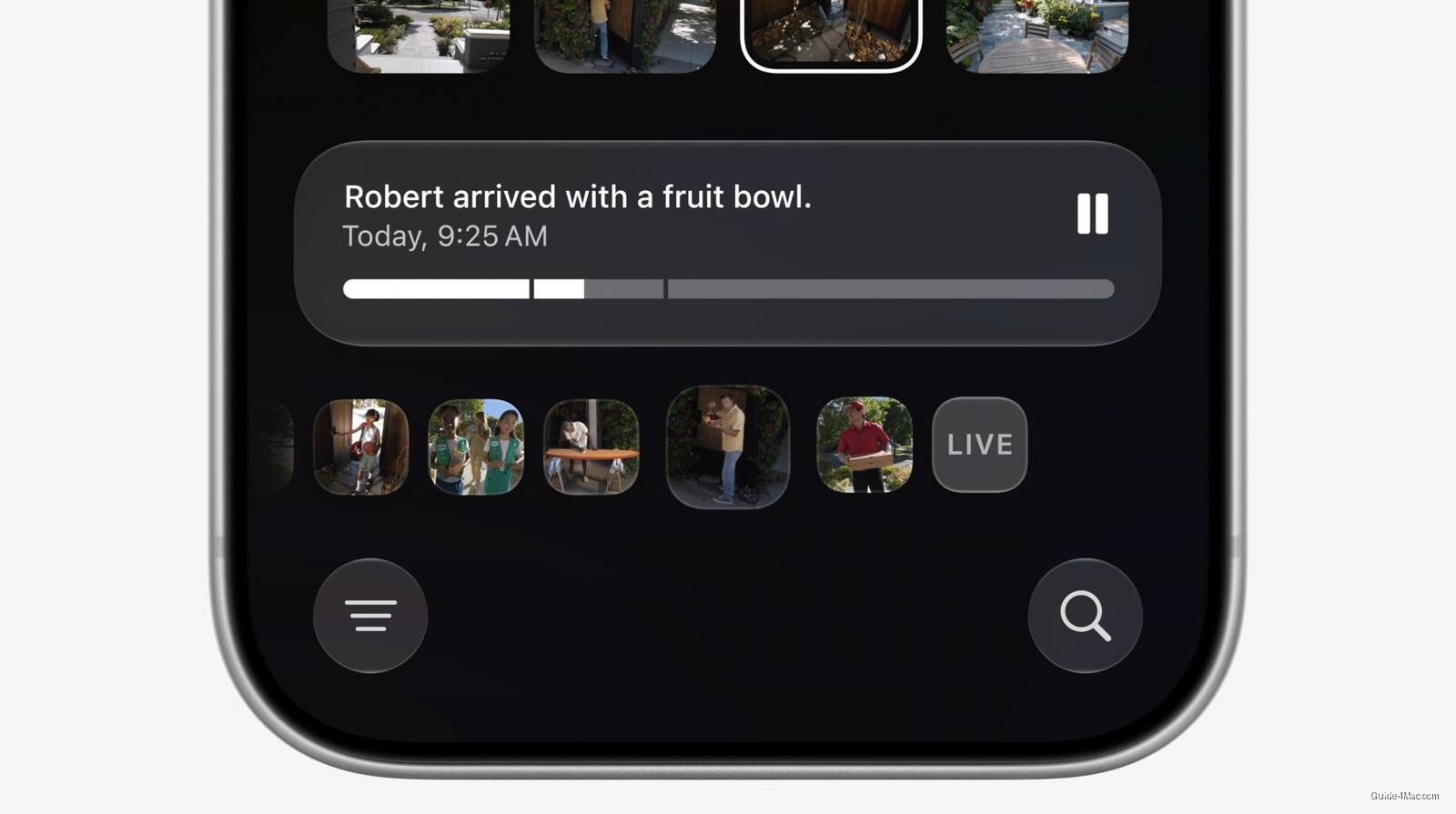
- Apple Intelligence will generate text summaries of HomeKit Secure Video clips for searchable event-based footage.
- Notification bundling groups related HomeKit alerts into single updated notifications instead of multiple separate alerts.
- Both features require Apple Intelligence, limiting availability to iPhone 15 Pro, M-series iPads, and newer Macs.
- HomeKit Secure Video requires compatible cameras and iCloud+ subscription to store and analyze recorded footage.
The genuinely useful part of this announcement is not the AI video descriptions, it is the notification bundling. Anyone with more than a handful of HomeKit accessories knows the current behavior: motion triggers a sensor, the sensor triggers a light, the light triggers a scene, and your phone receives three separate alerts within two seconds. Apple is finally treating those as one event.
The video description feature works on HomeKit Secure Video clips, which already require an iCloud+ subscription to store. Apple Intelligence will analyze recorded footage and generate text summaries, letting users search for specific events like a package delivery without scrubbing through individual clips. The system will also surface what it considers the most relevant clips at the top of the search page.
There is a hardware dependency worth keeping in mind. HomeKit Secure Video has always required compatible cameras, and not every camera on the market qualifies. The feature set here is:
- Text descriptions generated from recorded clips
- Searchable footage by event type
- Multi-camera clip stitching for a single event
- Promoted clips surfaced automatically in Search
The notification change is architecturally different from the video work. Rather than grouping alerts after the fact, the Home app will apparently hold a notification open and update it as an activity continues, which is closer to how Live Activities behave than how standard push notifications work.
What This Requires
Both features depend on Apple Intelligence, which means they are limited to devices running the hardware capable of on-device model inference. That currently means iPhone 15 Pro and newer, plus M-series iPads and Macs. Households running older hardware or using the Home app primarily on an older iPad will not see these features at all.
Apple did not announce a release date beyond the implied connection to a future software update, so the timeline remains tied to whatever the next Apple Intelligence rollout looks like.




0 Comments