IOS 18 App Launches Get 30% Faster, AirDrop Jumps 80%
What You Need to Know
- Apple improved app launch times up to 30 percent and iCloud Photos sync speed by 70 percent.
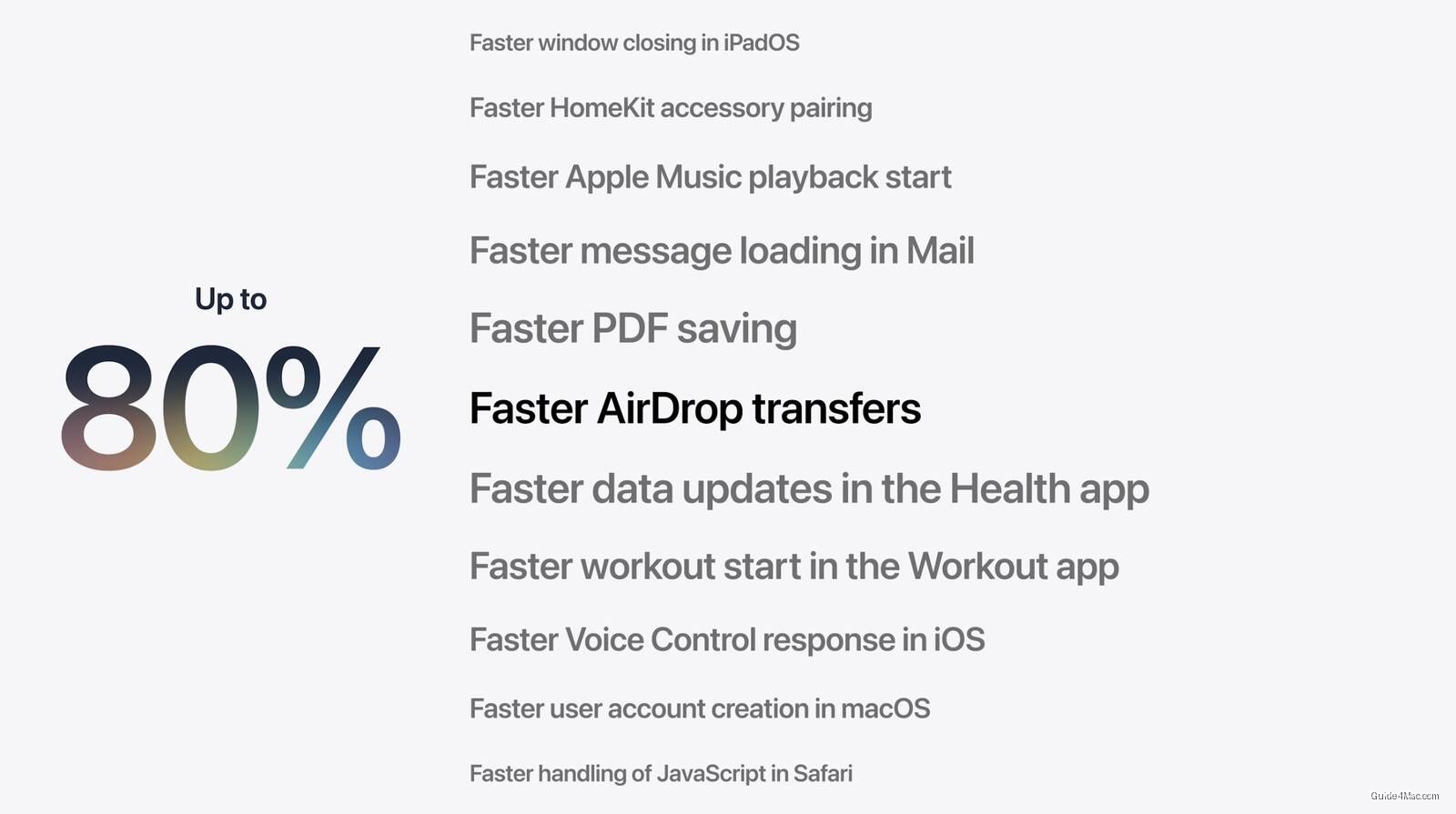
- AirDrop transfers became up to 80 percent faster, addressing years of user frustration with slow file transfers.
- New CPU scheduler manager and network transition improvements optimize battery life and cellular-to-Wi-Fi handoffs without new hardware.
Apple’s headline numbers at WWDC 2026 are not about AI or new hardware. The story is that the company spent engineering cycles making the operating system faster at things it should have already been fast at.
The app launch improvement of up to 30 percent is the kind of gain that users notice immediately and that Apple rarely advertises unless the previous baseline was quietly embarrassing. The iCloud Photos sync speed jumping 70 percent is a more telling admission: that number implies photos were sitting in a queue far longer than most users realized.
The AirDrop and Files app figures are where the list gets interesting:
- AirDrop transfers: up to 80 percent faster
- Files app transfers: up to 50 percent faster
- App launch times: up to 30 percent faster across iPhone and iPad
An 80 percent improvement in AirDrop is not a polish update. That is a structural fix to something that has frustrated users for years, particularly anyone who has watched a large video file crawl between two devices sitting centimeters apart.
Under the Hood
The new CPU scheduler manager is the least flashy announcement and possibly the most consequential. A smarter scheduler affects everything from battery life to thermal behavior, and Apple offering it as a named feature suggests the previous approach was leaving performance on the table in ways that accumulated across daily use.
The network transition improvement, smoothing the handoff between cellular and Wi-Fi, addresses a problem that has produced dropped calls and stalled downloads since LTE became standard. Apple framing it as feeling more “seamless” in its own materials is the company’s way of confirming the old behavior was noticeably rough. None of these changes require new silicon. They are software corrections to problems that existed on hardware Apple already sold millions of.




0 Comments