IOS 27 Ships Celosia Wallpaper Across iPhone, Mac, and CarPlay at Once
What You Need to Know
- Apple unified visual theme Celosia across iPhone, iPad, Mac, and CarPlay simultaneously for first time.
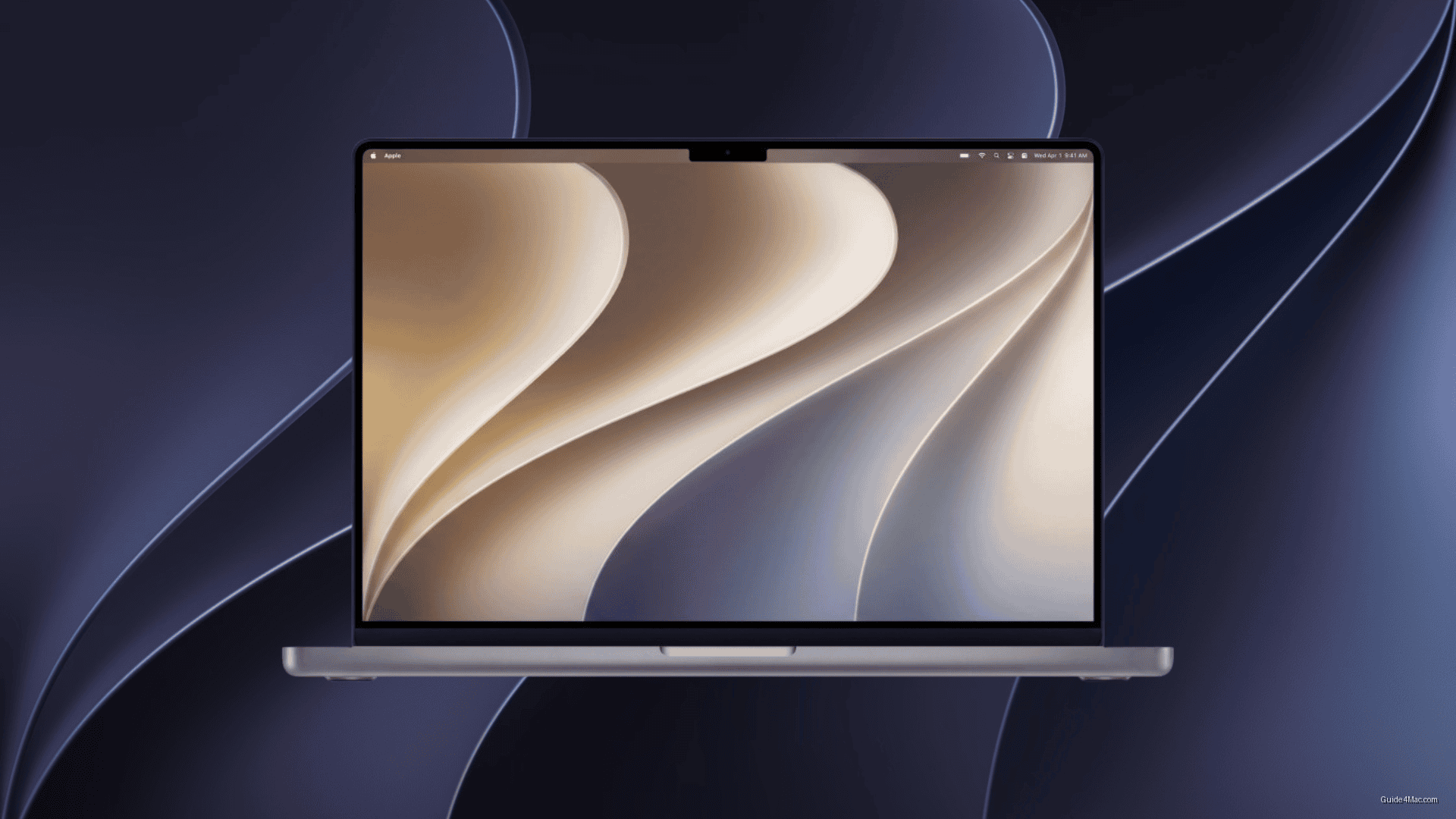
- Celosia design features layered curved shapes with warm gold and purple tones, embedding stylized “27.”
- IOS and iPadOS offer Standard, Dynamic, and Color variants with Light and Dark options.
- CarPlay receives 14 wallpaper customization options, exceeding historical dashboard interface personalization levels.
Apple’s real move with iOS 27 and macOS 27 Golden Gate is not a new wallpaper. It’s the first time the company has built a single visual theme, called Celosia, and shipped it across iPhone, iPad, Mac, and CarPlay simultaneously. That’s a quiet but deliberate shift in how Apple thinks about cross-platform identity.
The design itself uses layered curved shapes that read as flower petals or folded paper, with warm gold and purple tones in Light mode and indigo with silver-blue in Dark mode. Buried in the geometry is a stylized “27,” which ties the artwork directly to this year’s release cycle. Apple has done version-number easter eggs before, but embedding one into the default wallpaper is a more confident statement than usual.
Variants Tell a More Complicated Story
The “unified” framing holds up better in marketing than in practice. The rollout across platforms is more varied than a single shared wallpaper implies: iOS 27 and iPadOS 27 ship with Standard, Dynamic, and Color variants, each with dedicated Light and Dark options for both Home Screen and Lock Screen, while macOS 27 gets a time-shifting dynamic version that changes throughout the day.
CarPlay gets the most unexpected treatment. The first developer beta includes 14 wallpaper options spanning Grey, Purple, Red, Teal, Blue, Brown, Dark Blue, and Green, plus a Hero option in both Light and Dark modes. That level of customization for a dashboard interface is well beyond what CarPlay has historically received.
Users who find the layered translucent aesthetic too busy have a practical option: switching to Dark Mode reduces the brightness of interface layers and makes the Celosia geometry feel considerably less active on screen. Apple’s design choices here are clearly optimized for the Light mode showcase, which is where most press screenshots will land.




0 Comments