IPhone Recording Battery Drain Solved by Clip-On Wearable Recorder
What You Need to Know
- Dedicated wearable recorders like Plaud NotePin S capture audio independently, eliminating iPhone battery drain during long meetings.
- Devices transcribe audio using onboard or cloud AI and automatically sync files to iPhone and Mac without manual transfers.
- Wearable recorders convert raw audio into searchable text and structured summaries that integrate directly with Apple Notes or Reminders.
Professionals who record meetings on their iPhones already know the friction: the app has to stay open, the screen stays on, the battery drains, and the moment you glance down you’ve lost the thread of the conversation. A dedicated wearable recorder sidesteps all of that by moving audio capture off the phone entirely.
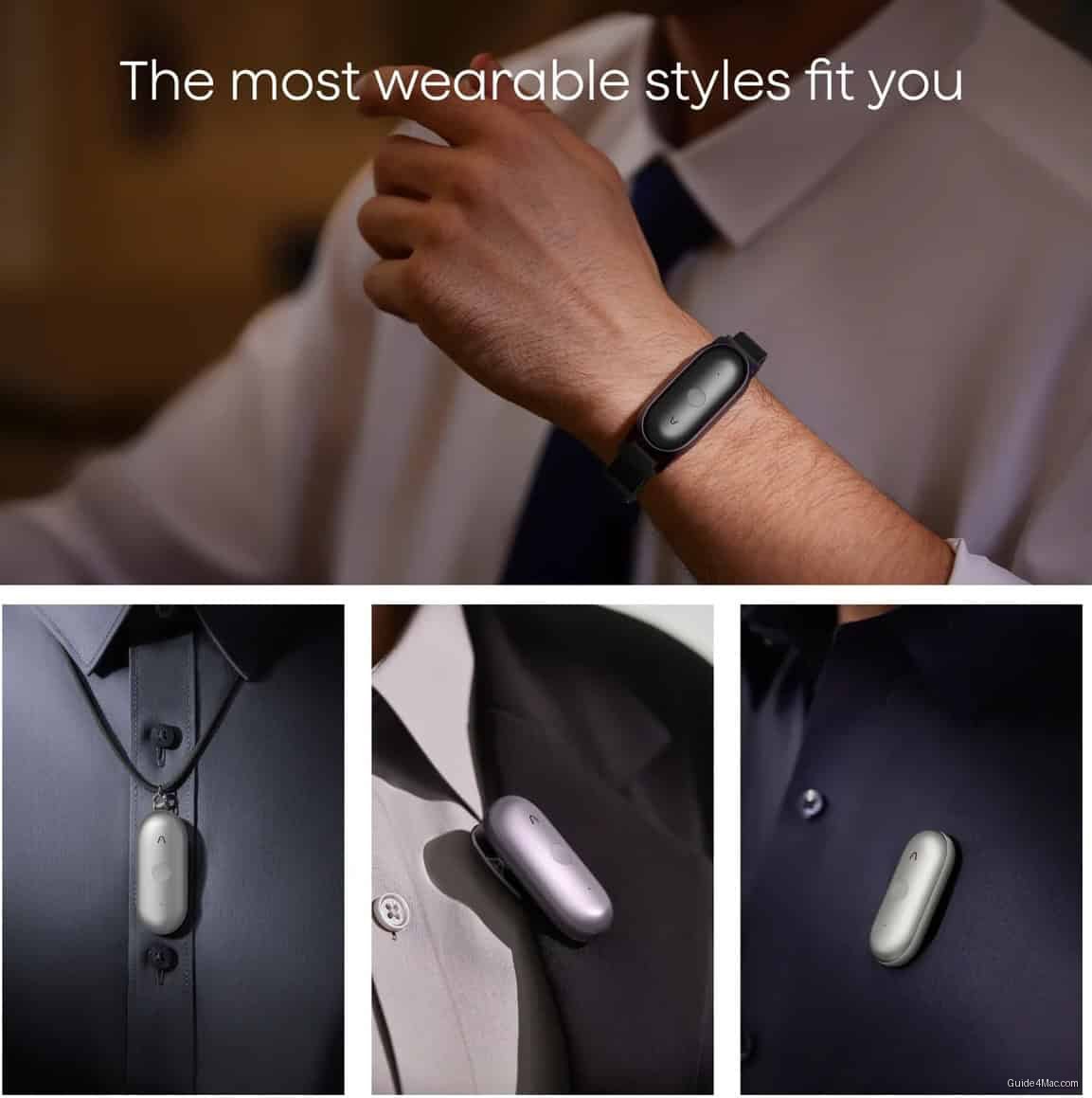
Devices like the Plaud NotePin S are small clip-on recorders that run independently, transcribe audio through onboard or cloud AI, and sync files to iPhone and Mac without manual transfers. The pitch is straightforward: let a single-purpose accessory handle capture so your Apple devices handle everything downstream. For anyone who has watched their iPhone battery collapse during a three-hour client session, the logic is hard to argue with.
What actually changes in practice
The more interesting shift is what happens after the recording. Raw audio that previously sat in a Voice Memos folder, untouched, gets converted into searchable text and structured summaries that can drop directly into Apple Notes or Reminders. That last step, moving from passive capture to usable output, is where most phone-based recording workflows quietly fall apart.
The timing matters because Apple has been steadily repositioning physical controls on the iPhone, and the direction is toward fewer dedicated hardware shortcuts, not more. A third-party wearable filling that gap with a single-purpose button is a reasonable workaround, even if it adds another device to carry.
The practical setup is minimal:
- Pair the recorder with the companion app on iPhone
- Route transcripts to iCloud so they appear across Mac and iPad automatically
- Push summaries into Apple Notes or Reminders for follow-up
The category is still early and the transcription accuracy varies depending on accents, crosstalk, and recording distance. But the core idea, offloading capture to a passive device so your phone stays free, is a real workflow improvement rather than a novelty.




0 Comments