MacOS 27 Siri AI Unlocks With a Single Terminal Command
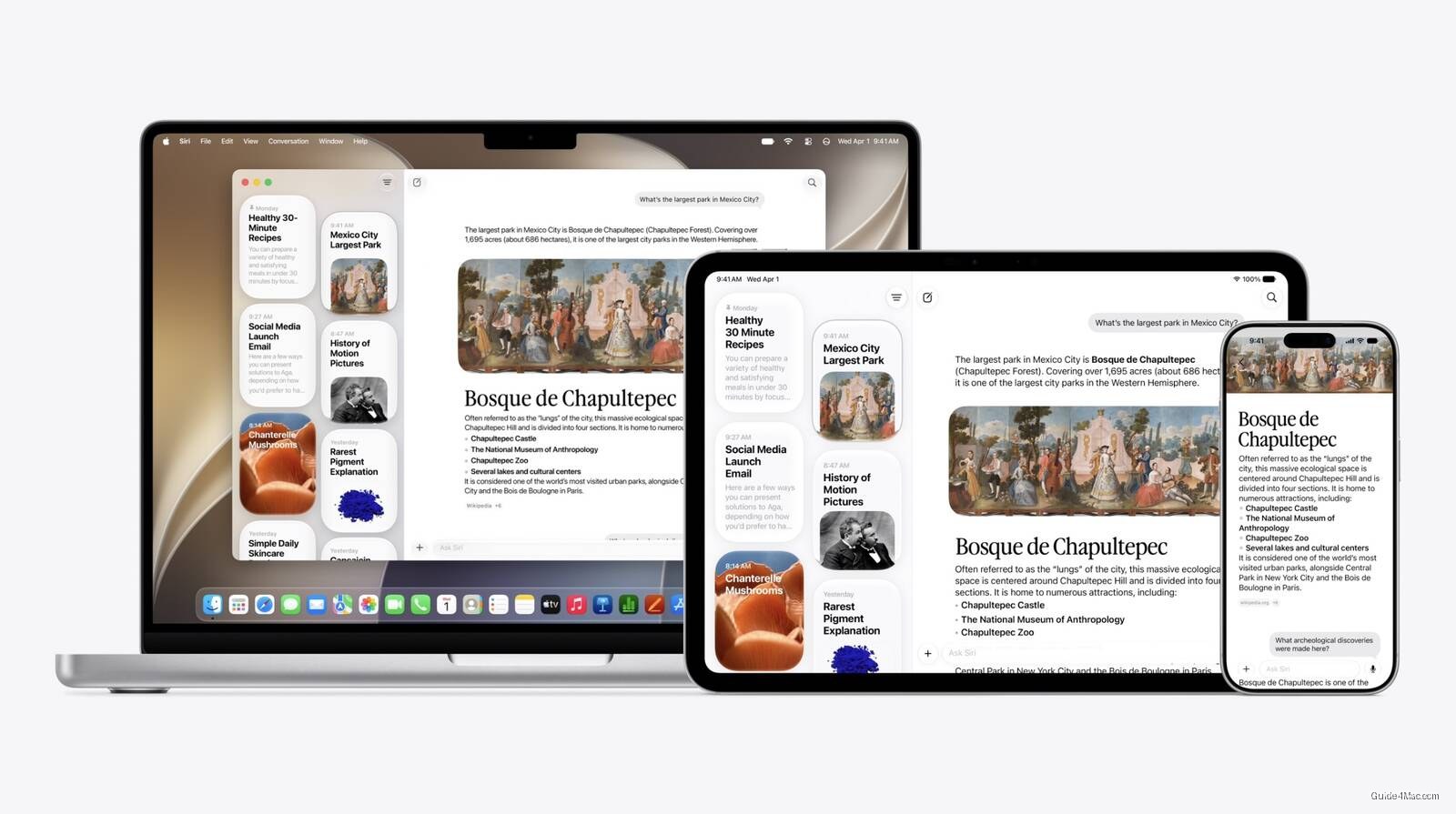
What You Need to Know
- Terminal command bypasses Apple’s Siri AI waitlist by disabling the “EnhancedSiriWaitlist” flag in system files.
- New Siri supports multi-turn conversations, syncs history via iCloud, and pulls context from messages, emails, and photos.
- Siri AI is English-only at launch and unavailable in EU and China due to regulatory constraints.
- MacOS Siri now integrates with Spotlight and right-click context menus for direct file and window interaction.
Apple built a waitlist into Siri AI on macOS 27, but a single Terminal command bypasses it entirely. The flag controlling access is named “EnhancedSiriWaitlist,” and setting it to disabled is enough to unlock the feature before Apple formally approves your account.
The command writes a boolean value to a plist file in the system’s FeatureFlags directory, which is the same mechanism Apple uses internally to stage feature rollouts. A restart applies it. Early testers report no instability, and there is no reversal needed once Apple eventually clears you through the official queue, which you can join through the waitlist process in Settings.
What you actually get
Once unlocked, the new Siri is meaningfully different from what shipped for years before it. Apple has essentially acknowledged the old assistant was broken, and the rebuild shows: conversation history syncs via iCloud, back-and-forth dialogue works in both text and voice, and Siri can pull context from messages, emails, and photos to act across apps.
On Mac specifically, Siri now surfaces inside Spotlight and appears in right-click context menus on files and windows. The conversational follow-up capability is where the daily-use difference becomes obvious, letting you ask about something and issue a follow-up command without starting over.
Two hard limits apply regardless of the workaround. Siri AI is English-only at launch, and it remains completely unavailable in the EU and China due to regulatory constraints, so no Terminal trick changes that. Users in those regions are locked out at a deeper level than a feature flag.
This is a developer beta, which means the usual warnings apply: run it on a test machine, keep a backup, and treat the workaround as exactly what it is, a staging flag Apple left accessible, not a jailbreak.




0 Comments