MacOS 27 Spotlight Now Launches Full Siri Chat With iCloud Sync
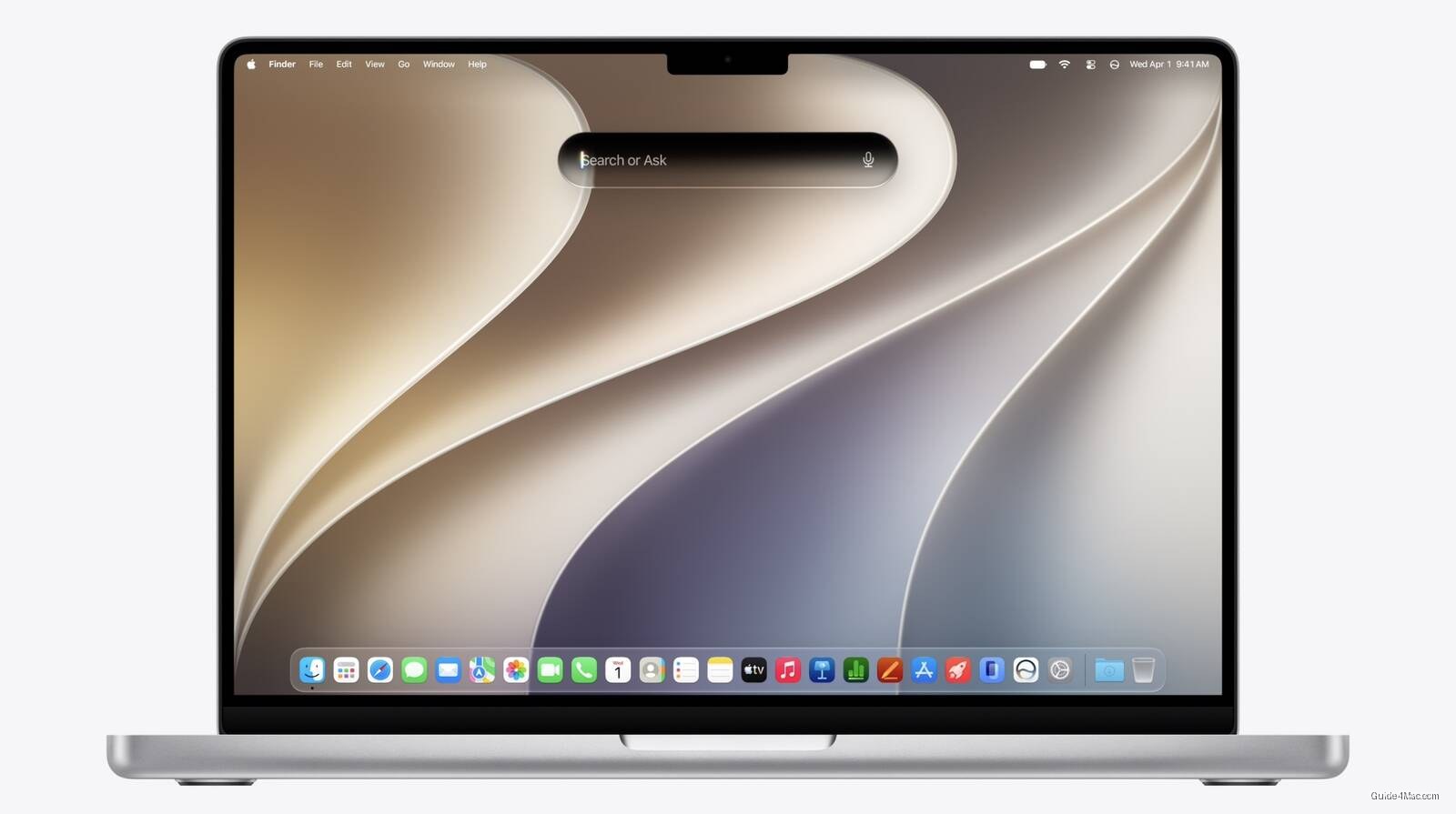
What You Need to Know
- MacOS 27 integrates Siri conversations directly into Spotlight via Command + Space keystroke.
- Siri chat history syncs across devices via iCloud, positioning it as persistent assistant layer.
- Apple repurposed Spotlight as AI entry point rather than building separate interface for conversations.
- Camera app gains dedicated Siri mode for real-time scene identification and contextual capture suggestions.
Spotlight has quietly become the most important real estate on the Mac, and Apple just made it more so. Starting in macOS 27, invoking Command + Space drops you directly into a full Siri conversational session, with chat history and context loading alongside whatever you were already doing.
The history sync via iCloud is the detail that matters most here. Apple is positioning this less as a chatbot feature and more as a persistent assistant layer that follows you across devices, which is exactly the framing that distinguishes it from just typing into a search bar.
The Spotlight angle is worth thinking about historically. For years, Spotlight was a fast-app launcher that Apple kept nudging toward search relevance it never quite delivered. Folding rich AI conversation into that same keystroke is a quiet acknowledgment that the old Spotlight model has a ceiling, and Apple would rather expand the container than build a separate entry point.
Siri in Camera
Apple also announced a dedicated Siri mode inside the Camera app, though details remain thin from the keynote. The most plausible use case is real-time scene identification or contextual suggestions during capture, which would align with the on-device vision work Apple has been building since the A17 Pro.
The broader Apple Intelligence upgrades announced alongside this, covering iPhone, iPad, and Mac, suggest Apple is less interested in a single flagship AI moment and more focused on distributing capability across the OS surface. That approach is slower to generate headlines but harder for competitors to replicate at the system level, where Apple controls both the hardware and the software stack.
What the announcement does not yet answer is how the conversational quality holds up against tools people already have open in a browser tab. The integration advantage is real. Whether it changes behavior depends entirely on whether Siri’s answers are actually good enough to replace the habit.




0 Comments