Photos App Gets AI Tools to Reframe and Extend Photos After Capture
What You Need to Know
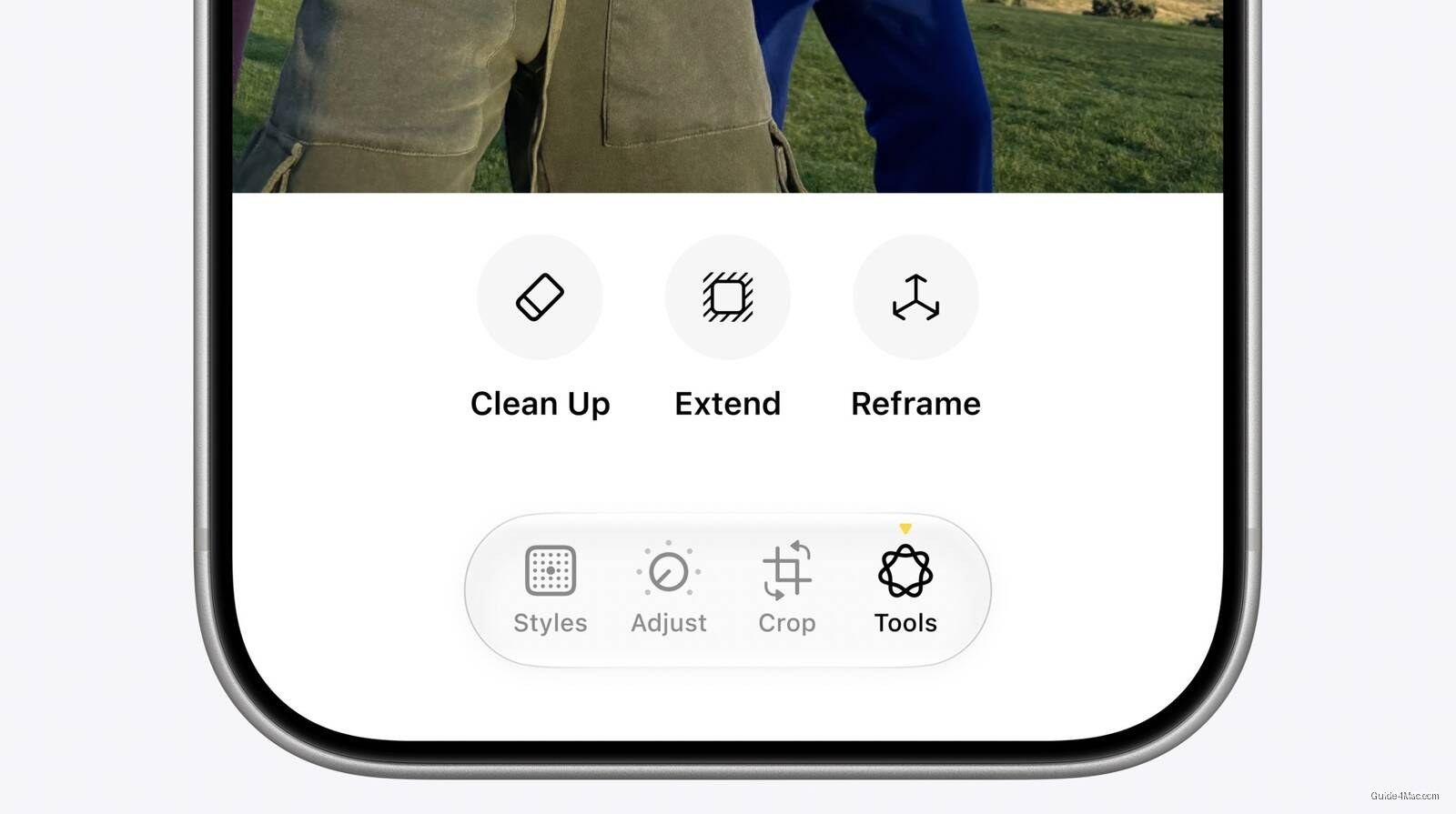
- Apple Photos gains three generative AI editing tools: Cleanup, Extend, and Spatial Reframing via Private Cloud Compute.
- Spatial Reframing lets users shift virtual camera angle on photos, with AI filling only repositioned gaps, not reimagining content.
- Extend tool adds background space or changes aspect ratio after capture, similar to Lightroom or Photoshop functionality.
- All three features work on older photos and non-Apple camera images, expanding accessibility beyond native Apple devices.
Apple’s Photos app is getting three generative AI editing tools: Cleanup (upgraded), Extend (new), and Spatial Reframing (new), all processed through Private Cloud Compute rather than on-device.
Spatial Reframing is the most technically interesting of the three. It lets users drag to shift the virtual camera angle on an already-captured photo, with Apple Intelligence generating content only in the gaps the repositioning creates. The system is constrained to fill rather than reimagine, which is a meaningful design choice.
The Extend tool is essentially a crop-in-reverse, letting users add background space or change aspect ratio after the fact. Combined with Spatial Reframing, the two tools together cover most of what photographers currently do in Lightroom or Photoshop when a shot is compositionally close but not quite right.
Processing and Privacy
All three features run on Apple’s Private Cloud Compute infrastructure, which puts them in different territory from purely on-device Apple Intelligence features. Apple has been careful to position Private Cloud Compute as privacy-preserving cloud processing, but the distinction matters: these edits leave the device, even if Apple says the data does not persist.
The tools also work on older photos and images from non-Apple cameras. That last detail is easy to overlook but practically expands the addressable use case considerably, since it means someone shooting on a Sony or Fujifilm and importing to Photos can still access these tools.
Apple’s framing, that the tools help photographers “enhance their images in ways that respect the original moment,” is doing some quiet work. Generating new pixels that were never in the original scene is a reasonable product decision, but calling it respectful of the original moment is the kind of language that tends to age awkwardly as these capabilities get more powerful.




0 Comments