Sidecar Direct Touch Lets iPad Replace Your Mac’s Mouse
What You Need to Know
- Sidecar’s new Direct Touch feature enables iPad users to tap and navigate macOS apps directly without mouse or trackpad.
- MacOS 27 Golden Gate requires Apple Silicon Mac, iPadOS 27, same Apple ID, and devices within 10 meters of each other.
- Pull-to-refresh and full touch input in macOS suggest Apple is preparing software for touchscreen MacBooks potentially arriving in 2027.
- Apple Pencil support remains available alongside finger input for precision work like illustration.
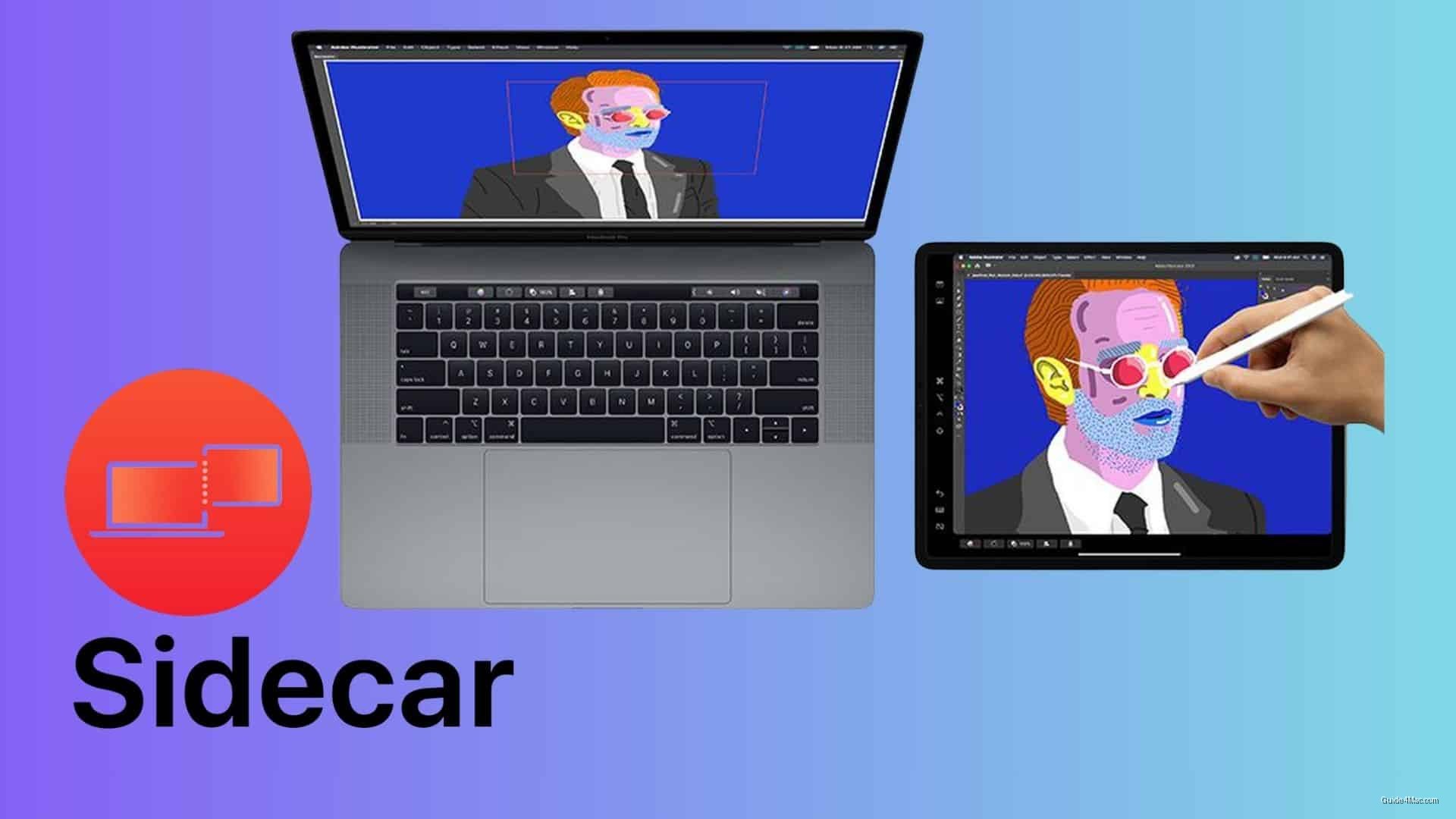
Sidecar has supported touch gestures since 2019, but only the passive kind: two-finger scrolling, pinch-to-zoom, a few editing shortcuts. Actually tapping a button or clicking a link always required a mouse, trackpad, or Apple Pencil. macOS 27 Golden Gate removes that restriction entirely.
The new Direct Touch feature lets users tap, swipe, and navigate macOS apps directly from the iPad screen. It works over the same existing Sidecar connection, so no additional hardware is required. The requirements are familiar ones: Apple Silicon Mac, iPadOS 27, same Apple ID, Wi-Fi and Bluetooth active, devices within 10 meters.
What This Release Signals Beyond Display Settings
The more interesting angle is what this implies about where macOS is heading. Pull-to-refresh arrived in Golden Gate before any touchscreen Mac exists, and now full touch input works on a Mac display, just one mediated by an iPad. Apple is building the muscle memory into the operating system ahead of the hardware. Industry reports have pointed to a touchscreen MacBook arriving in 2027, and the software trajectory makes that timeline feel less speculative.
Third-party apps like Astropad have offered this kind of direct touch interaction between iPads and Macs for years. Apple closing that gap in a system-level feature is the quiet admission that the limitation was never really a philosophical stance about touch on desktop, just an unfinished implementation.
Apple Pencil support stays intact alongside finger input, which matters for illustrators and anyone doing precision work. The two input modes coexist rather than replace each other, which is the sensible approach given how differently those workflows operate.
For users already relying on Sidecar for productivity, the update requires nothing beyond the software upgrade. If something goes wrong during setup, booking a Genius Bar appointment remains the fastest path to hands-on help with device pairing or connectivity issues.




0 Comments