Write with Siri Replaces Fixed Buttons With Plain Language Requests
What You Need to Know
- Write with Siri removes fixed-format buttons, allowing users to describe desired changes in plain language.
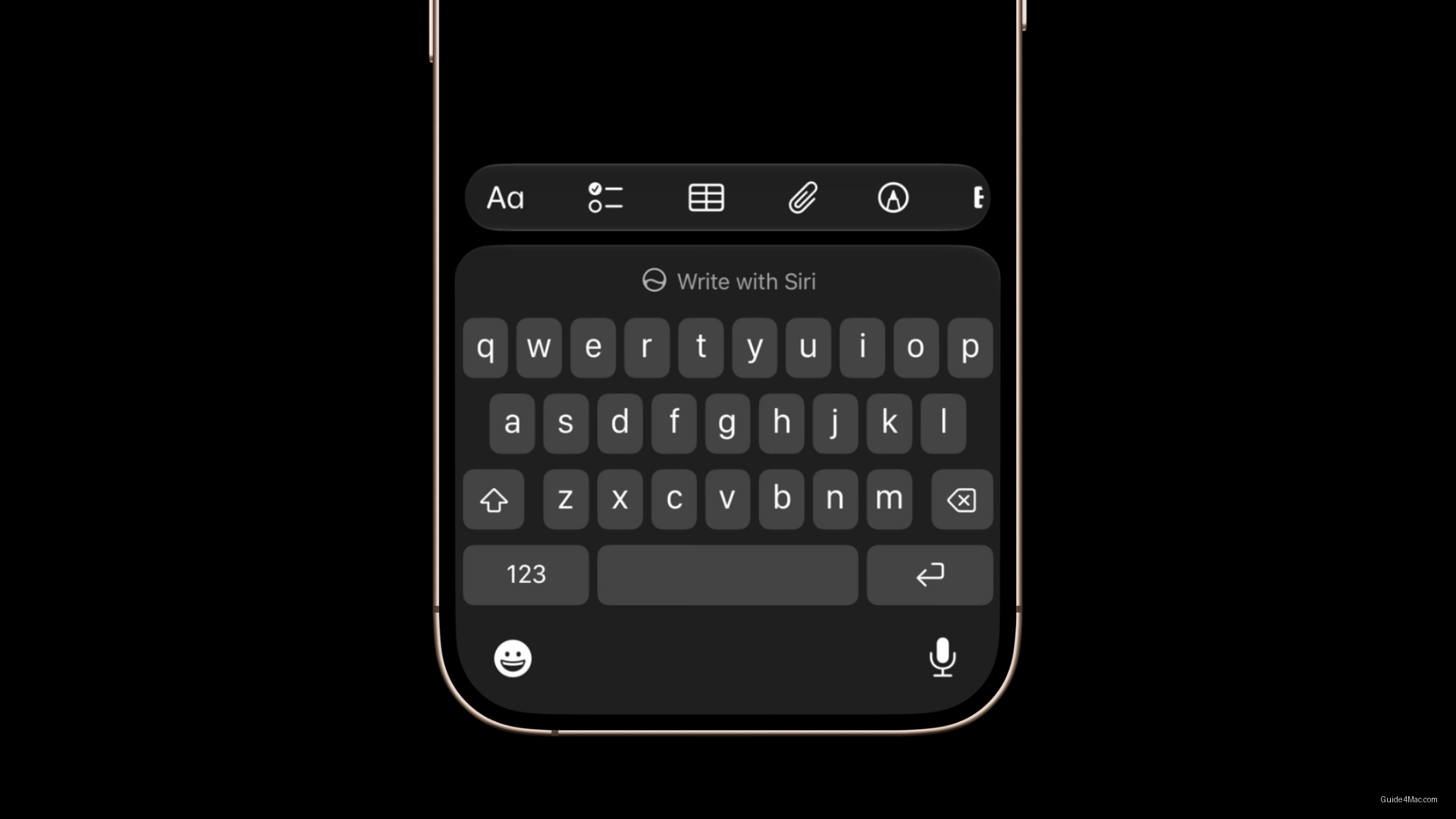
- Feature integrates directly into the keyboard with a pill-shaped Siri button alongside predictive text suggestions.
- Users can request new text, proofreading, style rewrites, or other variations through natural language prompts.
- Write with Siri connects to broader Apple Intelligence system, enabling personalized context awareness beyond standalone formatting.
Apple’s Write with Siri, introduced in iOS 27 beta 2, does something the older Writing Tools panel never did: it removes the fixed-format buttons entirely. No more tapping “Friendly” or “Professional” and hoping the output matches what you had in mind. Instead, users describe what they want in plain language, and Siri acts on it.
The feature shows up directly in the keyboard, which is a more practical placement than a floating panel. Before typing begins, a Write with Siri option appears at the keyboard level. Once typing starts, a smaller Siri button sits alongside predictive text suggestions, keeping it accessible without dominating the interface. That pill-shaped Siri presence in iOS 27 is, as it turns out, tied to hardware constraints rather than pure design preference.
When tapped, an input field expands from the Dynamic Island, prompting the user to specify what Siri should do: write new text, proofread, rewrite in a different style, or any variation a natural language request can describe. After Siri rewrites existing text, iOS 27 surfaces a bottom panel showing before and after previews, undo controls, and an Edit with Siri button for follow-up requests. Voice works here too, with Siri reading the active app and the text currently on screen.
What This Signals About Apple Intelligence’s Integration
The natural language approach connects Write with Siri more directly to the broader Apple Intelligence system, allowing Siri to draw on personal context where supported. That is a meaningful shift from a feature that previously operated as a standalone text formatter with no memory of who you are or what you typically write.
Apple is clearly positioning Siri as something closer to a full conversational assistant than a command-response tool, and Write with Siri is one of the more concrete demonstrations of that direction in beta 2. A reported AI-integrated wearable suggests the same intelligence layer may eventually extend well beyond the screen.
Write with Siri is available now in iOS 27 beta 2, iPadOS 27, and macOS Golden Gate, with the public beta expected in July and the final release likely arriving in September.




0 Comments