WatchOS 27 Gets Dedicated Siri App for Conversation History
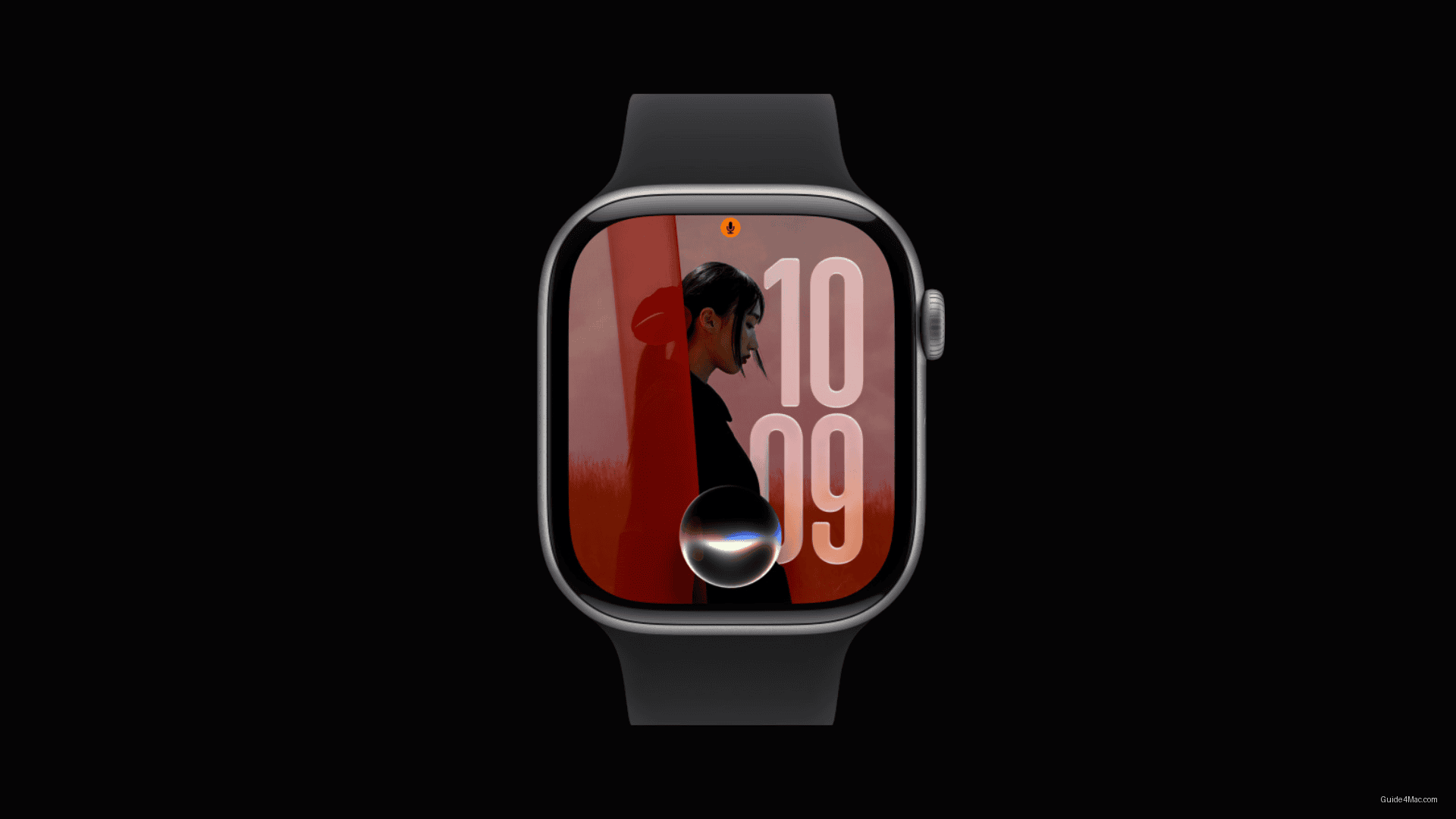
What You Need to Know
- Apple released watchOS 27 beta 2 to developers for testing before public launch later this year.
- Dedicated Siri app on Apple Watch now enables conversation continuation and review of previous interactions.
- WatchOS 27 includes dynamic app grid, improved Find My consolidation, and expanded Cycle Tracking features.
- Apple optimized battery performance by disabling certain gestures by default to manage power consumption.
Apple pushed watchOS 27 beta 2 to developers this week, a routine checkpoint in the pre-release cycle that gives developers time to test apps and flag performance issues before the software ships publicly later this year. Regular users are advised to skip it, since early builds carry the usual risks: bugs, battery drain, and app instability.
The more interesting story inside this release is what Apple is doing to the wrist-based Siri experience. A dedicated Siri app now lets users continue conversations and review previous interactions directly from their watch, a structural change rather than a cosmetic one. Apple has been promising a smarter, more contextual Siri experience since its Apple Intelligence announcement, and watchOS 27 is where that promise gets its smallest screen yet.
The feature list in this beta covers several distinct areas:
- A dynamic app grid that surfaces suggested and recently used apps
- A single-tap finger gesture to open a Smart Stack widget one-handed
- Consolidated Find My app combining Find Devices, Find People, and Find Items
- Expanded Cycle Tracking with perimenopause and menopause support
- Workout Buddy additions including pace, distance, and duration insights
Battery and Performance Changes
Apple says music playback starts faster and step count syncing is improved, but the battery story in watchOS 27 deserves a closer read. The OS includes battery optimization suggestions, and as reported separately, Apple has made quieter trade-offs in this release to manage power consumption, including disabling certain gestures by default.
Installation requires the Watch app on iPhone, a path through General, Software Update, and Beta Updates, with the watch on its charger throughout. The process is unchanged from prior betas. Beta 2 follows beta 1 with no announced timeline for the public release, which is standard practice ahead of a fall launch.




0 Comments