Xcode 26.6 Adds Google Gemini as Coding Assistant Option
What You Need to Know
- Xcode 26.6 adds Google Gemini as a coding assistant alongside Claude and Codex.
- Gemini runs directly in the editor, allowing developers to ask questions about active code.
- Enterprise teams use existing Gemini plans; individual developers access Gemini free via API key.
- Apple supports multiple AI models rather than promoting a single in-house solution.
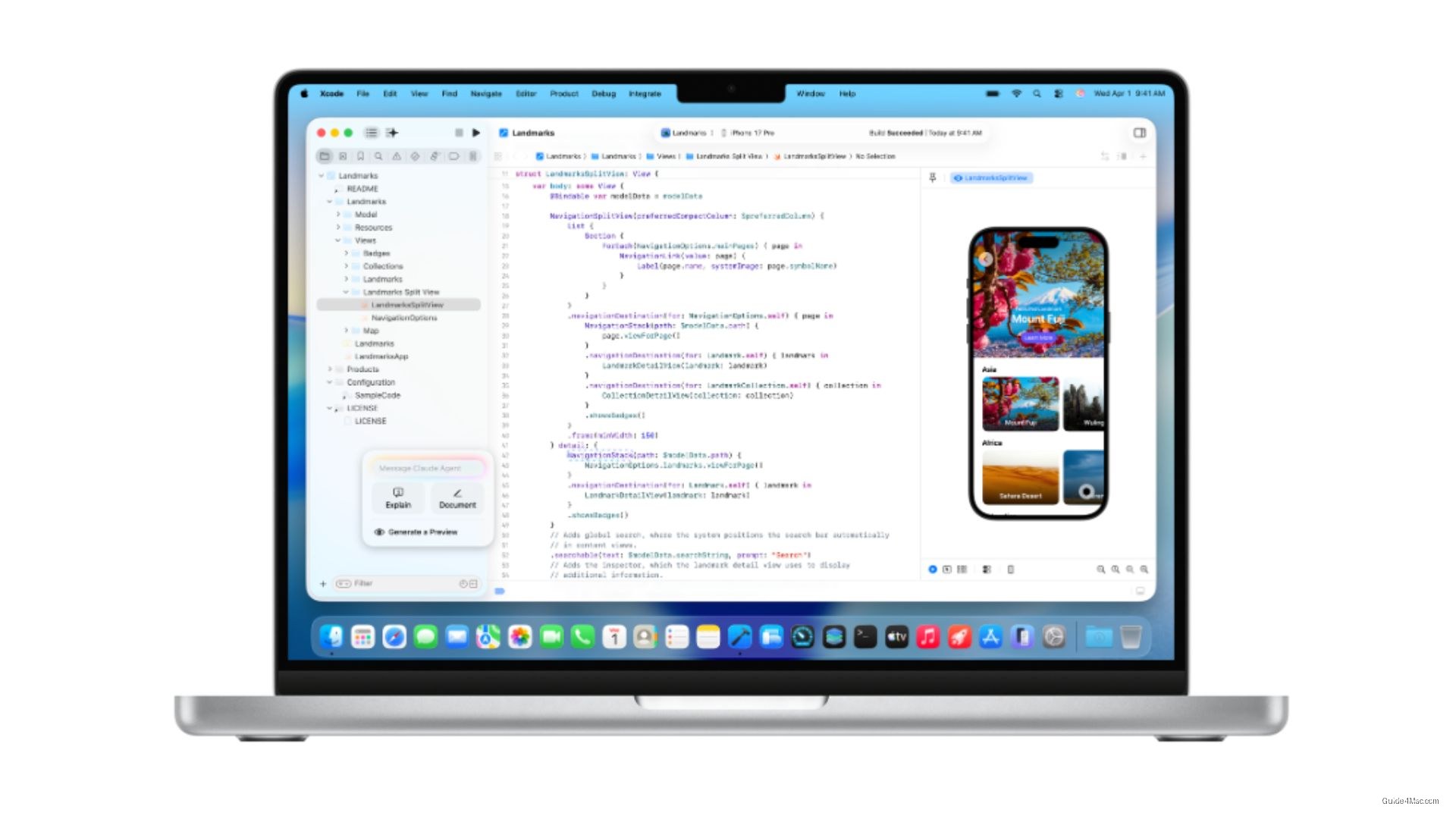
Xcode’s list of supported AI coding assistants just got longer. Apple has released Xcode 26.6, and the headline addition is support for Google Gemini as a coding assistant inside the development environment, joining two models that were already available.
Before this update, developers could choose between Anthropic Claude Agent and OpenAI Codex to help write, test, and fix code. Gemini now sits alongside both of them, running directly inside the editor without requiring a browser or a separate window. The assistant responds to questions about the code you are actively working on, keeping the workflow inside one application.
Flexible access, multiple account types
The practical detail buried in the announcement is how Apple has structured access. Teams with an existing Gemini Enterprise plan can connect their account directly to Xcode, while individual developers can use a free API key to try it at no additional cost. That two-tier setup lowers the barrier for solo developers who want to test Gemini without committing to a paid plan.
This is part of a broader pattern. Apple has been opening Xcode to third-party AI models rather than pushing a single in-house solution, which reflects a pragmatic read of how development teams actually work. Different shops have different tool preferences, and locking them into one assistant would be a friction point.
The 26.6 release also includes:
- Bug fixes and stability improvements
- The latest Swift framework
- Updated kits for building across mobile and desktop platforms
Anyone running the standard release can pull the update now from the Mac App Store. The Gemini option will appear alongside the existing assistant choices once the update is installed, and setup requires only entering the relevant API credentials.




0 Comments