IOS 27 Developer Beta Now Free, But Developers Face Tight Timeline
What You Need to Know
- Apple removed $99 developer fee for iOS 27 beta access, now free with Apple ID.
- IOS 26.x branch closing; apps untested against iOS 27 SDK will face compatibility issues.
- HomePod AutoMix support confirmed in beta; AI-sharpened Maps Flyover imagery not yet included.
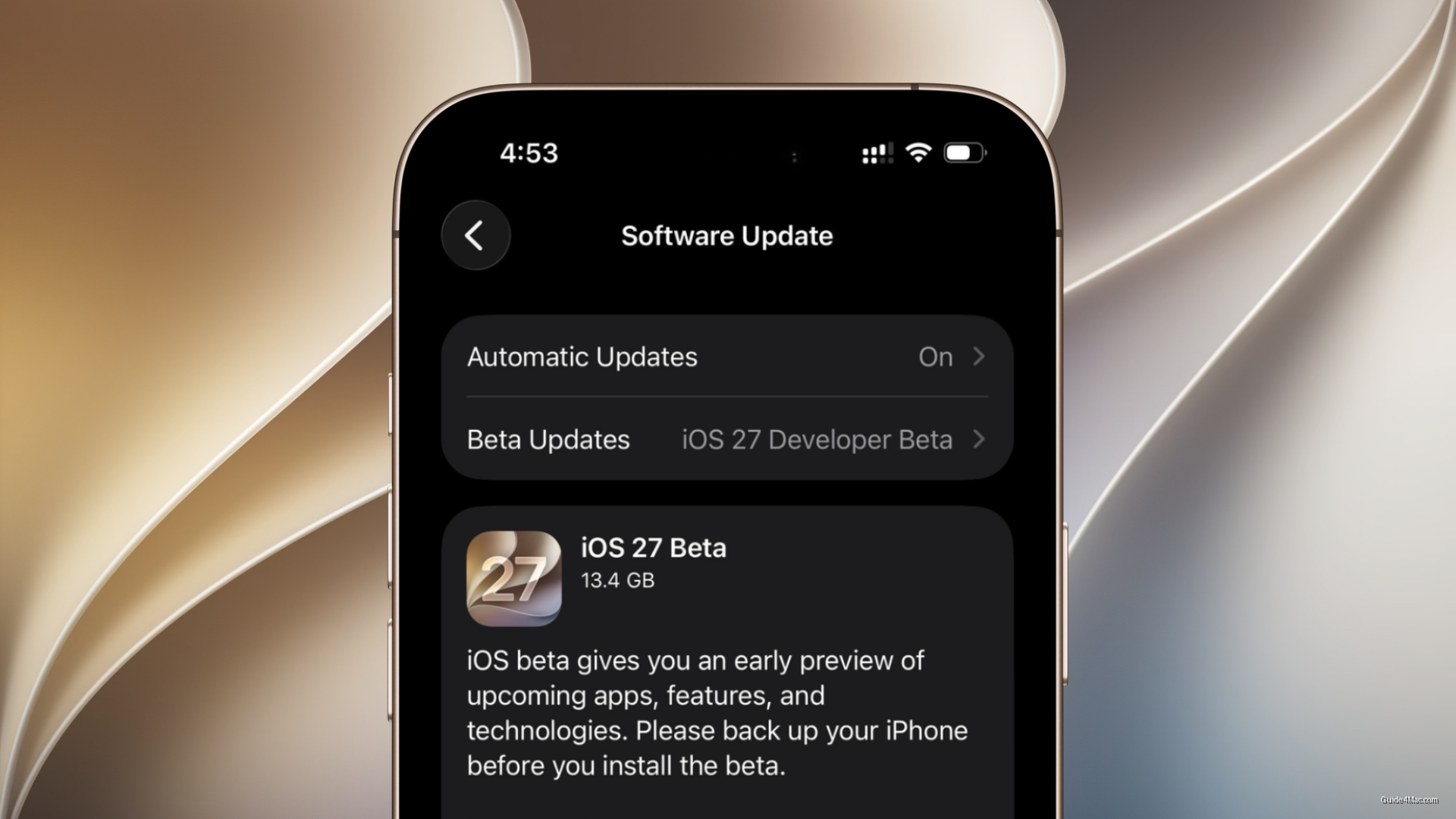
- Installation requires Settings > General > Software Update > Beta Updates selection; one restart occurs.
Apple opened the iOS 27 developer beta to anyone with an Apple ID this week, removing the $99 annual fee that previously made early access a developers-only privilege. The registration wall is still there, but it is now cosmetic.
The timing matters for anyone still working against older APIs. The 26.x branch is effectively closing, and once iOS 27 establishes the new baseline, apps that haven’t been tested against the updated SDK will start showing the cracks. Developers who haven’t already enrolled have less runway than the calm beta announcement implies.
What’s Actually in the Beta
The feature list is still coming into focus. AI-sharpened Flyover imagery in Maps was discussed at WWDC but is absent from the current build, which is typical for first developer betas where headline features arrive in waves rather than all at once. What is confirmed is HomePod AutoMix support, which there was briefly confusion about after launch but has since been independently verified, a notable detail for anyone running older hardware Apple has quietly kept in the ecosystem.
The installation process is straightforward once enrollment clears, which can take a few minutes on Apple’s backend. Settings, General, Software Update, Beta Updates, then select the iOS 27 developer beta. The iPhone restarts once during installation, nothing unusual.
The real question is who should bother right now. WatchOS 26.6 beta compatibility means paired devices need to stay in sync, so installing iOS 27 on a daily driver has downstream effects. Anyone using their iPhone for work should let one or two more builds land before jumping in. The first beta of any major release is primarily useful for catching crashes, not for living in.




0 Comments