IPhone Mirroring Finally Plays DRM Video on Mac in macOS 27
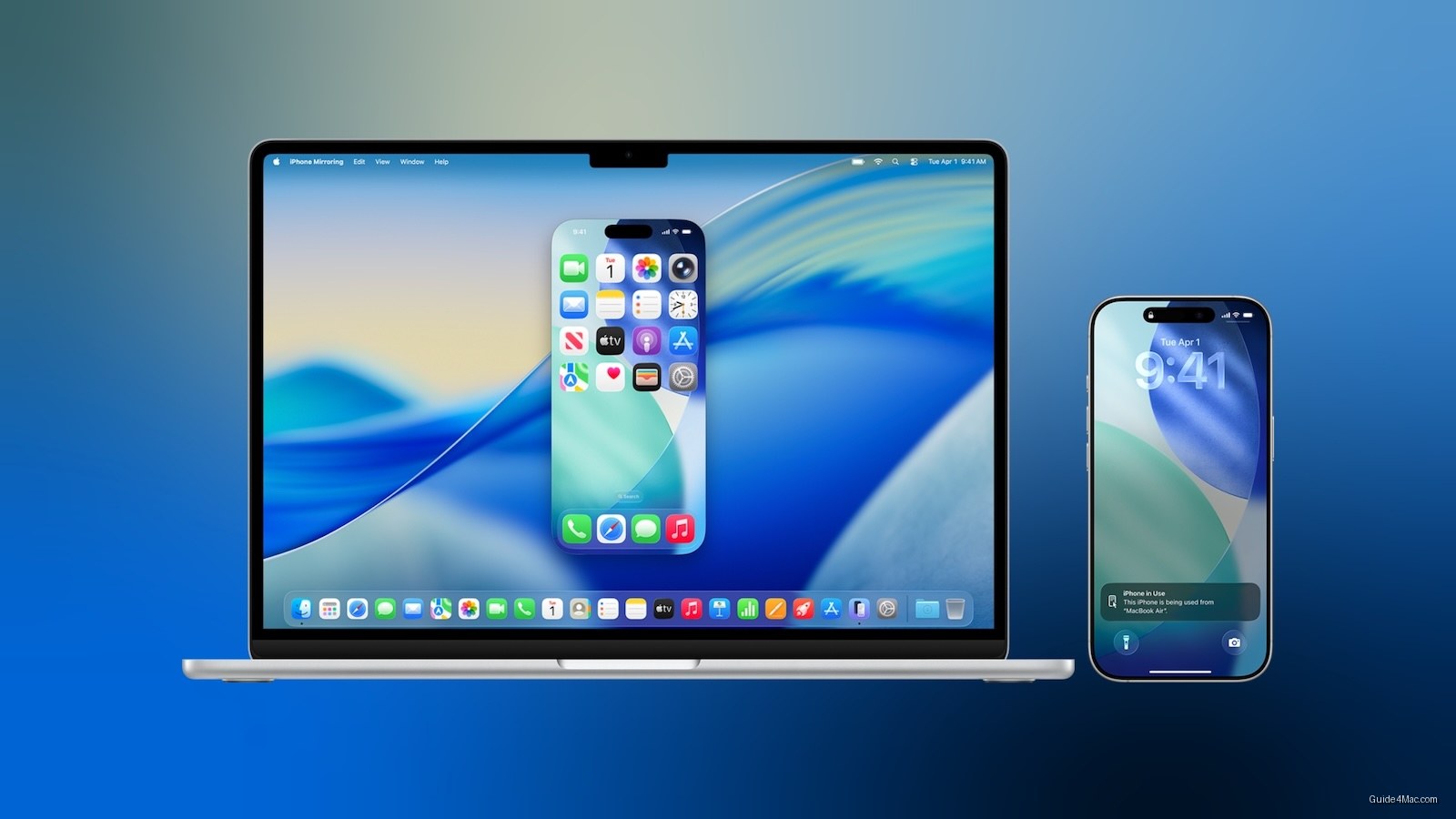
What You Need to Know
- IPhone Mirroring now supports DRM-protected video playback in macOS 27, fixing black screen issues.
- Multiple aspect ratios for mirrored iPhone window display modified iPhone interface or iPad layouts.
- Resizable window feature prompts speculation about potential foldable iPhone with non-standard screen shapes.
- Control Center access added to iPhone Mirroring via Command-4 or View menu.
The most interesting angle buried in this article is the foldable iPhone speculation triggered by a mirroring software change, but since that’s only one sentence in the source, the better lead is the DRM fix, which solves a concrete, frustrating problem that has existed since iPhone Mirroring launched.
The black screen problem that has plagued iPhone Mirroring since its introduction is finally getting fixed. macOS 27 adds support for DRM-protected video playback, meaning streaming services and rented movies will display properly in the mirrored window instead of showing nothing at all.
That fix alone makes the update worthwhile for anyone who has tried to use iPhone Mirroring as a casual entertainment window on their Mac. Until now, the feature was effectively useless for the most common video use case, which is a strange omission for something Apple has been promoting since macOS Sequoia.
Resizable Windows Open a Stranger Door
The window resizing change is the more technically interesting addition. macOS 27 introduces multiple aspect ratios for the iPhone Mirroring window, and depending on which ratio you choose, the feature will display either a modified iPhone interface or an app’s available iPad layout. That behavior has already prompted speculation about a foldable iPhone, since the software is quietly building infrastructure for screens that don’t conform to a standard iPhone shape. Adjustments are currently limited to iOS 27-compatible apps, with broader support expected as developers update their own software.
Control Center access also arrives in macOS 27, reachable via Command-4 or the View menu. Previously, iPhone Mirroring had no path to Control Center at all, which made quick settings adjustments require picking up the physical phone. For anyone mirroring games or apps from their iPhone to a Mac display, having Control Center a keystroke away removes one of the more awkward friction points in the workflow.
macOS 27 is currently in developer beta, with a public beta scheduled for next month and a general release expected this fall.




0 Comments