guide4mac
  • How To Guides
  • Best of
  • Comparisons

Carl Sanson

Carl Sanson is a writer and tech reviewer at Guide4Mac, specializing in the MacBook and Mac desktop lineup. Having grown up during Apple’s shift from Intel to its own custom chips, Carl has a natural interest in how hardware performance translates to everyday productivity. He spends most of his time testing the limits of macOS on everything from the entry-level MacBook Air to high-end Mac Pro setups. Whether he’s troubleshooting a system update or comparing the latest M-series processors, Carl’s goal is to provide straightforward, honest advice that helps users choose the right Mac for their needs. When he isn't benchmarking hardware, he’s usually experimenting with new productivity apps or refining his desk setup.
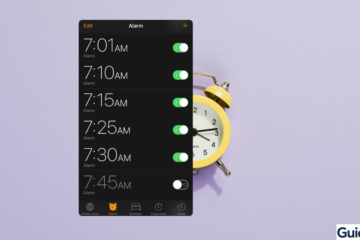
Creating a new alarm in the native iPhone Clock app
iPhone

iPhone Alarm Not Going Off? Here’s How to Fix It (Without Oversleeping Again)

Ever trusted your iPhone alarm like it was your most reliable friend… only to wake up late, confused, and slightly betrayed? You’re not alone. Ironically, one of the smartest devices we own can still fail at the simplest job: waking us up. The truth is, in most cases, your alarm Read more
By Carl Sanson, 8 monthsMarch 29, 2026 ago
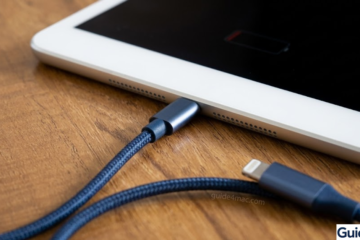
White iPad connected to a blue braided charging cable on a wooden desk, showing a low battery icon to troubleshoot a force restart.
iPad

How to Force Restart iPad (All Models – Quick & Easy Guide)

Did you know that most iPad freezing issues can be fixed in under 30 seconds—without losing any data? Many users assume their device is broken when it becomes unresponsive; however, in reality, a quick force restart usually solves the problem instantly. If your iPad is frozen, stuck on a black Read more

By Carl Sanson, 8 monthsMarch 29, 2026 ago
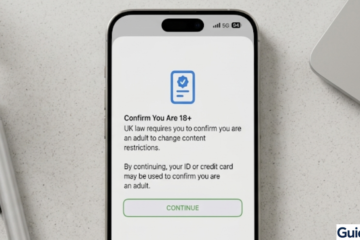
iPhone showing iOS 26.4 age verification screen for Apple ID
Fix

How to Fix iOS 26.4 Age Verification Not Working on iPhone

If you’ve tried to access age-restricted apps or services on iOS 26.4, you may have noticed that age verification keeps failing. In fact, Apple community discussions show that even valid credit cards or official IDs sometimes get rejected, leaving users stuck in repeated verification loops. This can be frustrating, especially Read more

By Carl Sanson, 8 monthsMarch 28, 2026 ago
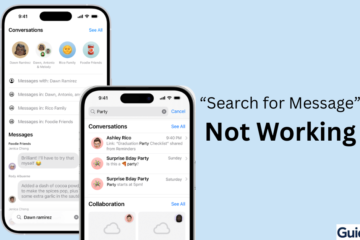
Mockup of two iPhones on a light blue background displaying the Messages app search interface with the text 'Search for Message Not Working'.
iPhone

How to Fix Messages Search Not Working in iOS 26 on iPhone

After installing iOS 26, many iPhone users started noticing something frustrating: Messages search suddenly stops working, even though conversations are still there. In fact, across Apple Community discussions, users with years of chat history report that even exact keywords—like a name or address—return no results. It seems the issue isn’t Read more

By Carl Sanson, 8 monthsMarch 28, 2026 ago
Official Apple Get Support website on an iPhone screen
Fix

How to Chat Directly with Apple Support (iPhone, iPad & Mac)

Apple handles millions of support requests every week, yet many users still struggle to find the fastest way to contact a real person. In fact, one of the most common complaints in Apple Community threads is that the chat option simply doesn’t appear—even when users need quick help. The good Read more

By Carl Sanson, 8 monthsMarch 27, 2026 ago
iPhone Accessibility menu highlighting the Increase Contrast option while running Liquid Glass
iPhone

How to Turn Off Liquid Glass on iPhone (iOS 26)

Apple introduced Liquid Glass in iOS 26 as part of its new visual design system. It adds glossy, translucent effects to menus, buttons, and interface elements across your iPhone. While it looks modern, many users find it distracting, harder to read, or simply unnecessary. The good news? You can reduce Read more

By Carl Sanson, 8 monthsMarch 27, 2026 ago
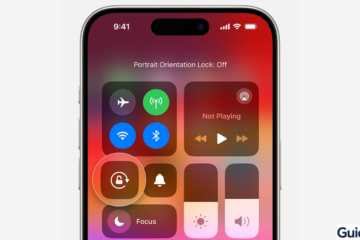
iPhone Control Center showing the Portrait Orientation Lock icon disabled.
iOS Troubleshooting

How to Fix Screen Rotation Not Working on iPhone

Screen rotation on iPhone is a convenient feature that automatically switches your display between portrait and landscape modes. After iOS updates or due to minor settings issues, the rotation feature may stop working, leaving your display stuck in one orientation. Most rotation problems are simple to fix, and you don’t Read more

By Carl Sanson, 8 monthsMarch 25, 2026 ago
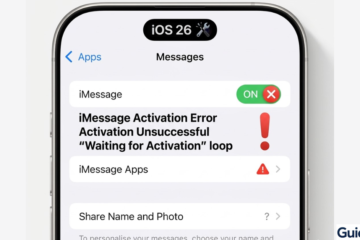
Comparison graphic of a functional iMessage state versus a 'Waiting for Activation' loop.
iOS Troubleshooting

How to Fix iMessage Not Working After iOS 26 Update

After updating to iOS 26, some users notice iMessage stops working—messages fail to send, notifications are delayed, or activation errors appear. These issues are usually caused by network problems, Apple ID glitches, or temporary iOS bugs. Most problems can be resolved quickly with the steps below, restoring normal iMessage functionality Read more

By Carl Sanson, 8 monthsMarch 25, 2026 ago
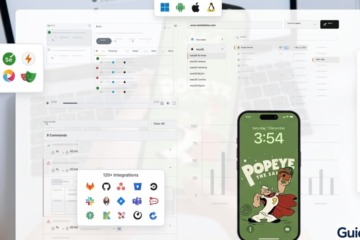
This custom-generated image combines a professional development dashboard environment (macOS/Web/Mobile integrations) with a localized iPhone preview featuring a custom "Popeye" theme. It visually represents the "best of both worlds" for developers using Windows-based workarounds (like VMs or Cloud Macs) to build and test iOS applications.
iOS 26

How to Install Xcode on Windows: Step-by-Step Guide

Xcode is Apple’s official IDE for developing iOS, iPadOS, macOS, watchOS, and tvOS apps. However, Xcode is only officially available on macOS. Many Windows users still want to develop iOS apps, so there are workarounds that make this possible. While Apple doesn’t officially support Xcode on Windows, developers use virtual Read more

By Carl Sanson, 8 monthsMarch 25, 2026 ago
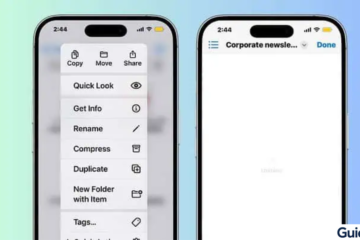
Files/Folders on SMB Server Read Only in iOS 18/18.5
How To Guides

How to Access Files and Folders on an SMB Server on iPhone and iPad (iOS 18)

Accessing files from a shared server directly on your iPhone or iPad is easier than ever thanks to the Files app. Whether you’re connecting to a home NAS, office server, or shared drive, SMB (Server Message Block) lets you browse and manage files remotely. Today, SMB is still one of Read more

By Carl Sanson, 8 monthsMarch 24, 2026 ago

Posts pagination

Previous 1 … 3 4 5 … 12 Next

Recent Posts

  • How to Remove Search Marquis Virus from Mac: Step-by-Step Guide 2026
  • How to Remove “Browser Is Infected” Pop-Up Virus from Mac (2026)
  • How to Create and Remove Symlinks on Mac (3 Methods)
  • How to Remove Shlayer Trojan Horse Virus from Your Mac (Full Guide)
  • How to Remove a Virus from MacBook Pro (Manual Removal Guide)
  • Privacy Policy
  • Cookie Policy
  • Terms of Service
  • Disclosure
  • Contact Us
Hestia | Developed by ThemeIsle